
meghano22387030
Participant
August 20, 2019
Answered

Why can't I select "Adjust Layout" when adding columns?

  • August 20, 2019
  • 1 reply
  • 879 views

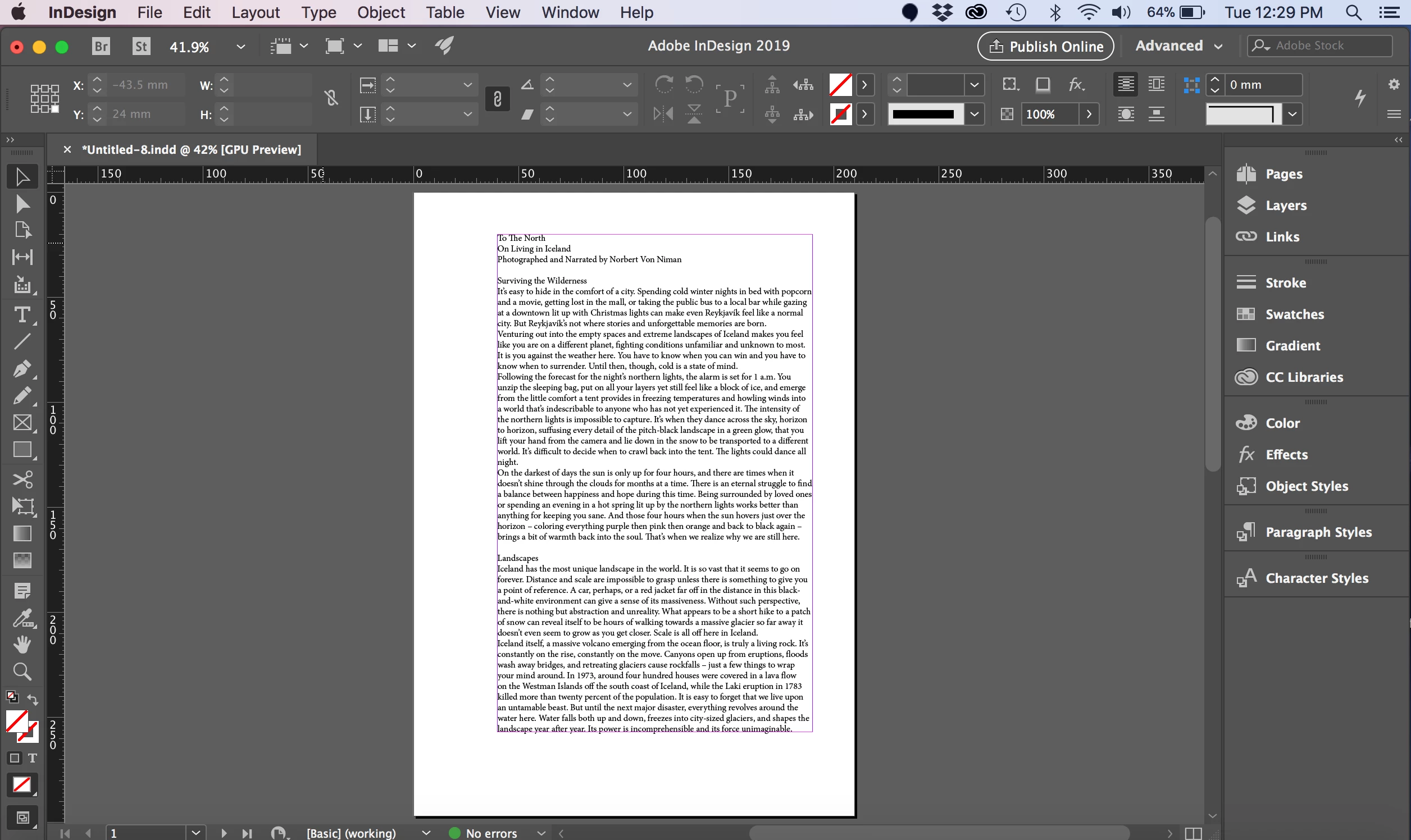
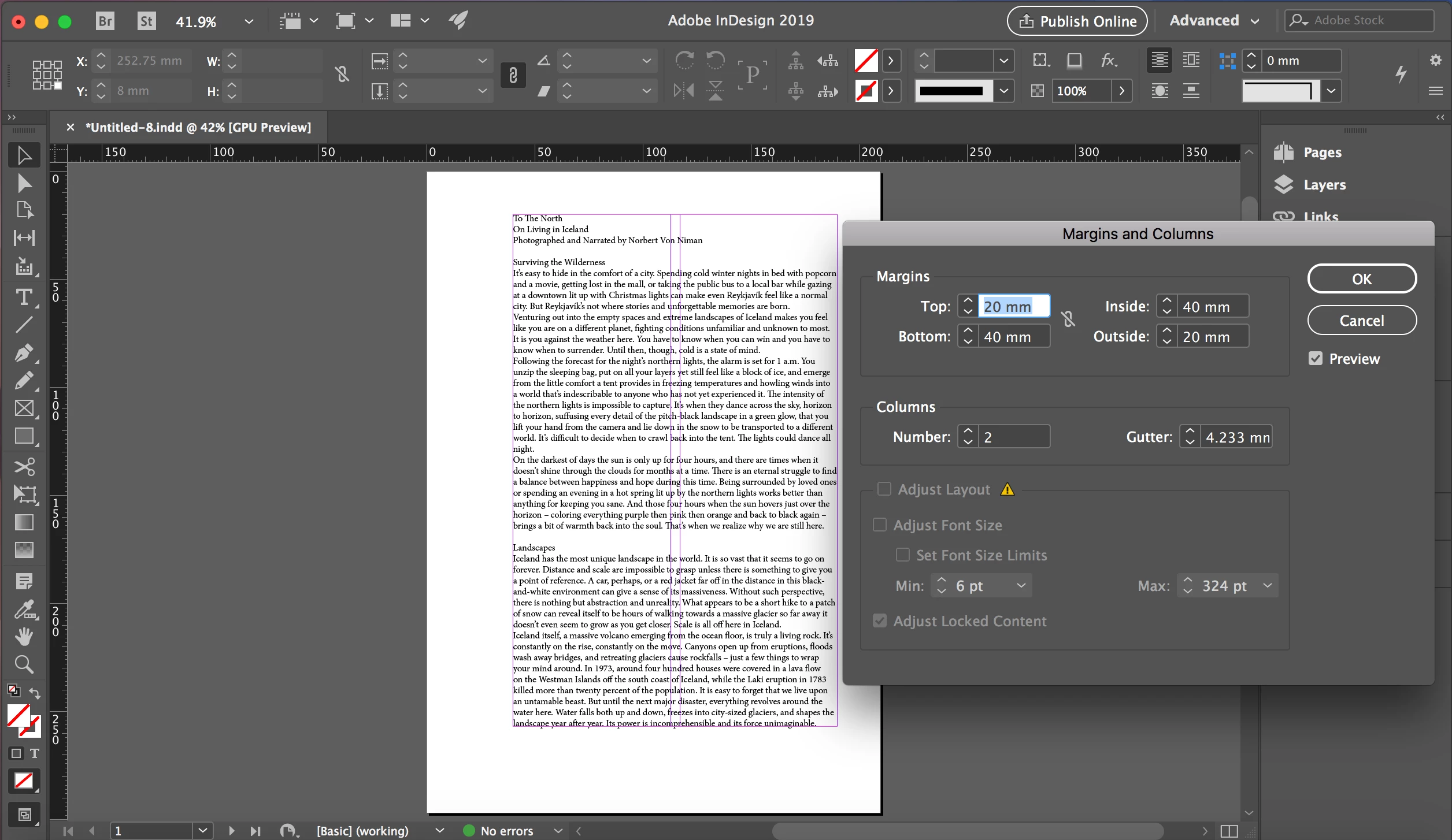
I created a text box to fit the preset margins of my page, then pasted the text as you can see in the first image. But now, I want to go into Layout, Margins and Columns, and create two columns on my page. And I would like the text to automatically adjust into the two columns, so it seems like I need to select the "Adjust Layout" box in order for that to happen. However, as soon as I increase the number of columns, it won't let me select that option (as you can see in the second image.) It shows a guide for two columns, but my text won't adjust into the columns.
    This topic has been closed for replies.
    Correct answer davidblatner

    Unfortunately, Adjust Layout doesn't work with columns. It's a long, technical story, but it doesn't.

    (Layout Adjustment could do it in versions previous to CC 2019, but it often caused ugly bugs and weird layouts.)

    The best thing to do is to just object styles, or use primary text frames on your master pages. Then you can adjust the columns in the Text Frame Options dialog box.

    1 reply

    davidblatner
    Community Expert
    davidblatnerCommunity ExpertCorrect answer
    Community Expert
    August 20, 2019

    Unfortunately, Adjust Layout doesn't work with columns. It's a long, technical story, but it doesn't.

    (Layout Adjustment could do it in versions previous to CC 2019, but it often caused ugly bugs and weird layouts.)

    The best thing to do is to just object styles, or use primary text frames on your master pages. Then you can adjust the columns in the Text Frame Options dialog box.