April 5, 2020
Answered

Why do dotted strokes exported via indesign look so terrible in adobe reader / acrobat?

  • April 5, 2020
  • 1 reply
  • 1572 views

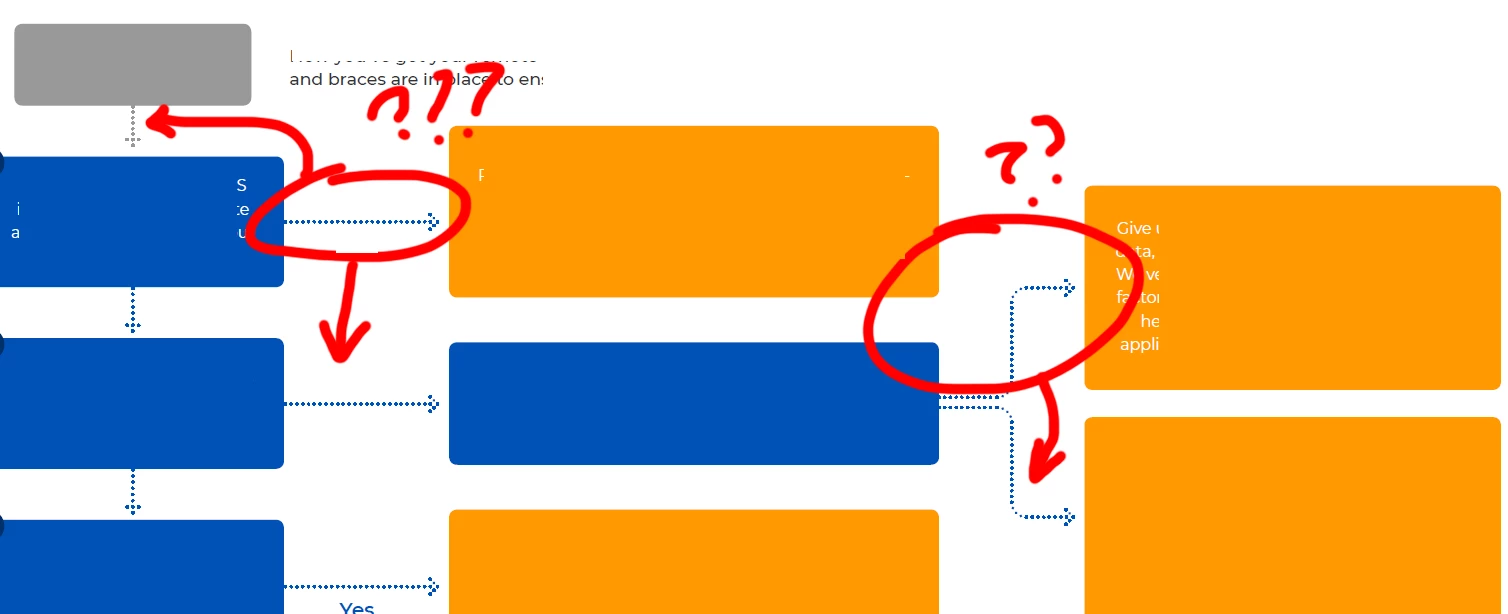
Redacted screencapture for proof:


your strokes with either dotted or japanese dots applied look, quite frankly, horrific.

i would use the term 'bitmapping' but the output does not approximate pixellation. the vectors are just not antialiasing / smoothed.


cannot locate any setting in export or other to ameliorate the appearance of these


kindly advise

This topic has been closed for replies.
Correct answer

I believe Frans is referring to Acrobat's or Adobe Reader's preferences. There's a setting called Enhance Thin Lines, which is on by default and can muck with thinner lines.


Mike


i cannot influence local settings on a client (target) endpoint?

how do i prevent this from happening with the source application?

1 reply

Frans v.d. Geest
Community Expert
Community Expert
April 5, 2020

Check your preferences: is smooth lines on or off?

Second: if you zoom in do you still see the same?

April 5, 2020

I cannot find a preference setting in InDesign to modify line smoothing?

Second: yes

MW Design
Inspiring
April 5, 2020

I believe Frans is referring to Acrobat's or Adobe Reader's preferences. There's a setting called Enhance Thin Lines, which is on by default and can muck with thinner lines.


Mike