Participating Frequently
October 10, 2018
Answered

Why does an image appear different when placed from Photoshop into Indesign and then print?

  • October 10, 2018
  • 7 replies
  • 5837 views

I am putting a photobook together for print.

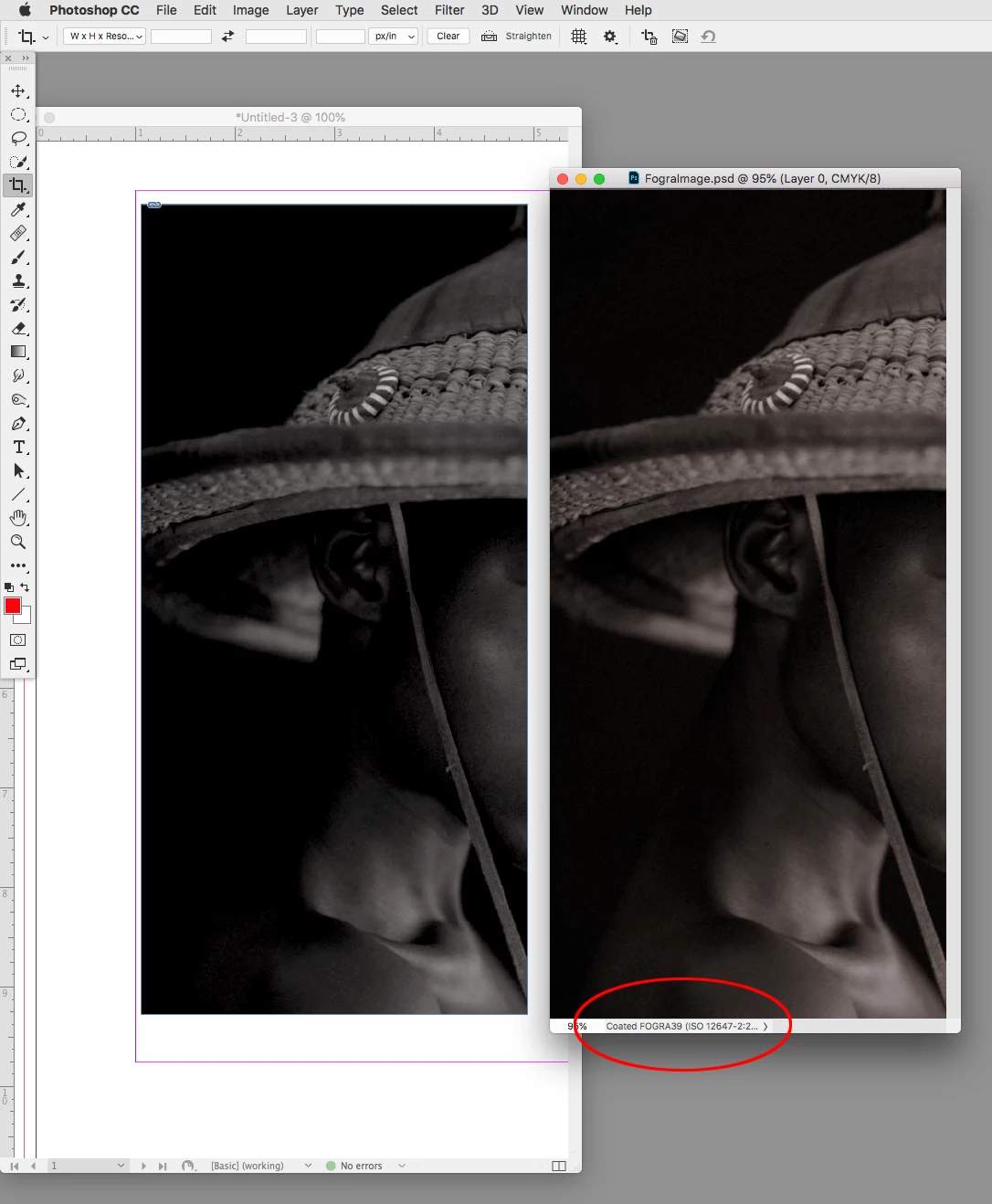
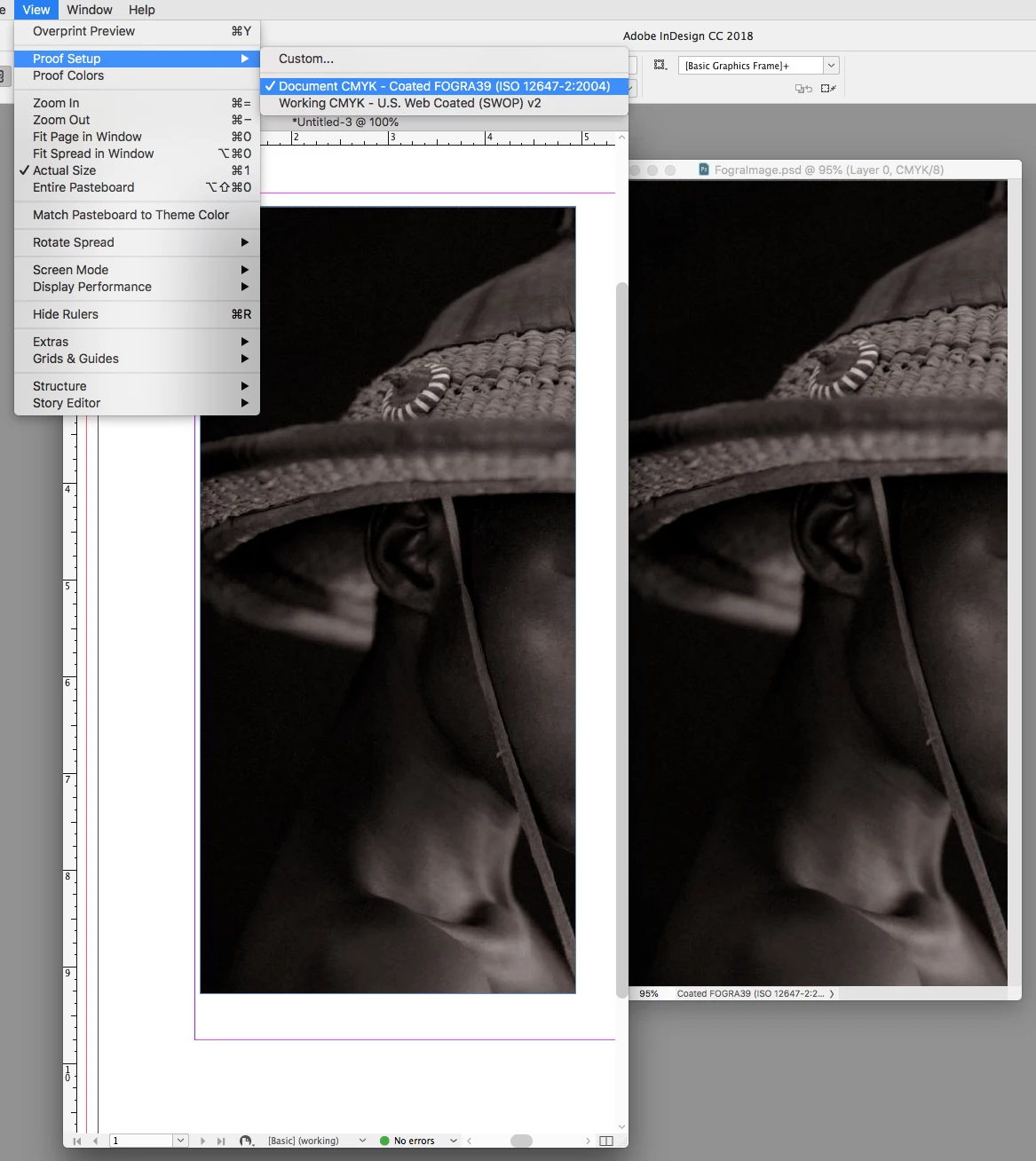
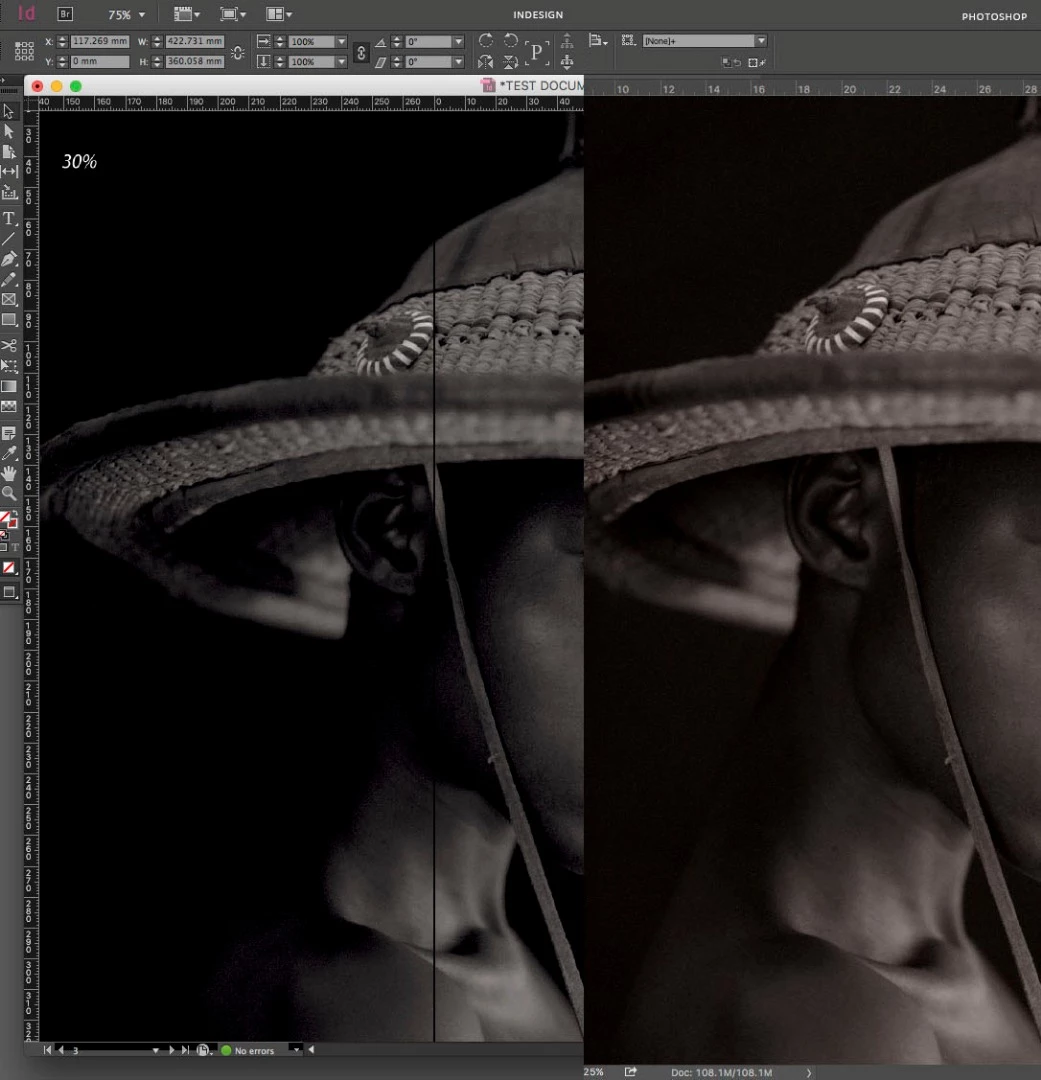
The image has been saved in Photoshop in CMYK as a hi-res jpeg. When I place the jpeg into Indesign the colour changes and details are lost. (see images below)

Then when the image is printed, again it resonates with the Indesign file.

Any help please?
This topic has been closed for replies.
Correct answer rob day

I can replicate your #1 capture by placing the Fogra39 CMYK image in an InDesign document created with the default North American General Purpose Color Settings. The default color settings set US Web Coated SWOP as the assigned CMYK profile and the policy is set to ignore linked profiles, so your Fogra39 CMYK image gets a US SWOP profile assigned and its preview changes:

After changing Edit>Assign Profiles... to Fogra39:

7 replies

Mohit Goyal
Community Manager
Community Manager
July 27, 2022

Hi there,


Take a look at the following article to prevent color mismatch and file pixelation while moving Photoshop files to InDesign: https://helpx.adobe.com/photoshop/using/photoshop-assets-in-indesign.html


Let us know if that helps.

Thanks,

Mohit

Participating Frequently
October 16, 2018

The printer has asked me to set both profiles to Forgra39. As it is a photobook that I am going to print I have set both Photoshop images to CMYK and the Indesign file but still Im having this issue with the images appearing different.

Willi Adelberger
Community Expert
Community Expert
October 16, 2018

The printer requires a PDF in CMYK, but in InDesign you should use RGB anyway. Make the conversion when you export a PDF. If the printer tells you that this has to be done in Photoshop, that is because the Printer has only old knowledge from the past century and should learn modern days workflows.

Do the images have now the same profile as the file and as the exported PDF? In this old workflow differences it is to be an expected error.

Participating Frequently
October 16, 2018

The printer has asked me to set both profiles to Forgra39. As it is a photobook that I am going to print I have set both Photoshop images to CMYK and the Indesign file but still Im having this issue with the images appearing different.

Willi Adelberger
Community Expert
Community Expert
October 10, 2018

For photos in the most cases you should place images in RGB mode and do the conversion upon PDF export or later.

Do your profiles in InDesign and Photoshop match?

Bill Silbert
Community Expert
Community Expert
October 10, 2018

Check that you color profiles match between Photoshop and InDesign. Access them for both programs through Edit>Color Settings.

Bill Silbert
Community Expert
Community Expert
October 10, 2018

I would also suggest talking to your printer as to what color space (CMYK or RGB) they require.

BobLevine
Community Expert
Community Expert
October 10, 2018

Why are you using CMYK? Stick to RGB.

Participant
March 4, 2022

It's for print. CMYK is for the ink. Four colored dots (300 dpi) combine to make every color in the world. 72 dpi and RGB for screens.

Inspiring
October 10, 2018

Could be colour profiles? are they different in Photoshop than Indesign.