
Why is anchored object not working like they used to?
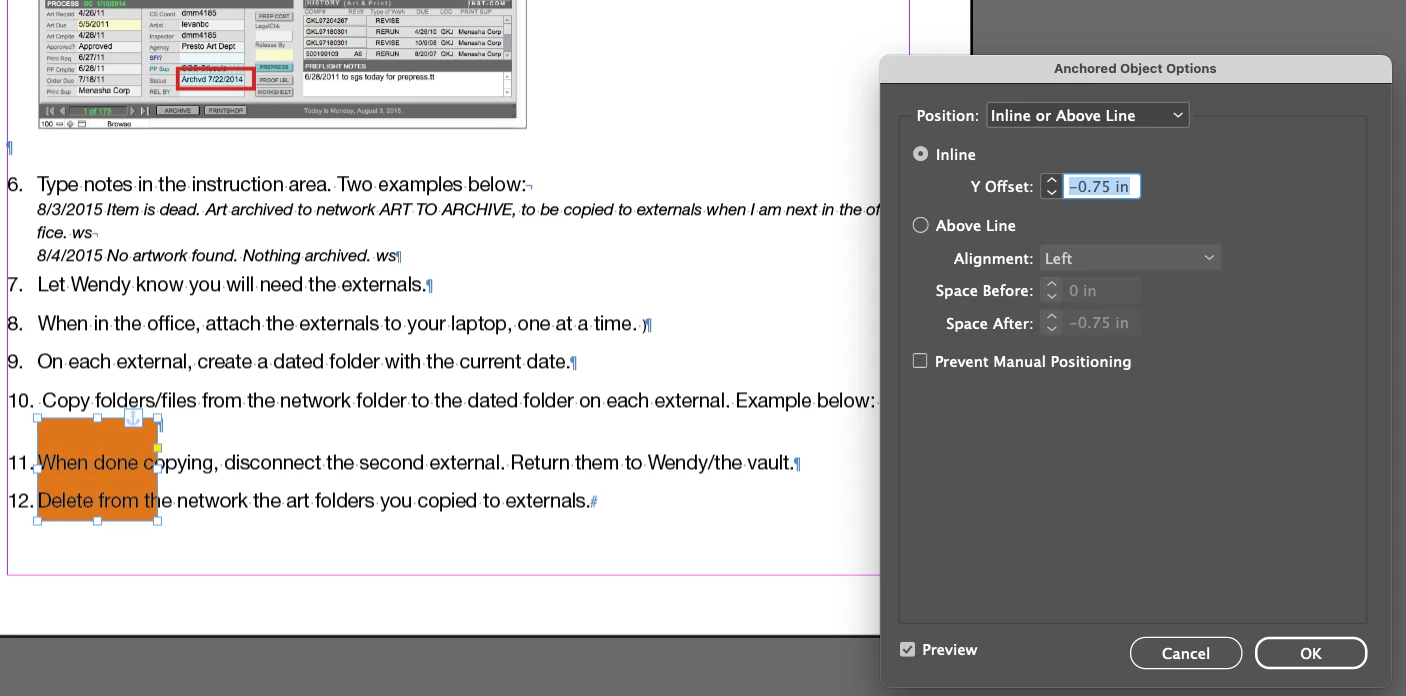
OK, I feel like I'm losing it. I'm editing a document that has anchored objects. It's been a while since I've done this. I am adding an anchored element. It's not pushing the existing text below it down, as I would expect. See screen captures.
#1 shows how the new anchored object (just an orange box) doesn't push down the Step 11 text. Also shows the anchor settings.
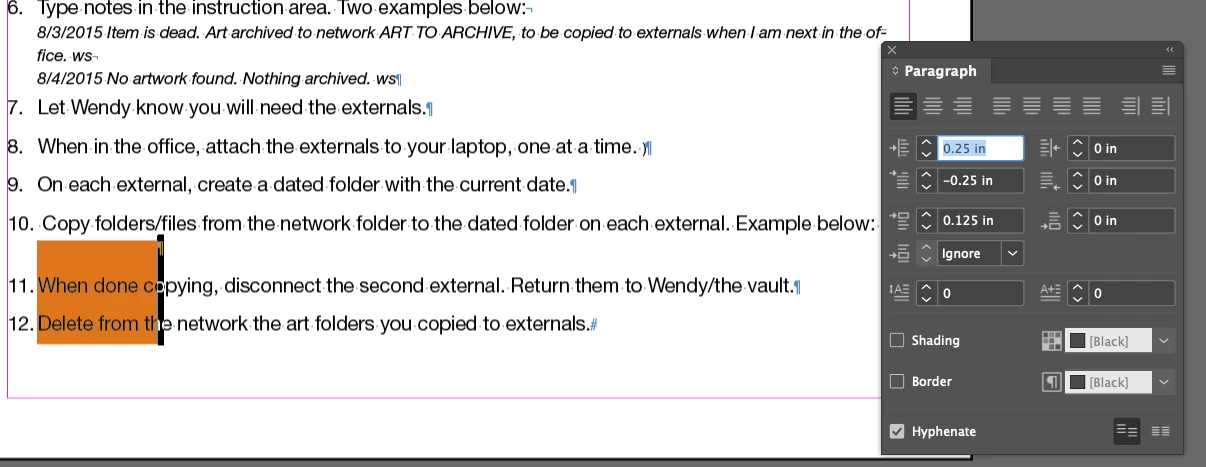
#2 shows the paragraph setting/window on the right, in case that helps.
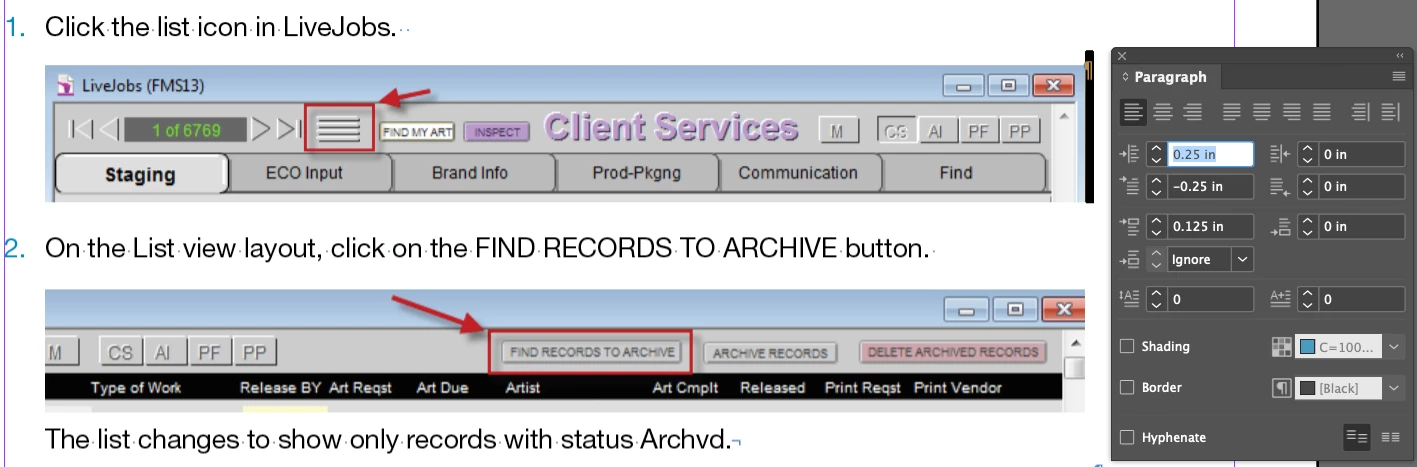
#3 shows an existing anchored object (already in the document) that is working as expected--and the inline anchor settings. Step #2 in this screen capture is below the anchored element, not overlapping.

#4 shows the paragraph setting/window for the one that is working.
What am I doing wrong with the first one that the orange box is overlapping the text/paragraphs below? I don't remember running into this before! Using InDesign 2023 (18.5) on Mac OS Ventura 13.6.5.


 AdChoices