
Why is text auto-flowing only to verso pages or to primary frame?
Apologies for a question that has been asked and answered thousands of times, but I've spent 40 minutes trying to find the answer without success. I'm afraid I've always found ID's text flow procedure incredibly unintuitive. I use InDesign to do book covers. I almost never use it for its main purpose, paging books or magazines. Whenever I do, I invariably end up either a) flowing text only into the verso pages of the spreads, or b) flowing it (after the first page or two), not into the master page text frame, but into the "primary text frame" that's made out of the page margins.
Relevant screen grabs:
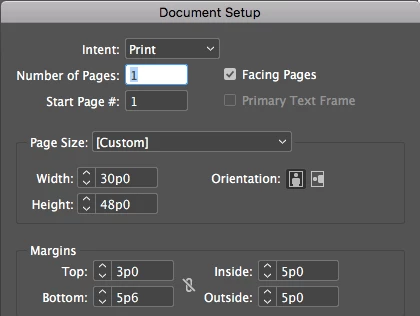
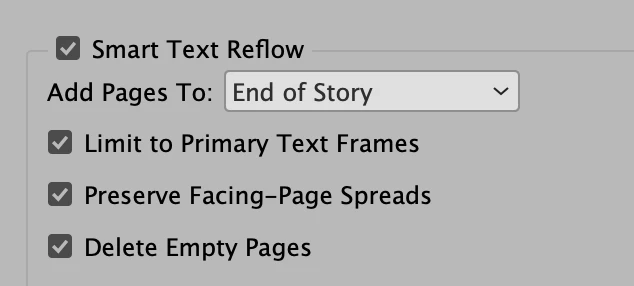
The document doesn't have "Primary Text Frame" checked.
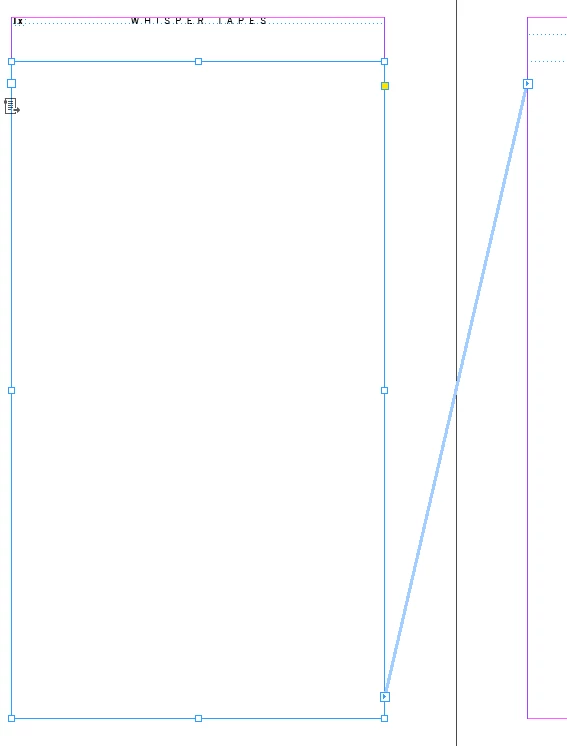
The master page, both verso and recto, is set up with text boxes that make a primary text flow.
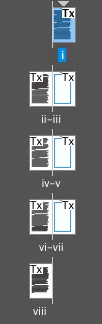
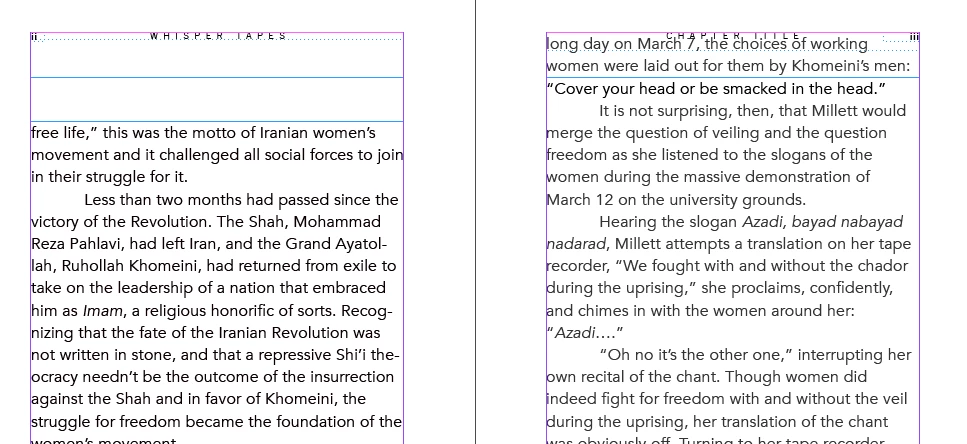
I start with one recto page. I place text, holding the shift key to add necessary pages for the text. Pages are added, but they flow only into the left side.
I start again, this time (cannily) with three pages.
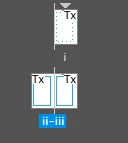
I place text only into the text box on the first page, then manually connect it to the next. I hold shift when I click in that second page. In all following pages, text flows into the whole primary text frame.
Finally, I guess at about the number of pages the document will need for the text:
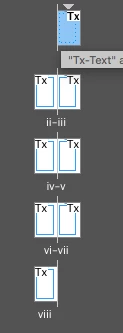
I place text in the first page. I load the overflow, go to the second page, and click (I don't shift-click), and voilá, the text flows correctly into verso and recto pages, within the primary text flow boxes I've set up.
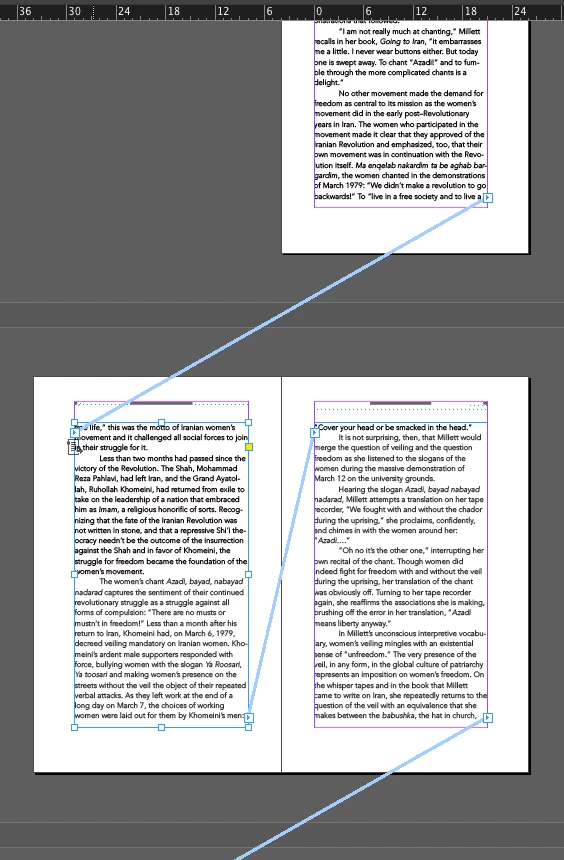
Then, of course, I must delete any pages left over. Which is stupid. Also stupid is if I hadn't guessed enough pages and had to repeat the procedure. So . . . how to I place text that will add pages as they're needed and will fill both verso and recto and will stay within the master page text frame?
And I swear I'll save the answer, print it, and put it on my wall.
Thanks.



 AdChoices