
Participating Frequently
February 19, 2019
Answered

Why is Text Tool creating double outlines by default?

  • February 19, 2019
  • 1 reply
  • 1285 views

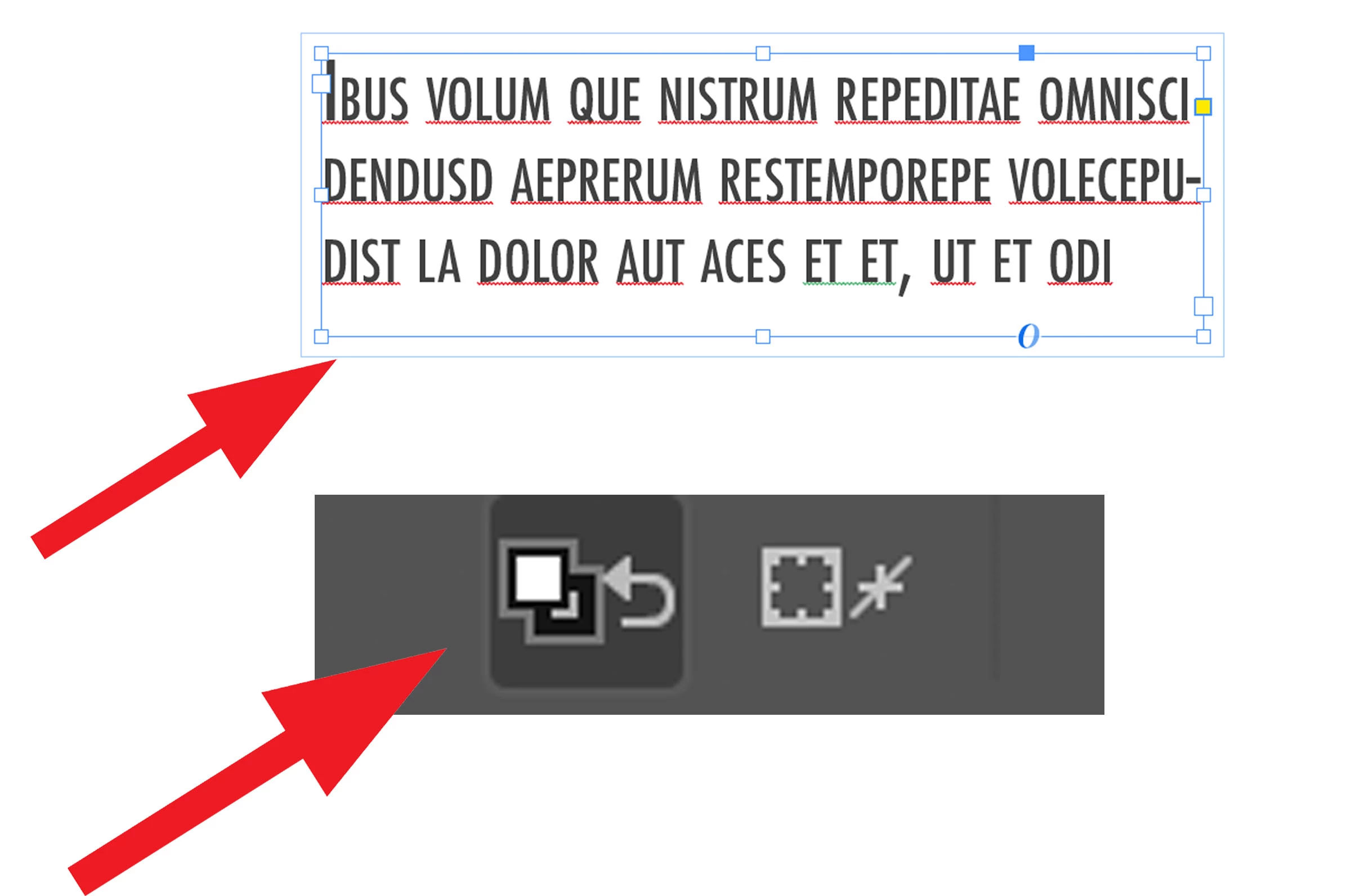
When I select the type tool and start entering in a new text it defaults to a paragraph style (heading 1 underline) which I don't wish then all the sudden it started it creates a double outline when I select the frame with selection tool?  The only way i found to work around this is to click this button and clear all attributes then start all over adding in the paragraph styles. Can someone please help me?
This topic has been closed for replies.
Correct answer SJRiegel

What you are seeing as a double outline is text wrap. Go to your Text Warp pallet with nothing selected, and change the settings there to no wrap.

For the underline, check your Paragraph and Character Style pallets, and make sure that the Style selected there does not have an underline.

It could also be that there is an object style selected that contains the wrap and a text style with an underline.

1 reply

SJRiegelCorrect answer
Legend
February 19, 2019

What you are seeing as a double outline is text wrap. Go to your Text Warp pallet with nothing selected, and change the settings there to no wrap.

For the underline, check your Paragraph and Character Style pallets, and make sure that the Style selected there does not have an underline.

It could also be that there is an object style selected that contains the wrap and a text style with an underline.

Participating Frequently
February 19, 2019

Thank you that fixed the double lines, but when I select the type tool and make a new text box it is defaulting to a paragraph style I don't wish, is there a way to change that?  It used to default to paragraph but now it defaulting to a style I created. Any suggestions?  Thanks!!

John Mensinger
Community Expert
Community Expert
February 19, 2019

Same method; change it with nothing selected.

When there is nothing selected, all the settings displayed in the interface are the defaults for new items. If you change one, you are changing the new-item default.