jonasy18481676
Inspiring
March 13, 2019
Answered

Why is the content moving after the ungroup?

  • March 13, 2019
  • 1 reply
  • 1477 views

Hello,

I'm using Indesign CC 2019 and I  have a document with a group in it. You can download it here.

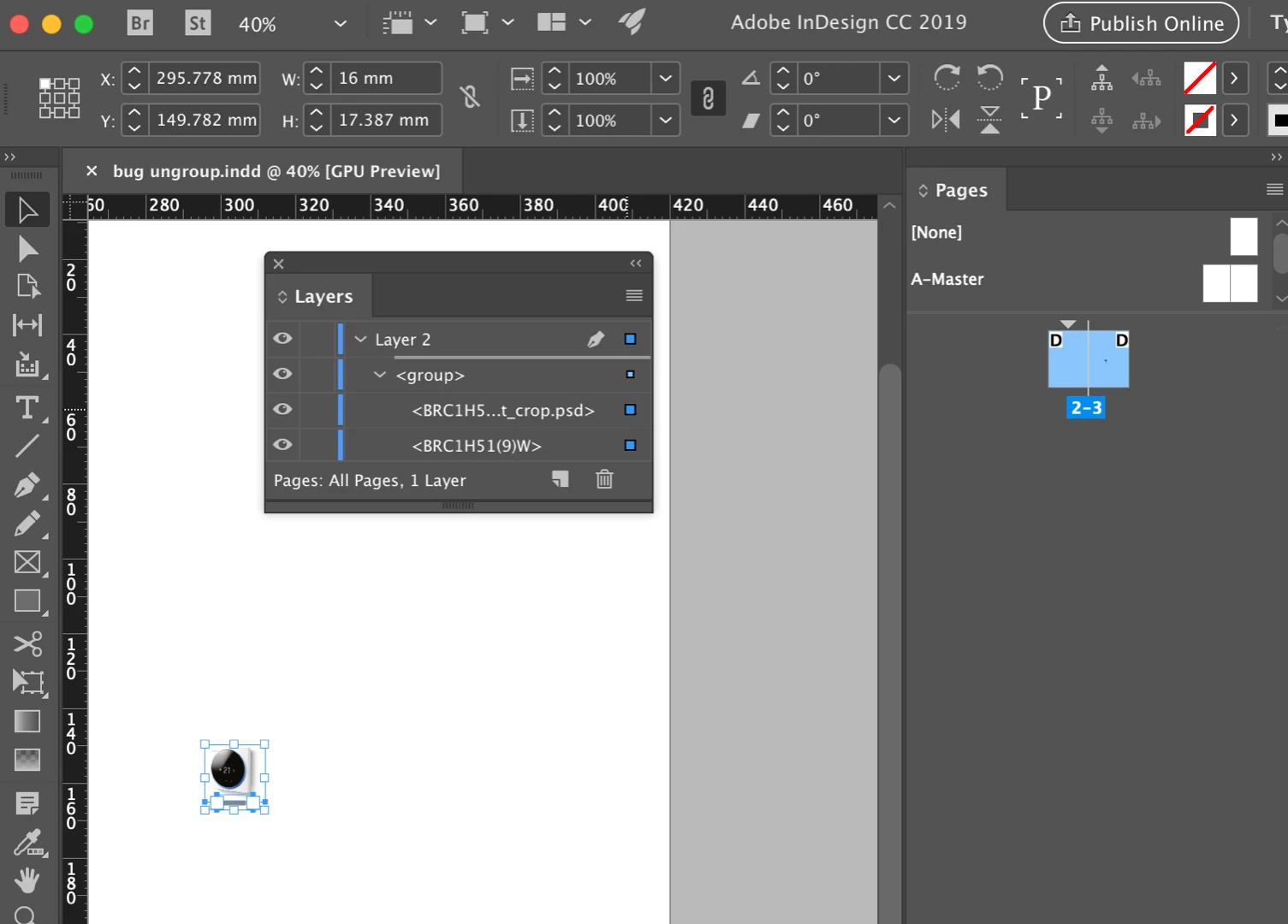
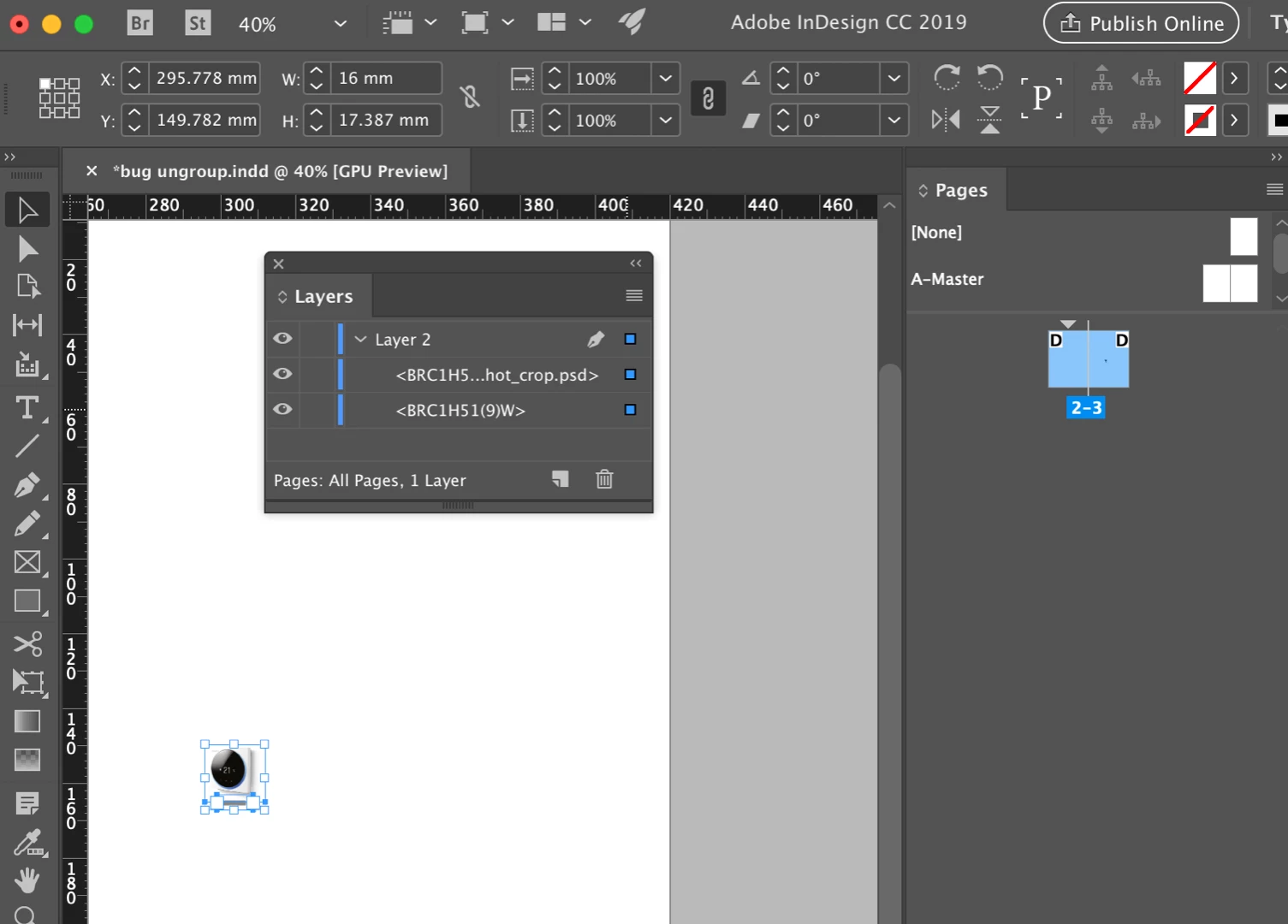
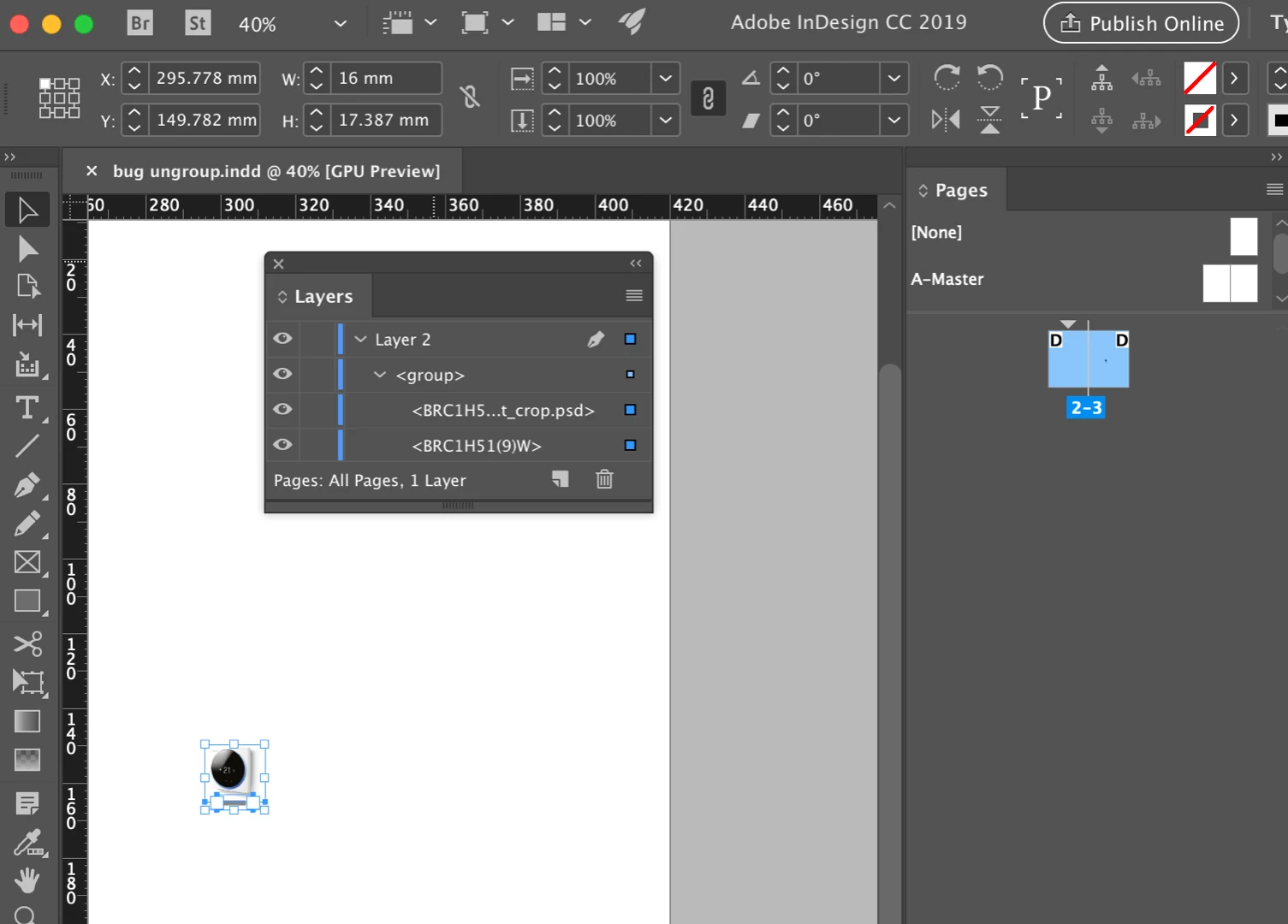
The file looks like this:
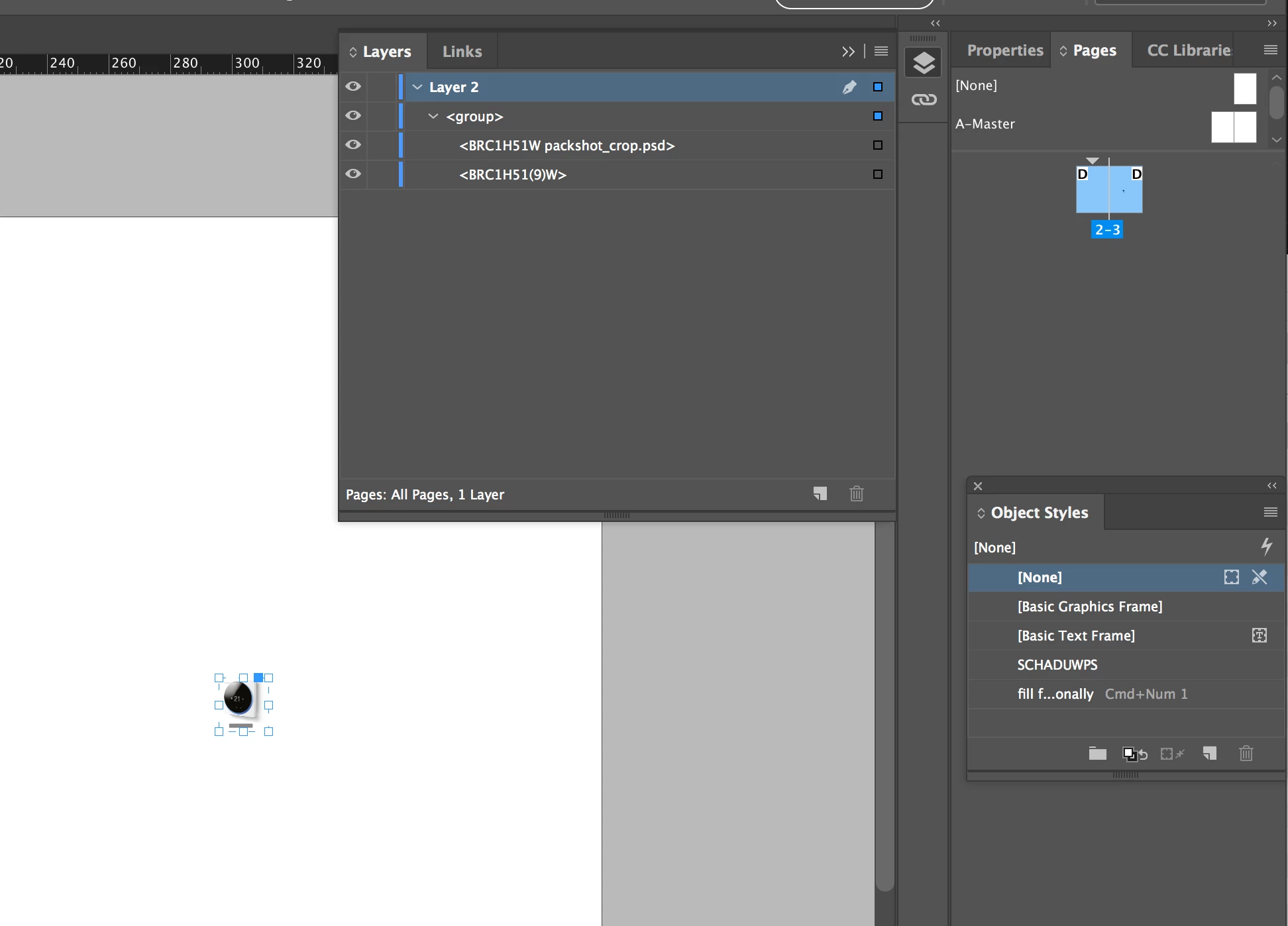
But when I ungroup it looks like this:
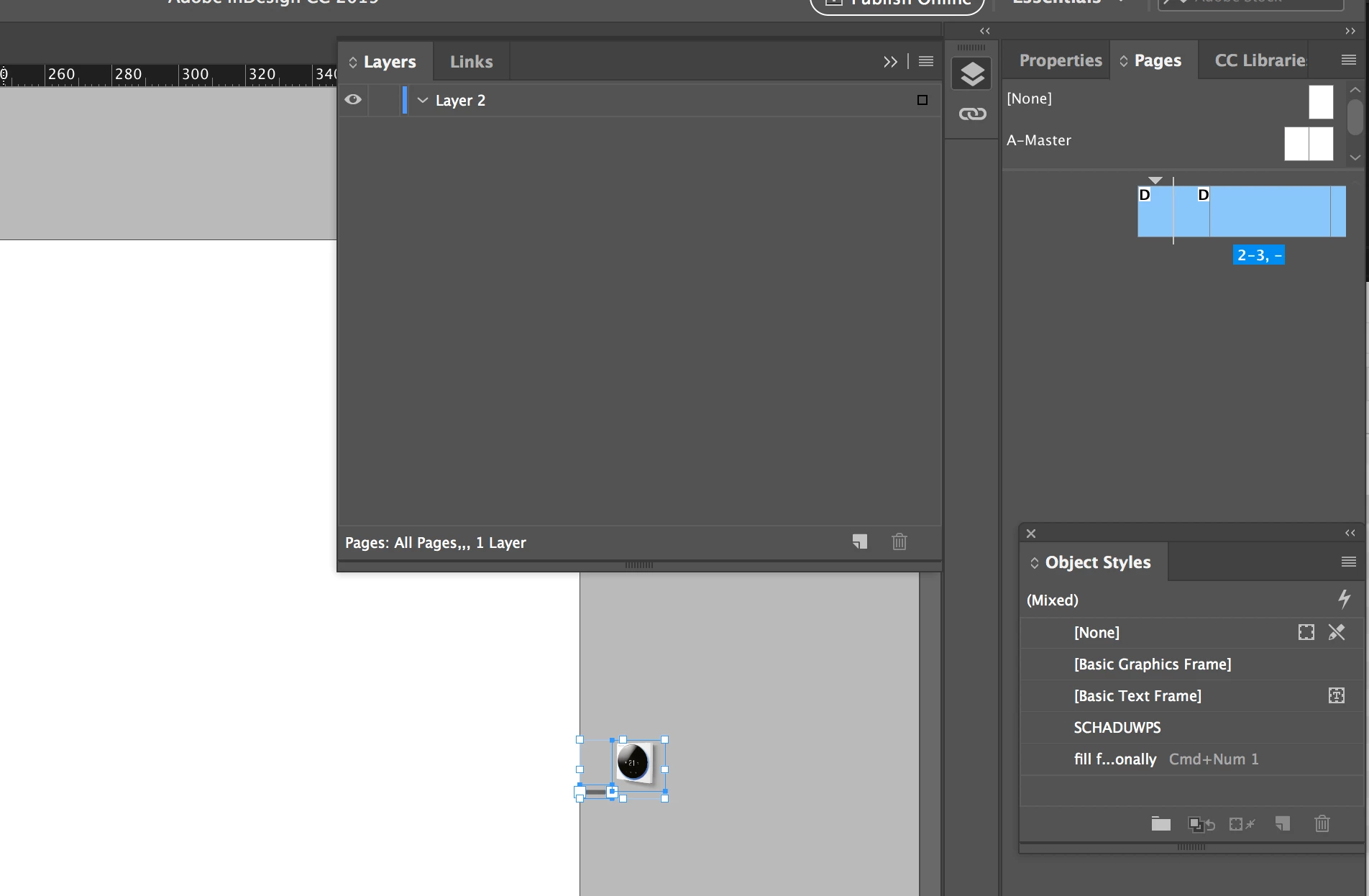
As you can see some strange things happened:

- The objects moved to outside the page

- They are no longer in the layers panel

- The pages panel gives a real weird preview

Can anybody tell me what happened and how i can avoid this when ungrouping?
    This topic has been closed for replies.
    Correct answer jonasy18481676

    I did. And this is odd. I can recreate both issues. I have no idea why but here is a work-around:

    Select the two blue squares that represent the items within the group in the Layers panel (click, shift+click them):

    Drag them above the group:

    Release the mouse. They are now ungrouped.

    Here is a resource on how to troubleshoot damaged documents: Troubleshoot damaged InDesign documents.

    ~Barb


    Thanks, that's indeed a good workaround. Unfortunately I want to script the ungroup and your steps make that a bit involved.

    I also found out that the strange behaviour doesn't happen when I disable "ungroup remembers layers" in the flyout of the layers pane. I can do this from scripting, so I'll take this route.

    Thanks for your help though!

    1 reply

    Barb Binder
    Community Expert
    Community Expert
    March 13, 2019

    Ungrouping shouldn't move anything. However, I'm distracted by your Pages panel after you ungroup—which also looks odd. It shows pages 2–3, –.

    Are these things happening in this just one file, or all files? I'm guessing corrupt preferences or a corrupt file.

    ~Barb

    ~Barb at Rocky Mountain Training
    jonasy18481676
    Inspiring
    March 13, 2019

    For me it only happens with this file. Do you get the same when you test the file?

    Barb Binder
    Community Expert
    Community Expert
    March 13, 2019

    I did. And this is odd. I can recreate both issues. I have no idea why but here is a work-around:

    Select the two blue squares that represent the items within the group in the Layers panel (click, shift+click them):

    Drag them above the group:

    Release the mouse. They are now ungrouped.

    Here is a resource on how to troubleshoot damaged documents: Troubleshoot damaged InDesign documents.

    ~Barb

    ~Barb at Rocky Mountain Training