Participant
February 25, 2015
Answered

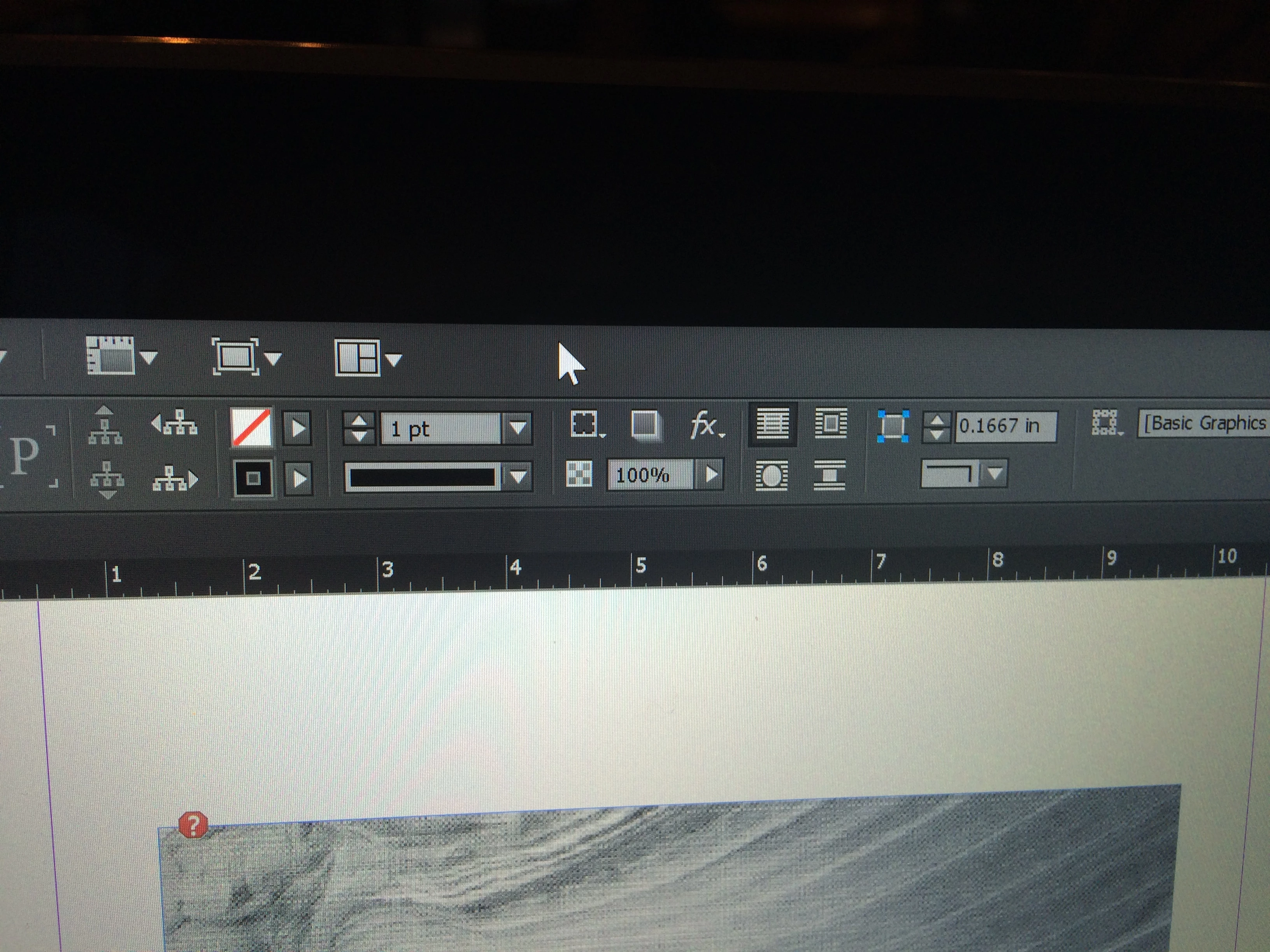
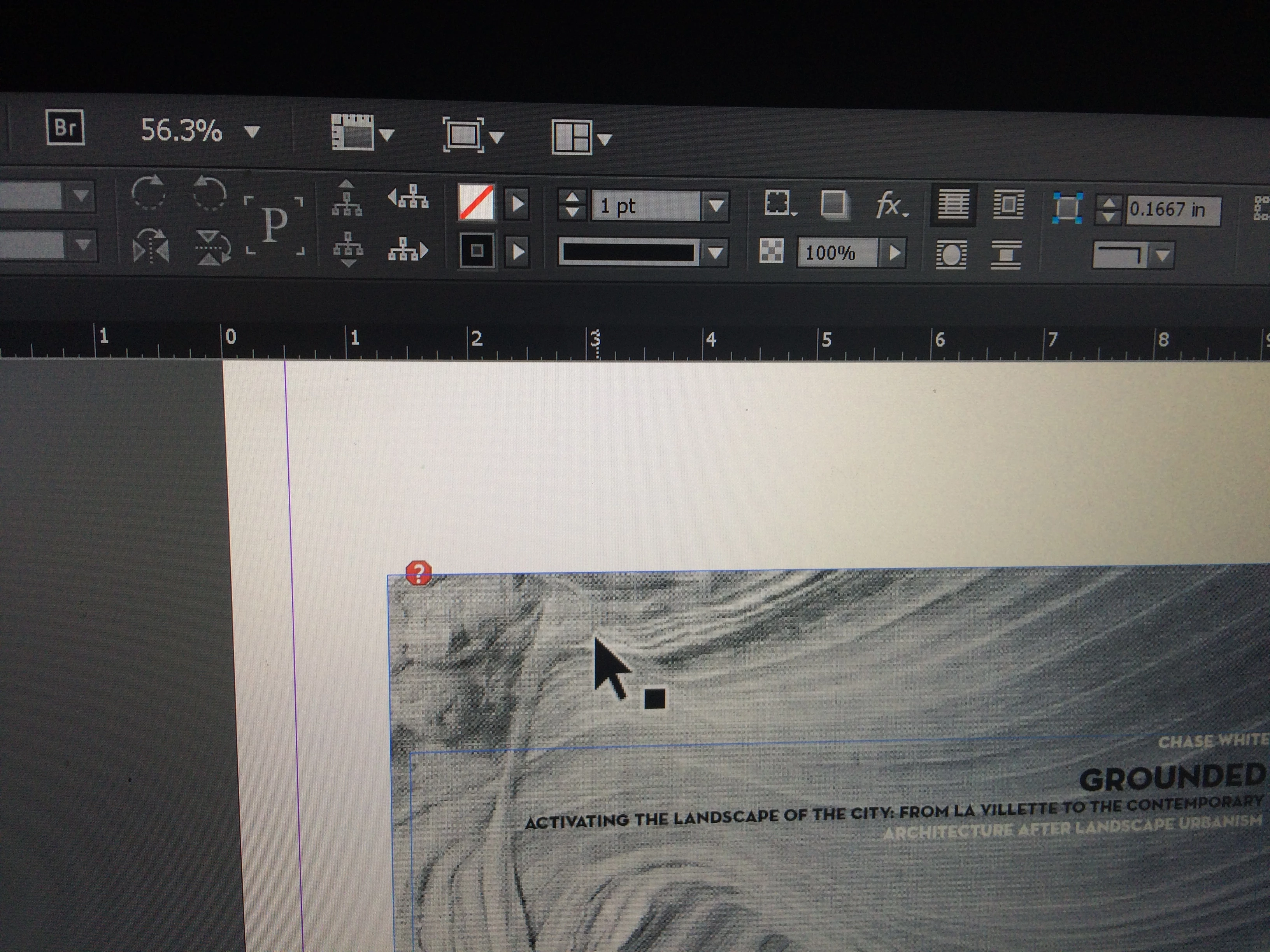
Why is the mouse pointer huge in InDesign?

  • February 25, 2015
  • 12 replies
  • 41483 views

I just updated InDesign CC 2014 and now my mouse pointer appears huge in the InDesign interface.  It appears normal size when hovering over toolbars though.  I have attached two images to show what I am describing.  The mouse pointer also appears normal size in other Photoshop, Illustrator and everywhere else in my PC, so I'm pretty sure the problem was caused by the update.  The huge mouse pointer appears in all InDesign files, so I know it's not a file related issue.  Any ideas on how to get it back to normal?
This topic has been closed for replies.
Correct answer ianf46065209

There is another thread here:@ Illustrator CC 2014 interface size too big.

Please follow the instructions:

  • Close all Adobe applications.
  • Right click on "my computer" icon
  • Click properties
  • Select Advanced System Settings or Advanced Tab (Based on your OS)
  • Click on the "Environment Variables..." button.
  • Click New... button on System Variables section, You can also set this in User Variables section, if you would like to keep the change limited to current logged in user
  • In the "New system variable" dialog, enter UI_SCALE_FACTOR in variable name field
  • Enter 1 in the Variable value field
  • Click OK

Launch InDesign and check if it is resolved.

12 replies

Creatives Concierge
Participant
February 26, 2015

I have this same problem!!! Can't find anywhere to change it, it's infuriating!

Peter Spier
Community Expert
Community Expert
February 25, 2015

What is your monitor resolution? OS? Do your panels seem larger than normal?

Participant
February 26, 2015

Screen resolution is 3200 x 1800.

OS is Windows 8.1, 64 bit.

Panels are still the normal size.

Peter Spier
Community Expert
Community Expert
February 26, 2015

What happens if you change the Windows interface font size to a custom 124%?