
susansien
Participant
January 9, 2022
Question

Why is there long white horizontal background?

  • January 9, 2022
  • 3 replies
  • 274 views

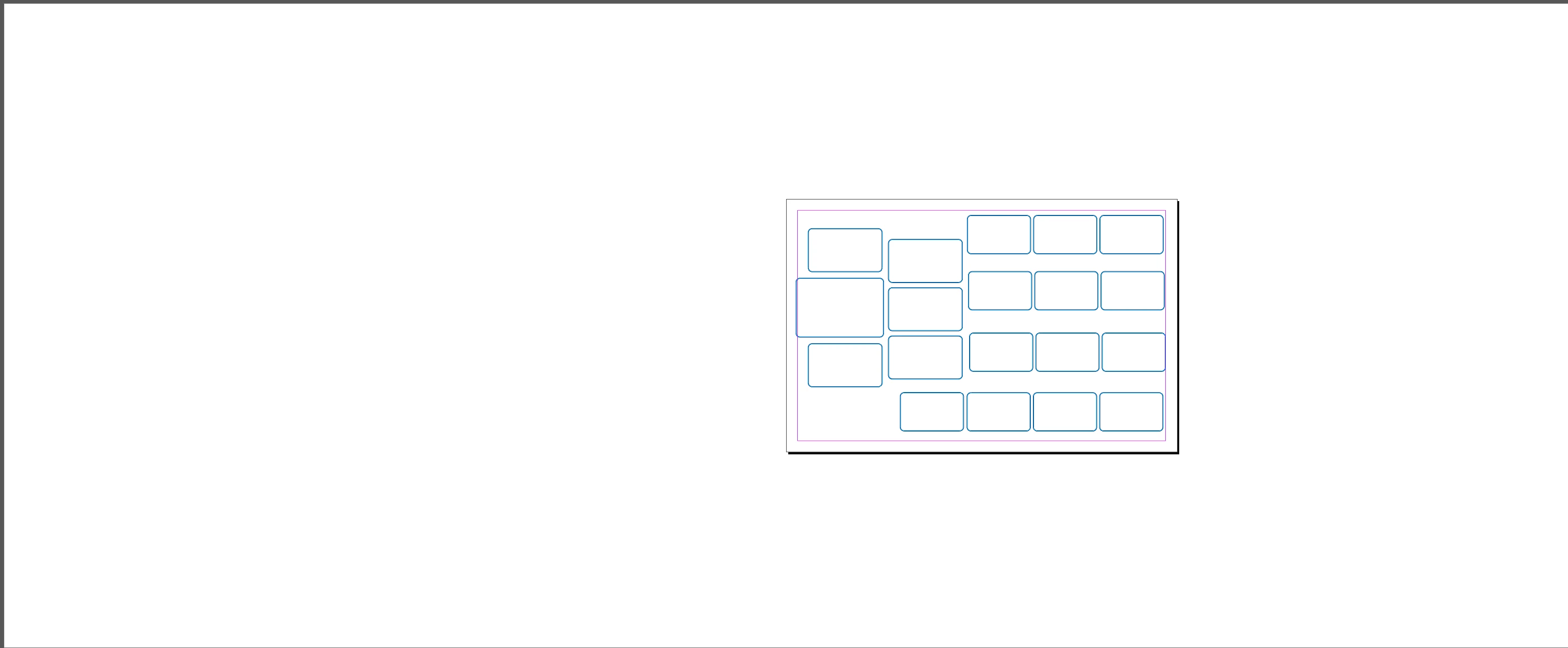
There is a long white background with the artwork on top of it.  I want to get rid of the white horizontal background.  I think its a IT problem.

Any suggestions?

This topic has been closed for replies.

3 replies

Diane Burns
Inspiring
January 9, 2022

Yes, agree try Preferences > Guides & Pasteboard > Pasteboard Options and adjust the size of the Pasteboard there. If this is a problem with a specific file, try doing a Save As in .idml format and re-open the file.

Luke Jennings3
Community Expert
Community Expert
January 9, 2022

Preferences> Interface> Appearance> Match pasteboard to theme color.

Another possibility is you have used the page tool to adjust the page size and the pasteboard "remembers" the original size. You can create a new file at the desired size and paste your elements into it.

Legend
January 9, 2022

Hello @susansien,


It looks to be your pasteboard that you're having the issue with or you might be zoomed out viewing in Preview mode.

Try going to Preferences > Guides & Pasteboard > Pasteboard Options and you can adjust it from there. If that still doesn't fix your issue then, you more than likely have something hidden on your pasteboard that's causing the size difference. Try removing any items from the pasteboard individually and it should reduce the size.


Regards,

Mike

James Gifford—NitroPress
Legend
January 9, 2022

I'd bet on this. There is some element way over there on the left causing ID to try and include it in the view.


With everything unlocked (Object | Unlock All on Spread), drag a marquee around everything to the left of the actual page frame. You will very likely find a text frame or some small graphics snippet that's not readily visible. Delete it, and the problem should be fixed.