

Why is there no precise user interface scaling options in Adobe CC?
There are two options at present: Default "Scale to Lower Supported Scale Factor" and ""Scale to Higher Supported Scale Factor". The trouble is the lower one tends to be too small and the higher one too large so panels take up too much screen space. Currently I'm struggling to see the panel/button labels in InDesign with glasses on as they're so tiny. What I don't get is that Blender, a free 3D modelling software, has a highly customisable user interface scaling where you can set it to the pixel count (i.e. 12pt font, 14pt font, 20pt font) and generally is heavily interface-customisable so why does expensive Adobe software lack this option? Surely I'm not the first user to have issues with this?
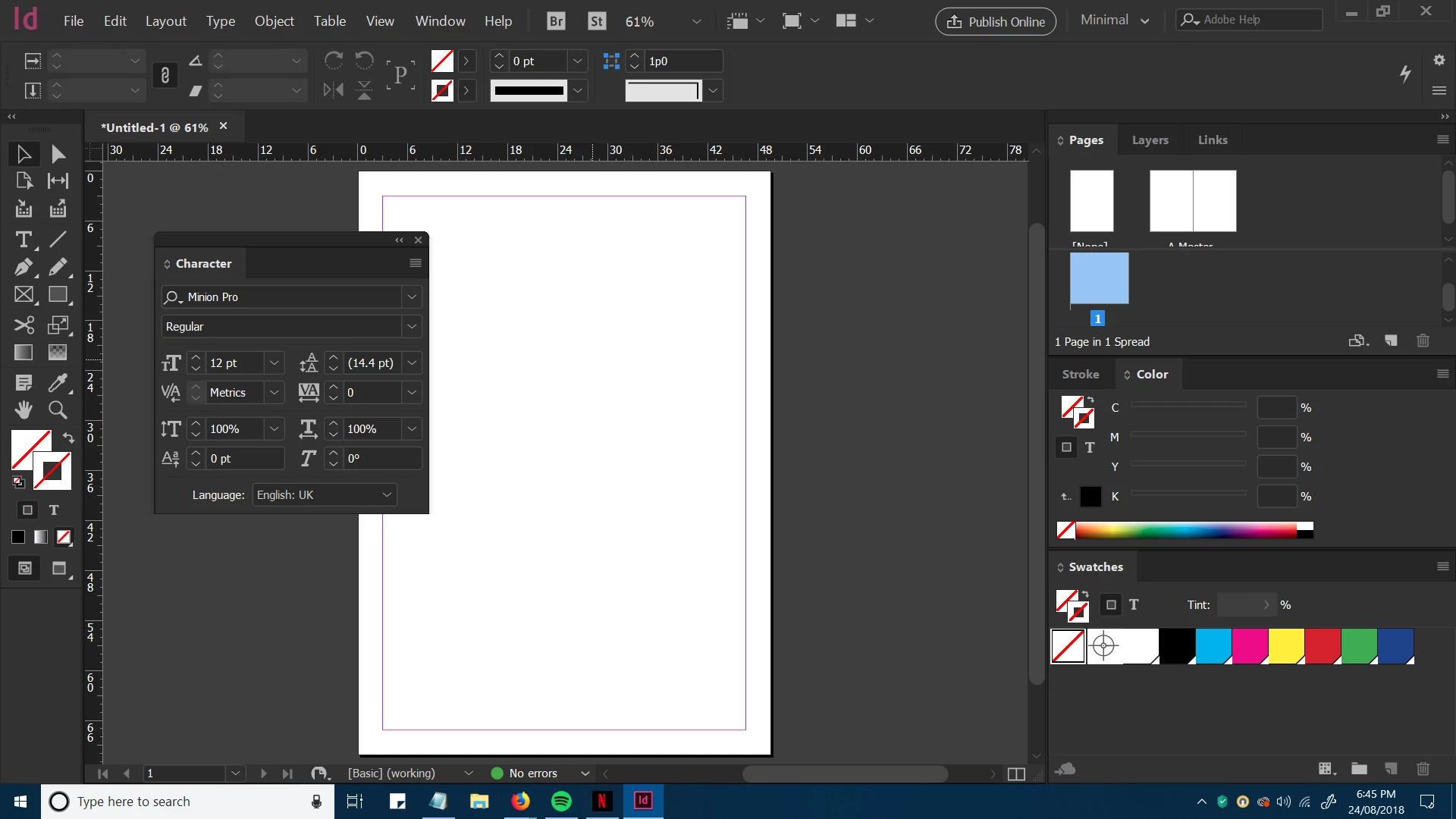
I'm struggling to read the default scale but this is a bit overkill (too large).
 AdChoices