This topic has been closed for replies.

4 replies

Mike Witherell
Community Expert
Community Expert
February 9, 2023
Mike Witherell
Rishabh_Tiwari
Legend
February 9, 2023

Hi @Madelaine Xyk28334730wvhp ,


Sorry to hear about the trouble. Please share a few more details like:


  1. The version of InDesign.
  2. Is this happening on opening an existing file?
  3. Please ensure you're signed in with the Adobe ID on the Creative Cloud Desktop app.


We're here to help, just need more information.


Regards

Rishabh

Derek Cross
Community Expert
Community Expert
February 9, 2023

Welcome to the InDesign forum.

InDesign is a profession application with a steep learning curve. It's best to take some lessons to get you going. Linkedin Learning (for example) have some excellent step-by-step tutorials and you can get 30-days free access. You can return to this forum with specific questions if/when you get stuck. Specifically on your question try File > New (Document).

Have fun!


Peter Spier
Community Expert
Community Expert
February 9, 2023

We need more details.

What is your version of InDesign? OS? Have you already opened a file, or are you trying to open an existing file and cannot see it? Where is the file stored?

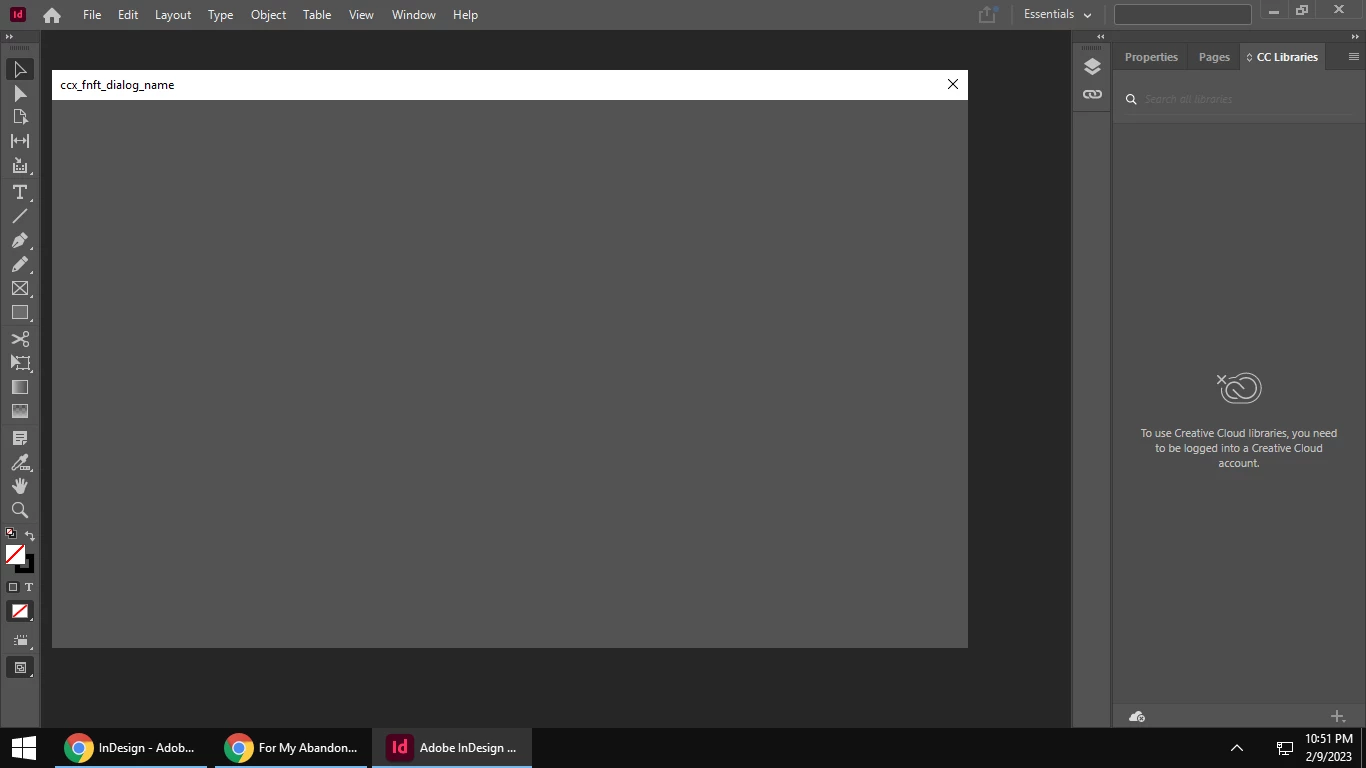
Your screen capture indicates you are not signed in to a Creative Cloud account. That may be part of the problem...