



Windows 11, bigger cursor on the second display issue, missing button caption
Hi all,
I have two monitors. Main 28" Philips 288E2A, 4K 3840 × 2160 and second 24" Philips 243V7QJABF, Full HD 1920 × 1080. When I have windows on the main monitor everything is fine - all cursor sizes are the same and the desciption is visible as on this picture.
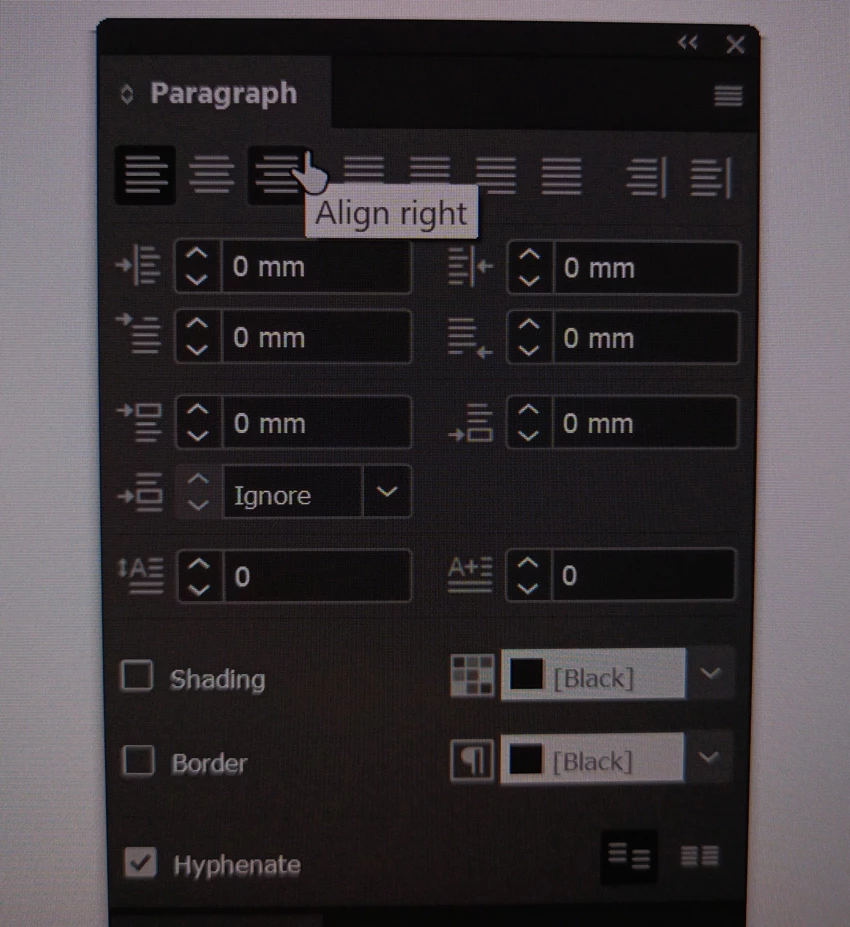
When I have windows on the second monitor, the description is not visible and every cursor other than the arrow is bigger as on these pictures. Cursors are the same size even if I change their size to maximum in windows preferences. In that case the arrow is huge, but the other cursors are still the same size as in the described situation - so they are now small compared to the arrow.
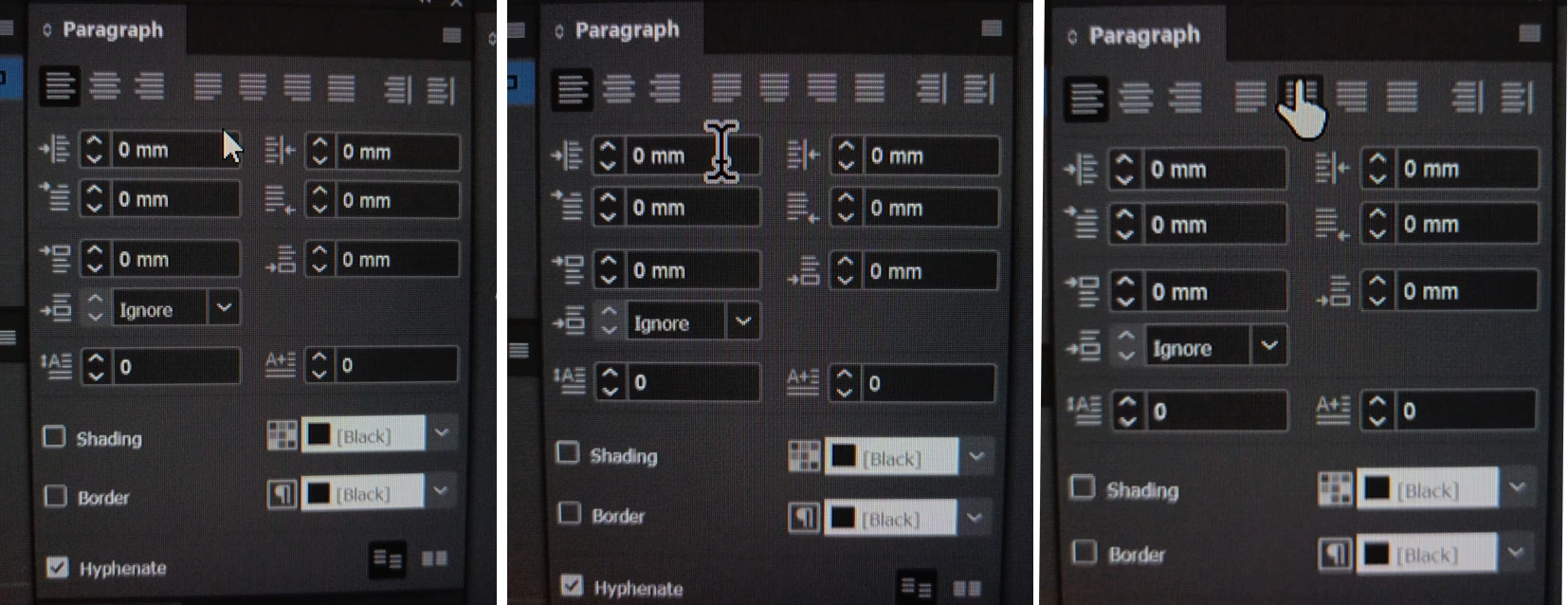
It only happens in Indesign, other Adobe programs don't have this problem.
Main display has scale 175%, second 100%.
If I set the main monitor to 100% scale, everything is fine on the second monitor as well. Cursors are all the same size and descriptions are displayed. But with 100% scaling of the main monitor I can´t work. Everything is too small.
Is this some InDesign bug?
My PC:
Windows 11 Pro, version 22H2
InDesign 18.1 x 64
Main monitor: 28" Philips 288E2A, 4K 3840 × 2160
Second monitor: 24" Philips 243V7QJABF, Full HD 1920 × 1080
Processor: AMD Ryzen 7 5700X
Graphic: MSI Radeon RX 6650 XT MECH 2X 8G OC
RAM: Kingston FURY 32GB KIT DDR4 3600MHz CL16 Renegade RGB 1Gx8


 AdChoices