
Question
Windows File Server | Unable to Save "file appears to be damaged"
Hi All,
Every now and then, I get this error when saving a file to my networked Windows Server 2019 file server, yet saving to my desktop works fine. I'm running macOS 12.2.1 (21D62) Also, saving to the desktop, then dragging the file to the server and opening it works - just saving directly is an issue. Lastly, this seems to be an isolated issue. Asking my collogue to save the same file directly to the server works fine - same setup. And everyother program can save just fine.
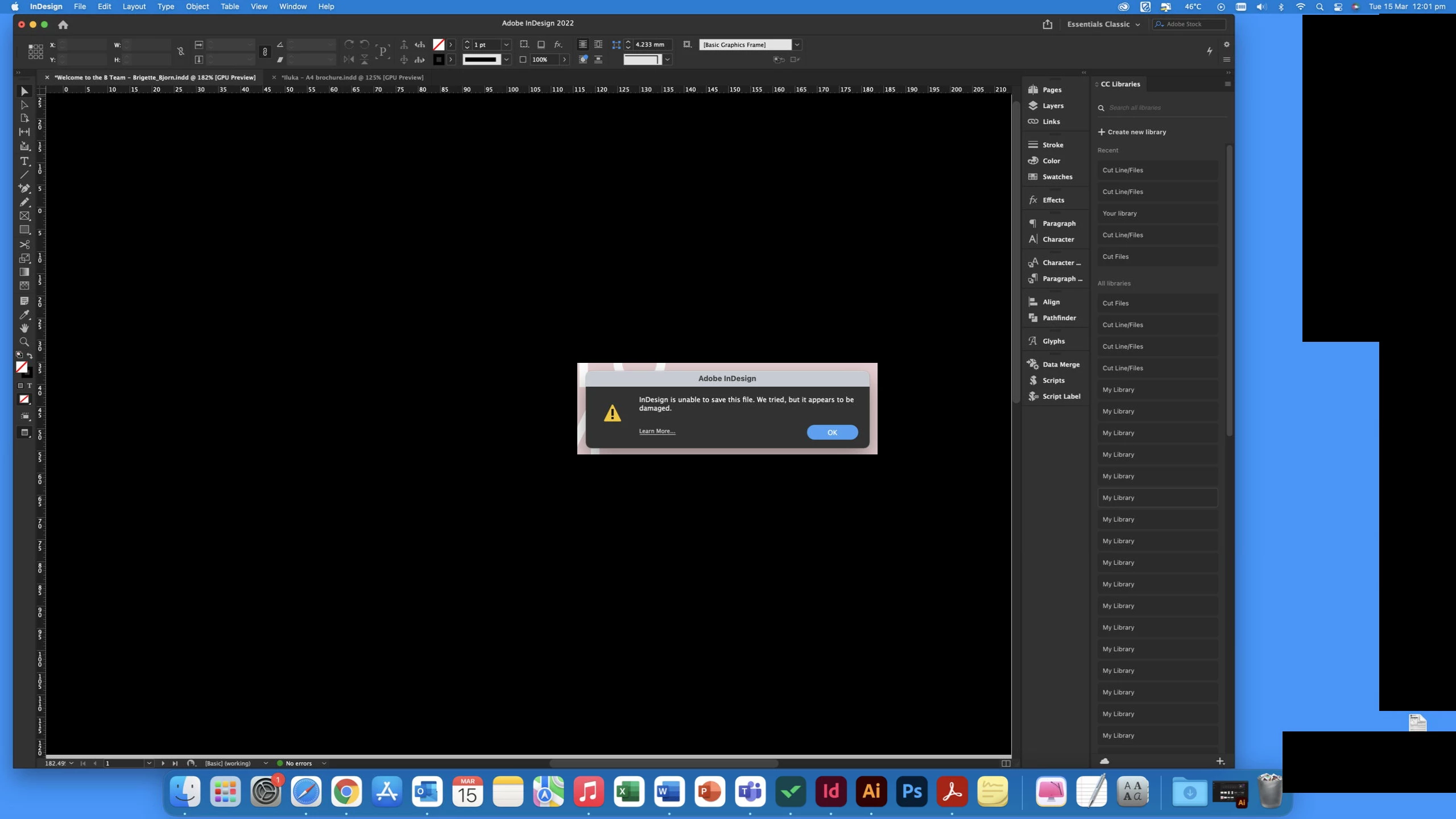
I'm not using any special characters in the file name, the error report is attached.
Since windows doesn't support AFP anymore, it's just a SMB connection.
Any help would be great.


 AdChoices