Witch Font
Hi,
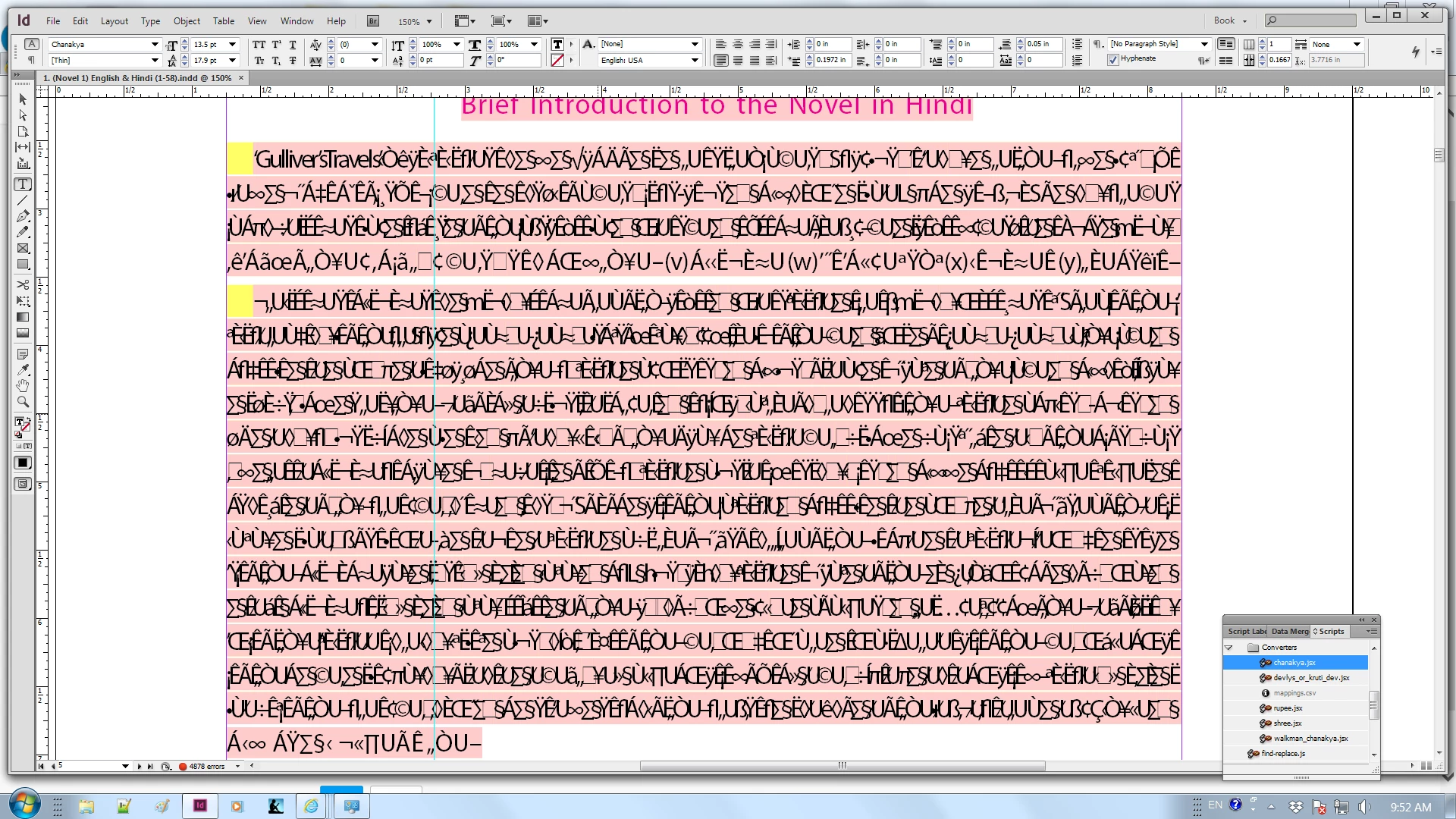
I have an InDesign file with non-Unicode content. Because I don't have the Thin variant of the font, the text shows like this:-
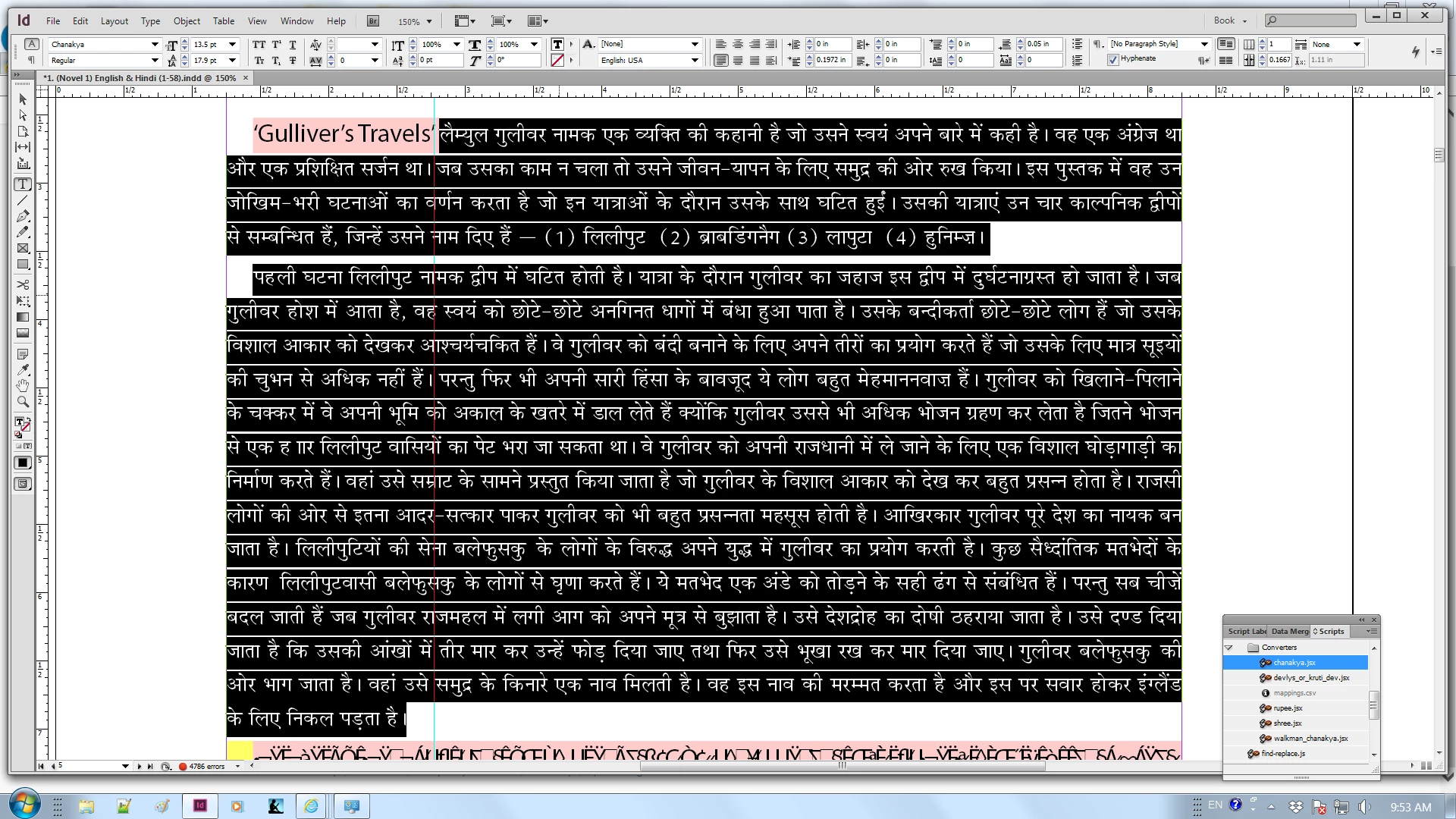
But I have Regular so I change it to Regular and the text starts showing great:-
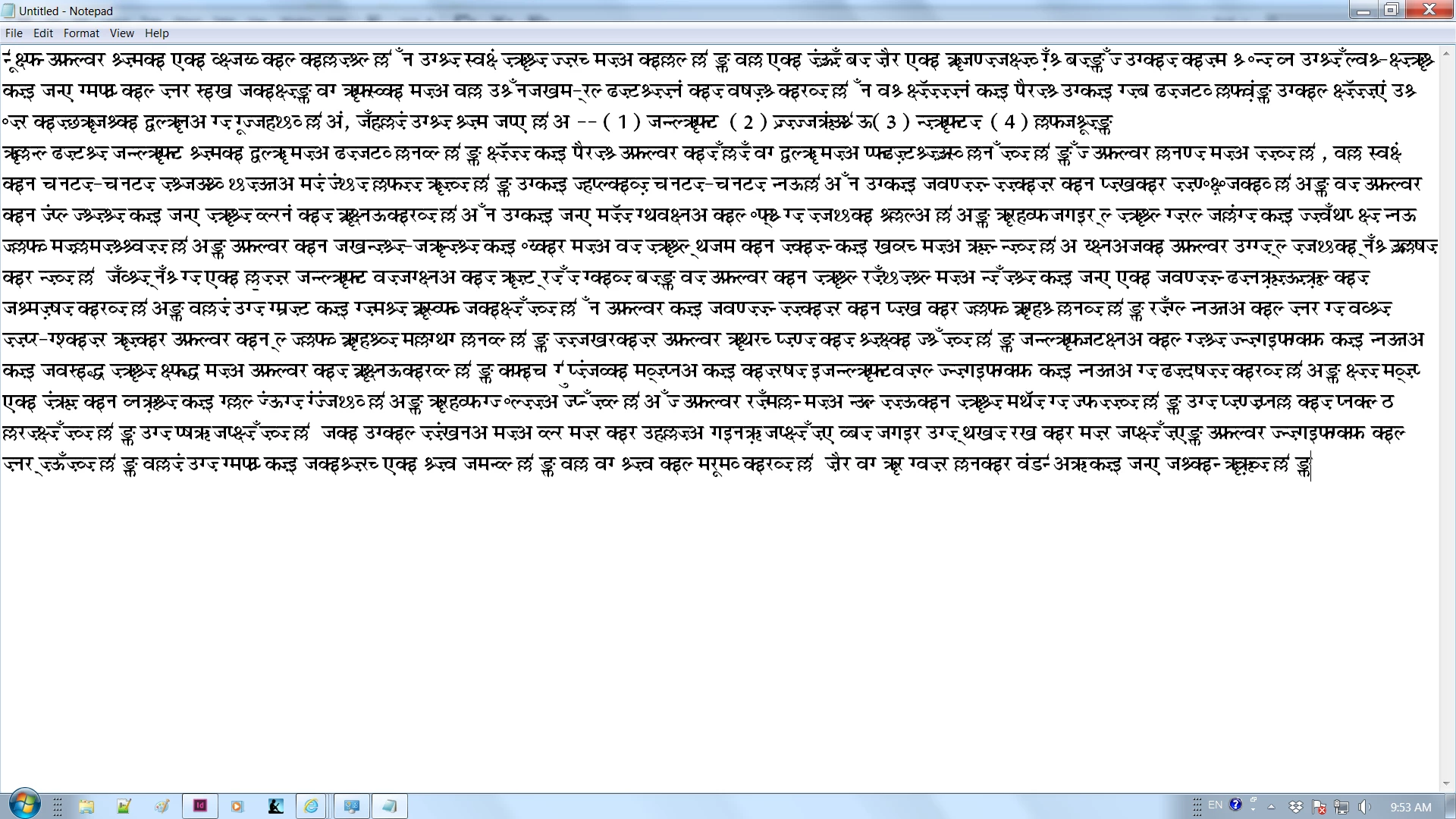
However when I paste the text in Notepad and set it to the same font name, it appears to belong to a different font:-
So I open the font file in FontForge and check if the character codes of copied text match with those in the font:-
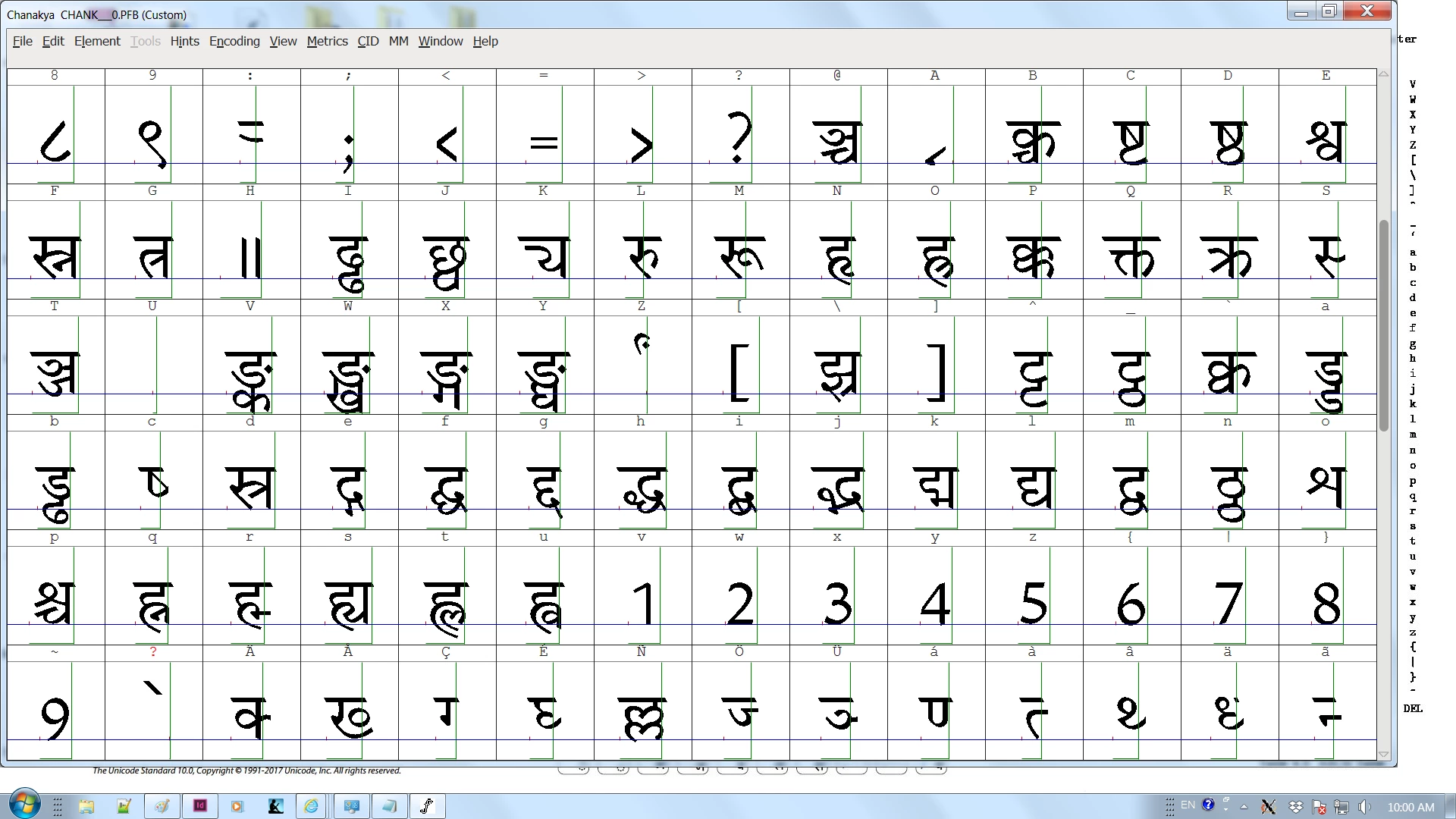
And there is an exact match. So I am able to explain why the text copied to Notepad shows incorrectly - it is not for that font's encoding. However when I reveal the font in Explorer through Type > Find Font > Chanakya it takes me to Windows\Fonts, which means Notepad and InDesign are both using the same fonts.
Question is where is the font InDesign uses to display the text? I need that font's file to be able to write a converter to Unicode.
Thanks,
Himanshu
 AdChoices