

dublove
Legend
September 22, 2025
Question

With script,How can I maintain the current "cropping state" while scaling an image proportionally?

  • September 22, 2025
  • 2 replies
  • 258 views

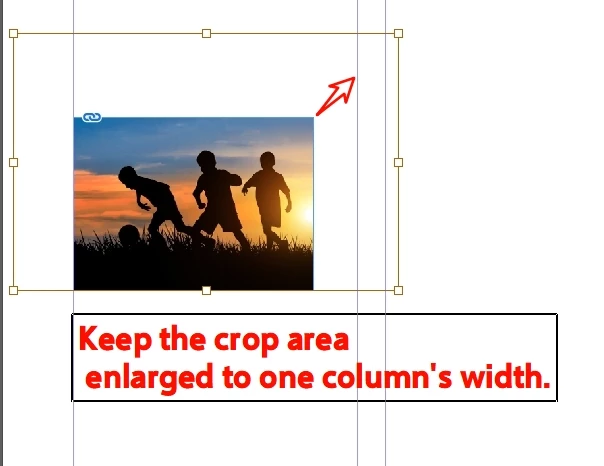
For example, my current column width is 81mm.
I want this image to scale proportionally while preserving the cropping state.
Rather than reverting to the uncropped state and then resizing to fit the column width.


Following the traditional approach:
item.fit(FitOptions.PROPORTIONALLY);
item.fit(FitOptions.FRAME_TO_CONTENT);

This appears to restore the image to its original state before scaling it to a width of 81mm.
 

2 replies

Community Expert
September 22, 2025

Hi@dublove ,

Use a transformation matrix after you calculated the new scaling factor…

See:

[AS/CC]Resizing a box and its contained image

Laubender, Feb 08, 2014

https://community.adobe.com/t5/indesign-discussions/as-cc-resizing-a-box-and-its-contained-image/m-p/5792748#M298806


Kind regards,
Uwe Laubender
( Adobe Community Expert )

dublove
dubloveAuthor
Legend
September 22, 2025

Hi Laubender

Thanks.

It's a bit complicated—I'll save it for later study.

Fred.L
Inspiring
September 22, 2025

Hey there,


Is it mandatory to use scripts here? While scripts are great, they’re not the most versatile option. I believe using Objects styles that match your requirements would be more flexible.


With Objects styles, you can control all the dimensions, adjust FitOptions and specific offsets, add shortcuts, create dependencies, and perform many other tasks. And all that, very quickly ^^