
Word import STYLES revert to Word when updating LINKED FILE (STYLE MAPPING in use)
Hi community,
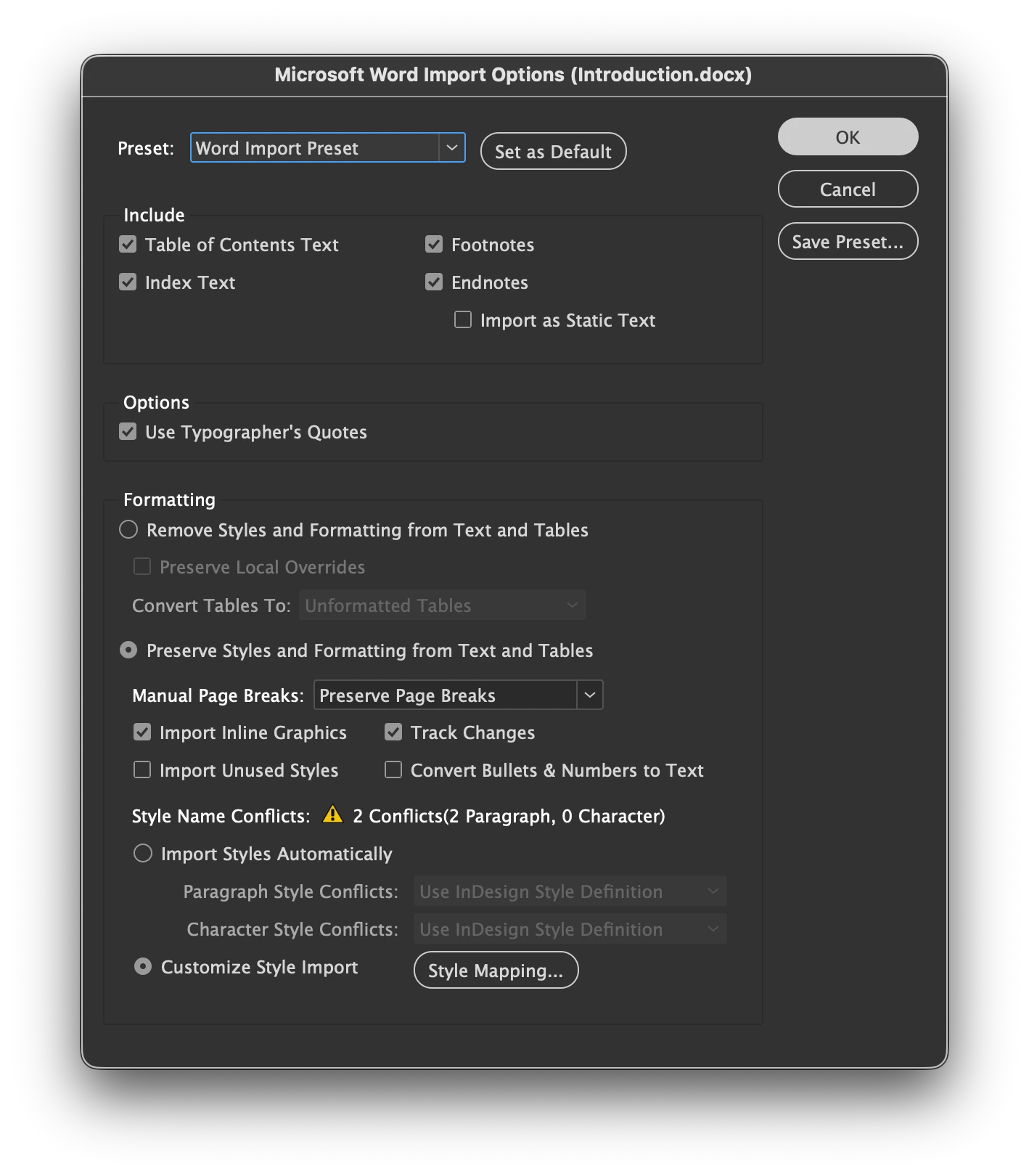
I am working with documents in a book. I compose each chapter in Word and import .DOCX to my .INDD using STYLE MAPPING. All my styles in use are accounted for.
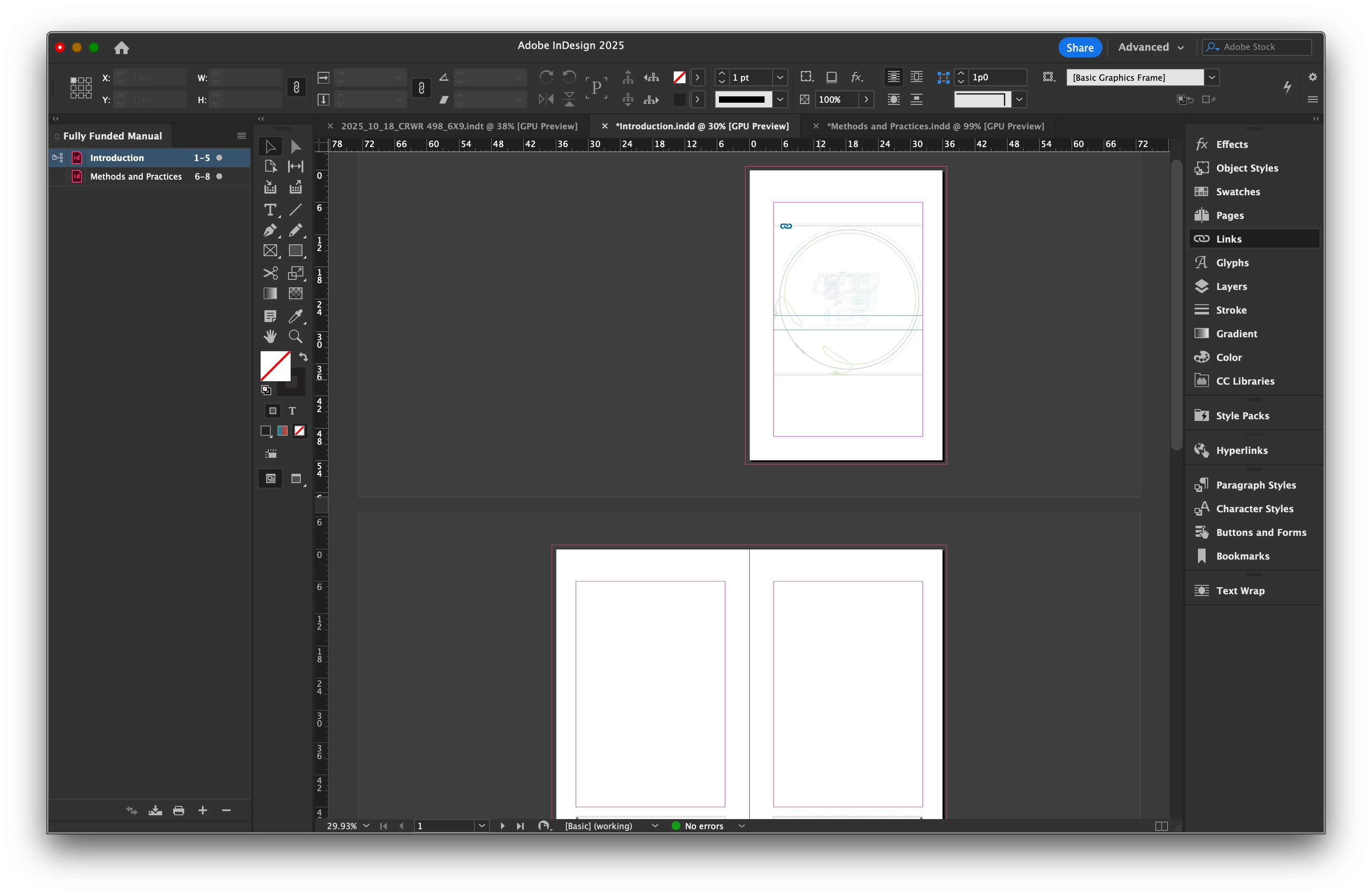
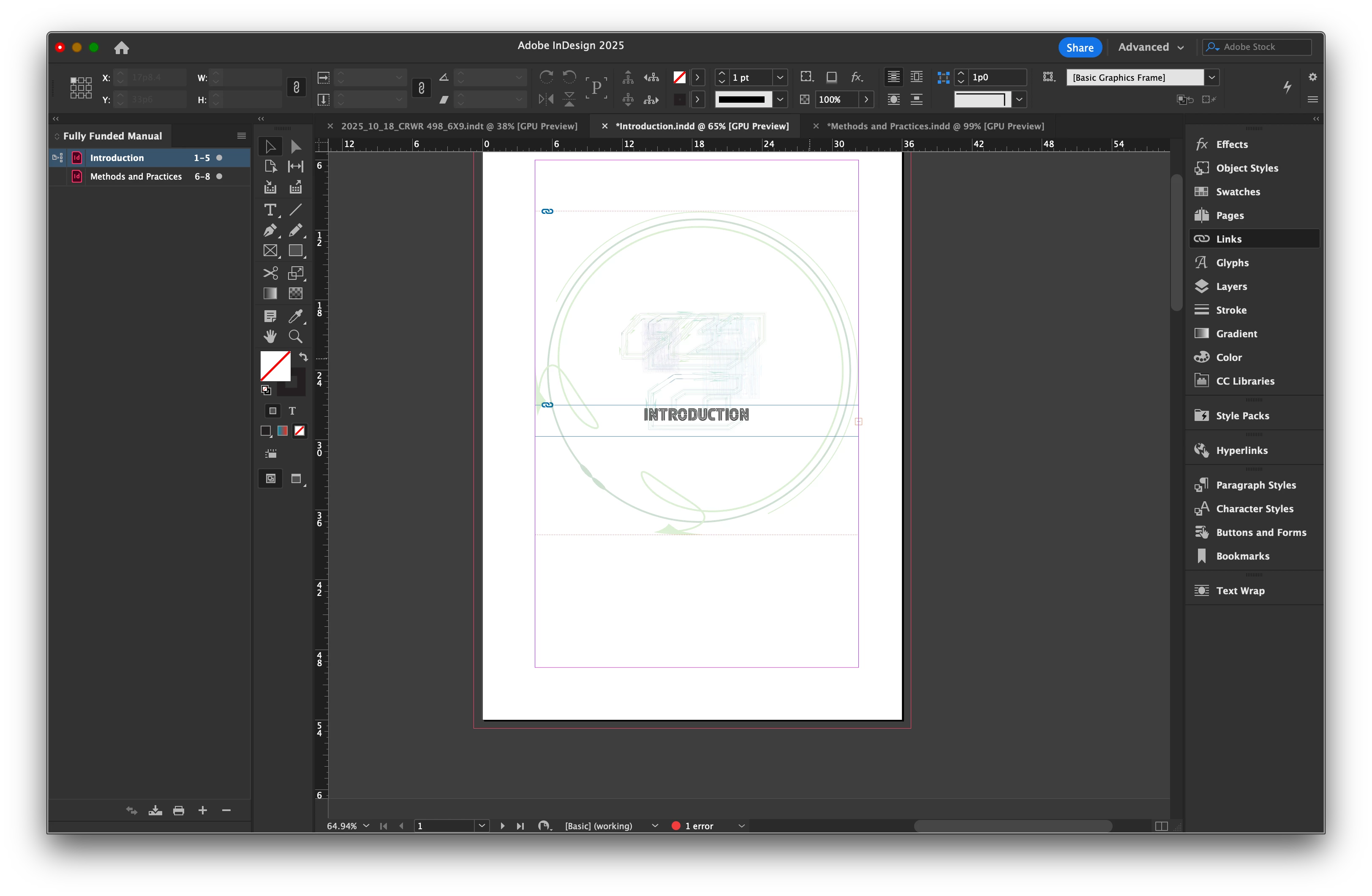
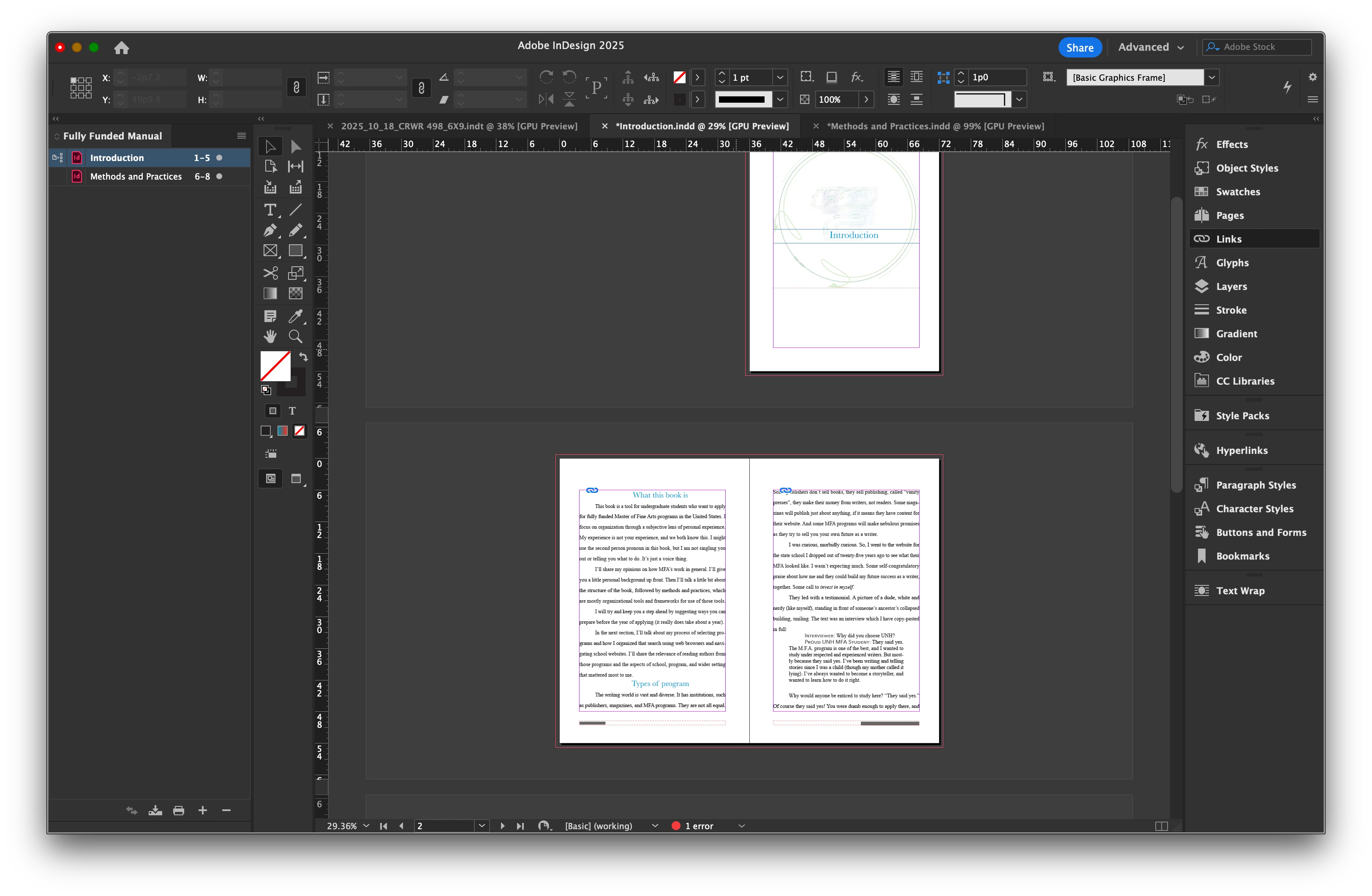
I would like to have a blank TEXT FRAME for my chapter heading on the first page of a document. I would like to place the "LINKED FILE" into that TEXT FRAME and LINK TEXT FRAMES for the following chapter text to roll into.
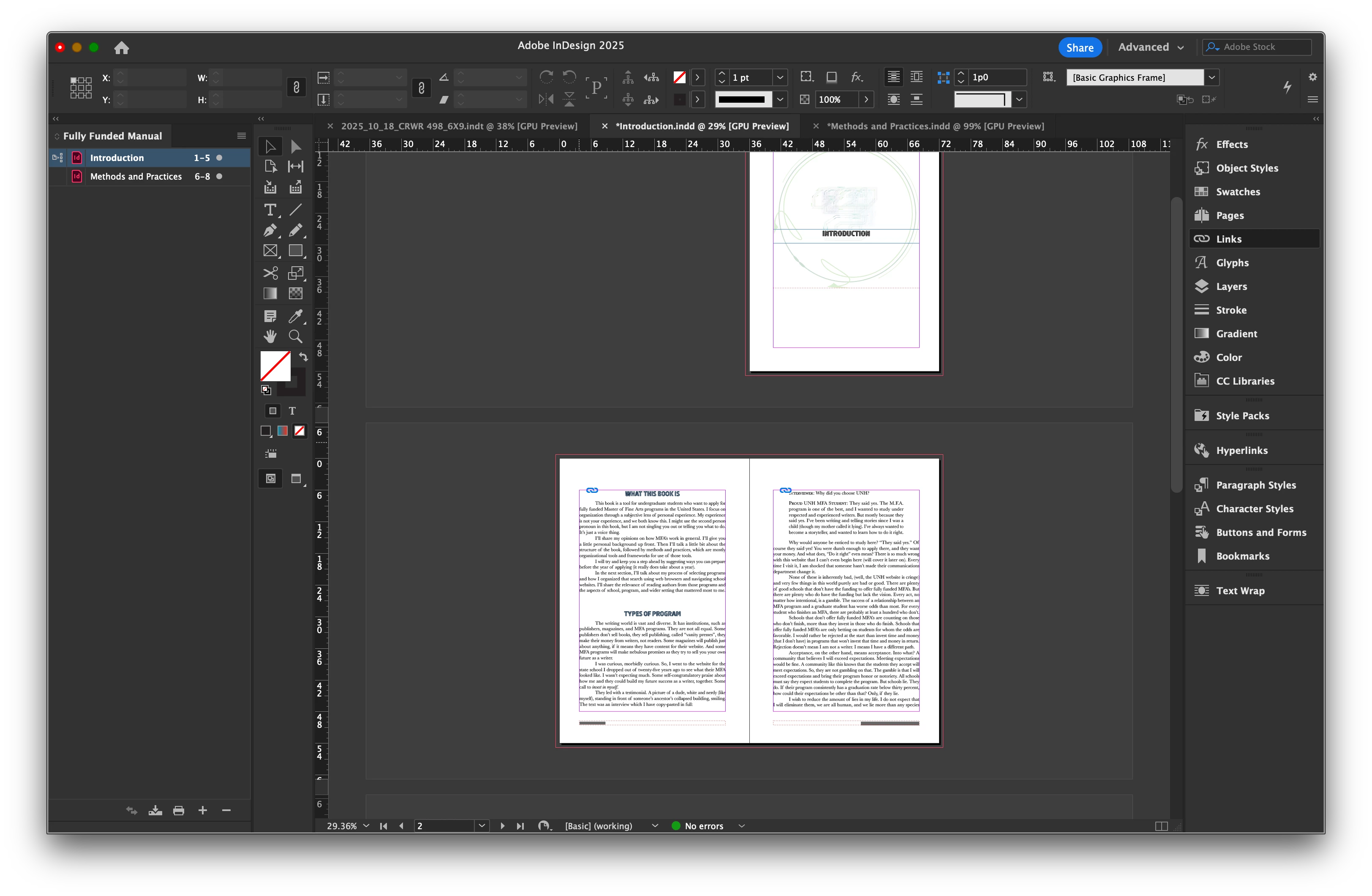
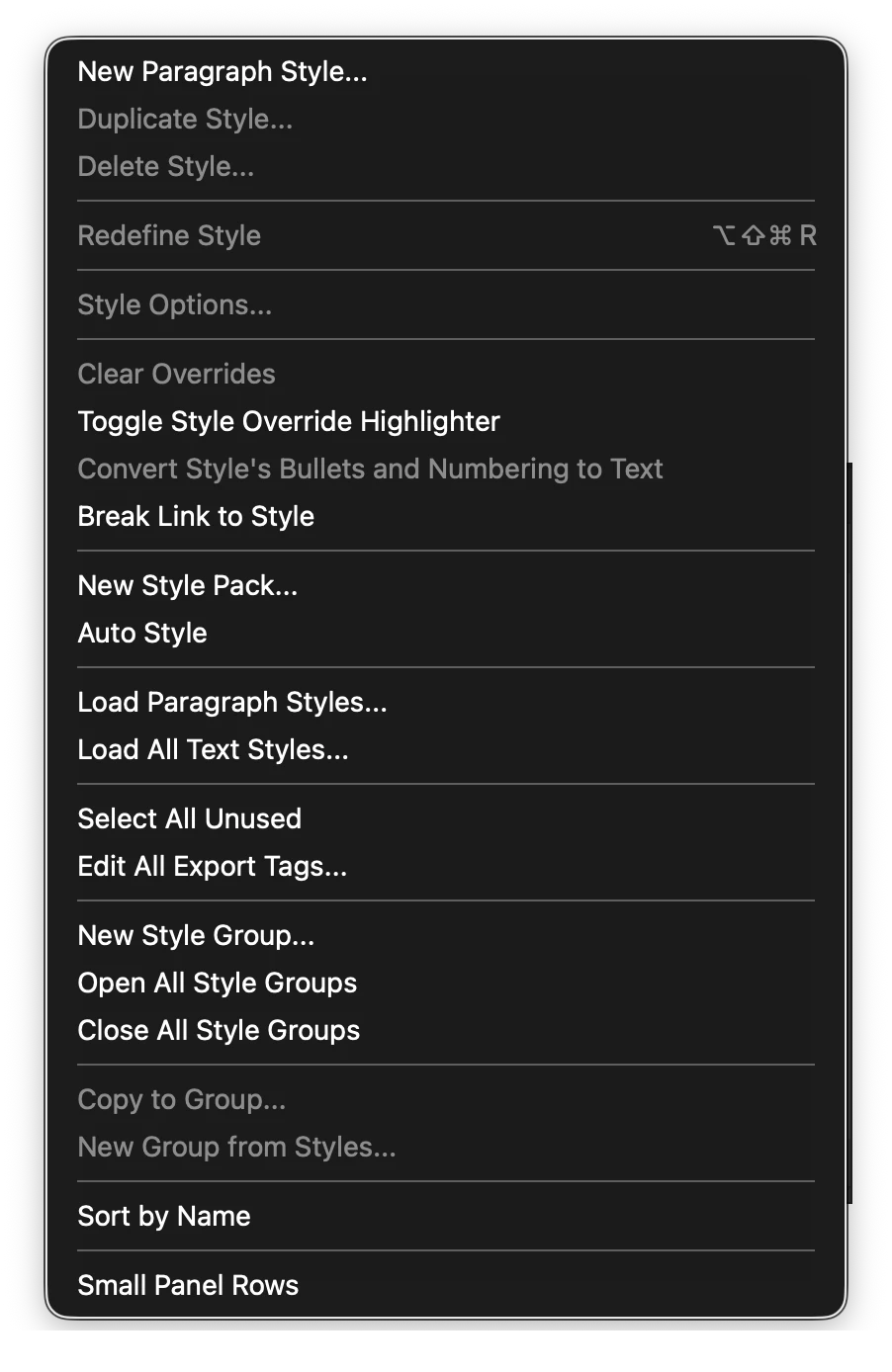
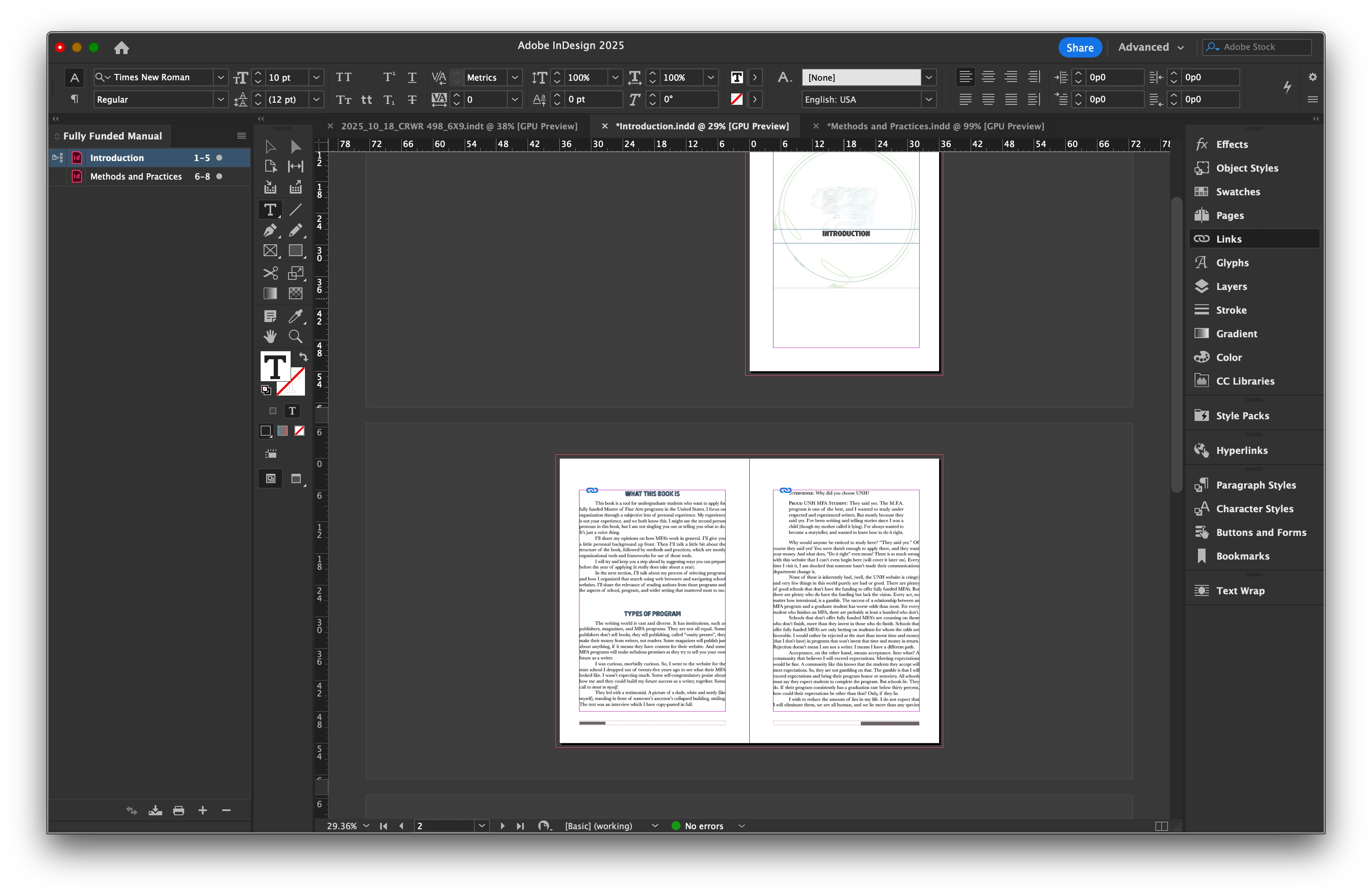
When I perform the described steps, all is well. However, when I alter and save the .DOCX file, all my Indesign STYLES are overridden and can't be fixed with CLEAR OVERRIDES because it is greyed out.
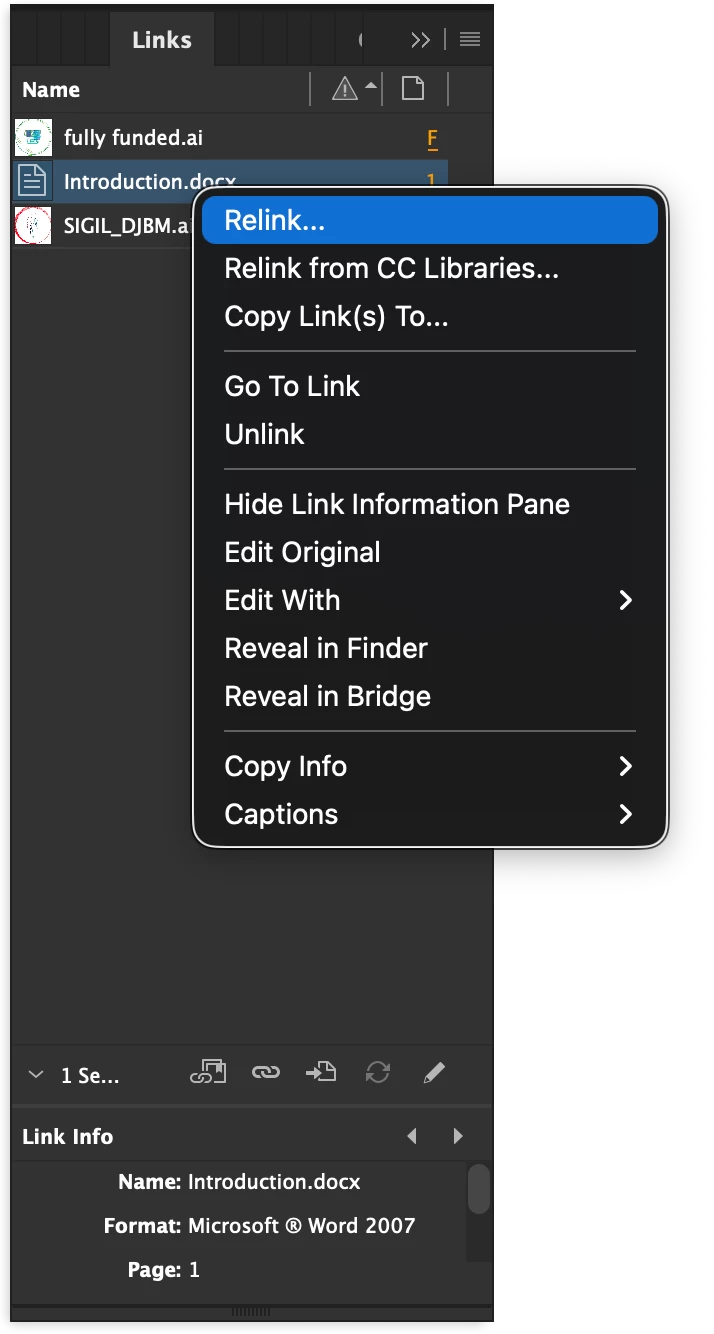
I have to RELINK the .DOCX to CLEAR OVERRIDES.
DOG GONIT! Now the problem isn't happening anymore. Heck with it. I'll continue the post, in case anyone can shed light. Screenshots below


 AdChoices