
Participant
March 30, 2022
Question

Workspace size after fullscreen mode

  • March 30, 2022
  • 1 reply
  • 148 views

Hello everyone,


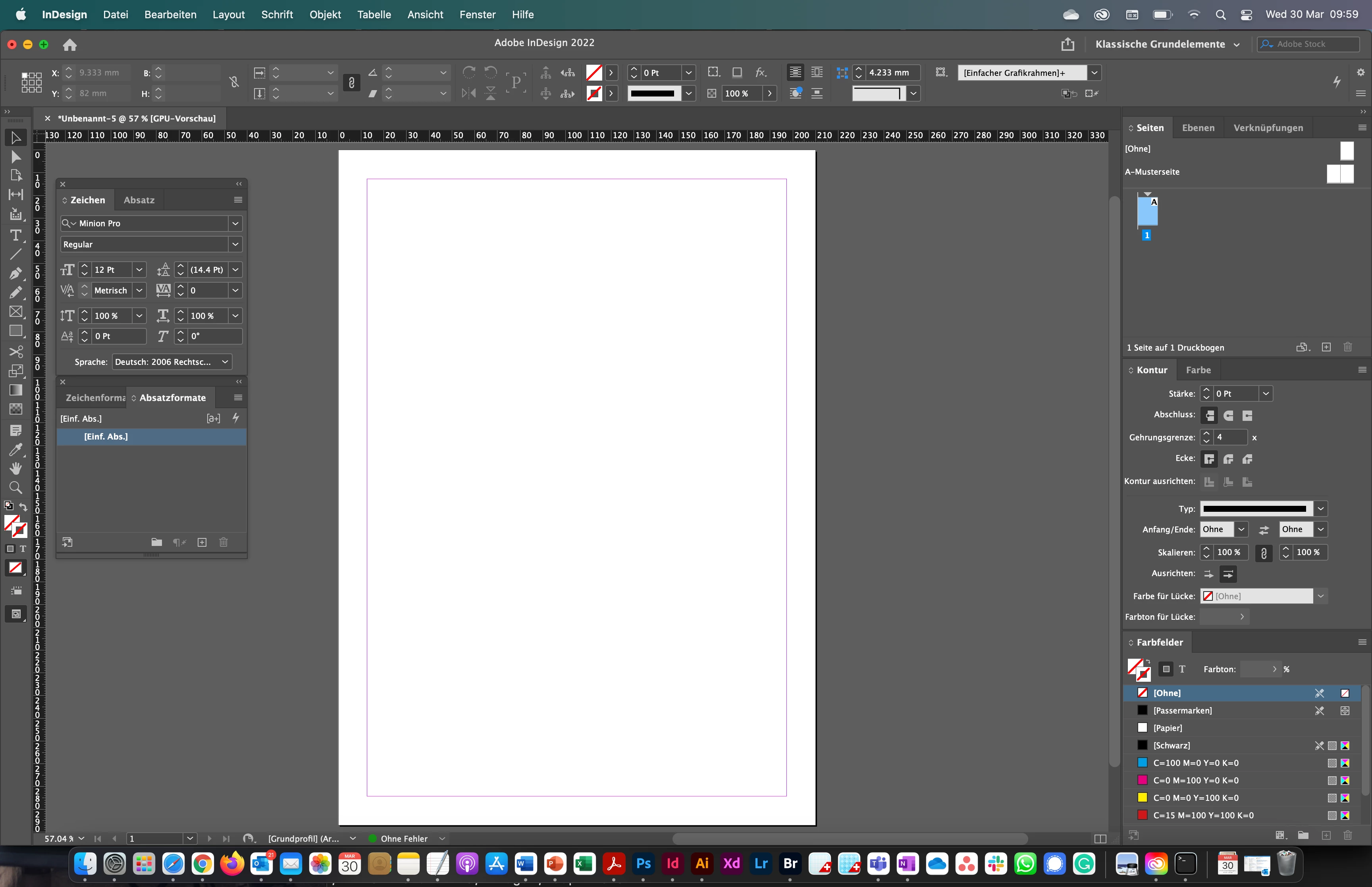
Since I upgraded to a MacBook Pro (M1 Pro, macOS Monterey Version 12.2.1), I experience always a problem with the InDesign workspace after being in the fullscreen mode.


View before fullscreen
 

View after fullscreen
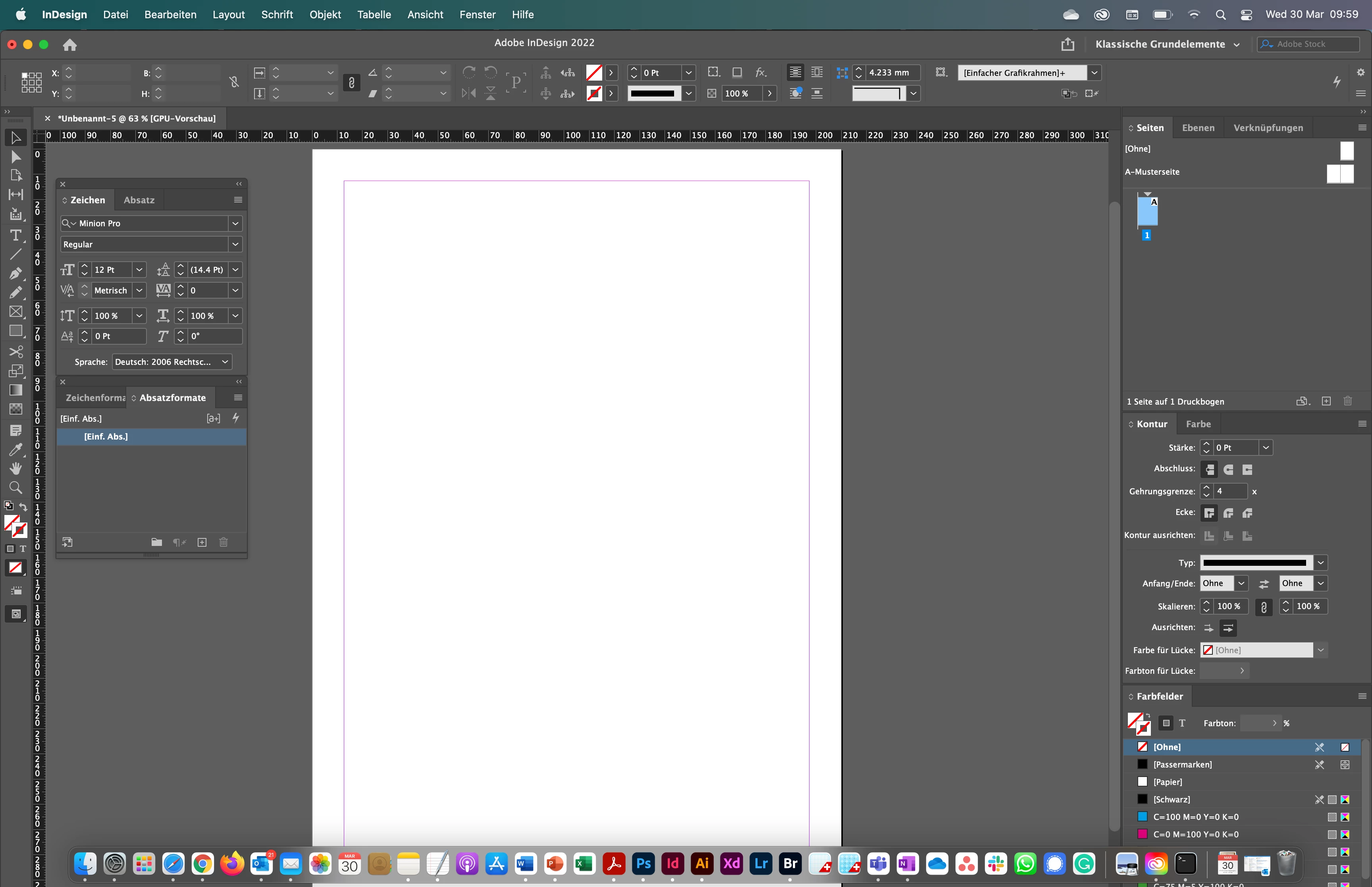
 

As you can see, the workspace at the bottom exceeds the visible view. Does anyone experience the same problem or has an idea how to solve it?


Best regards,

Damian

This topic has been closed for replies.

1 reply

Community Expert
April 9, 2022

Try resetting your preferences:
The easiest way to reset everything is to delete the InDesign preferences: as soon as InDesign starts to boot hold down Shift, Alt, Ctrl (and Apple/Cmd if working on a Macintosh). A dialog will appear asking to delete the InDesign Preferences, select 'Yes' on this dialog.
Further info and instructions here if needed:
https://helpx.adobe.com/in/indesign/kb/indesign-preferences-support-file-locations.html


---

Report bugs or make a feature request
https://www.adobe.com/products/wishform.html