



Wrapping text around a graphics frame with Corner Options
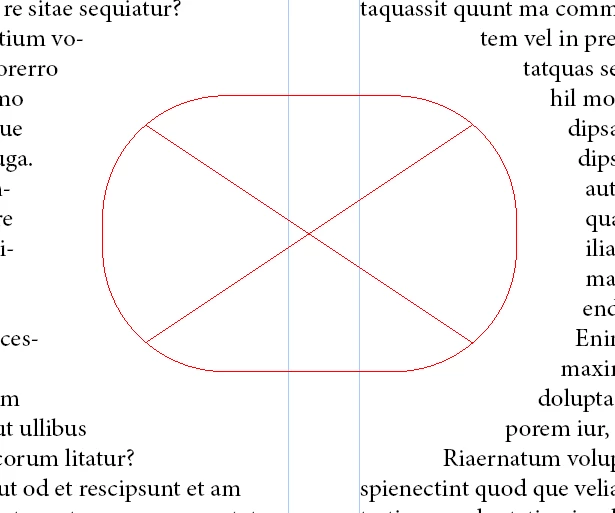
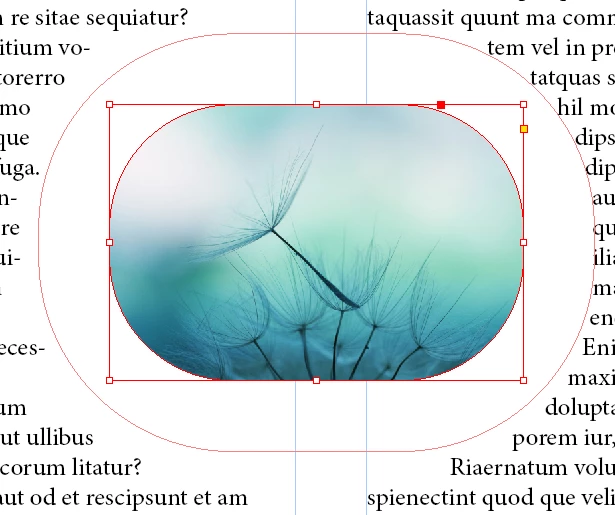
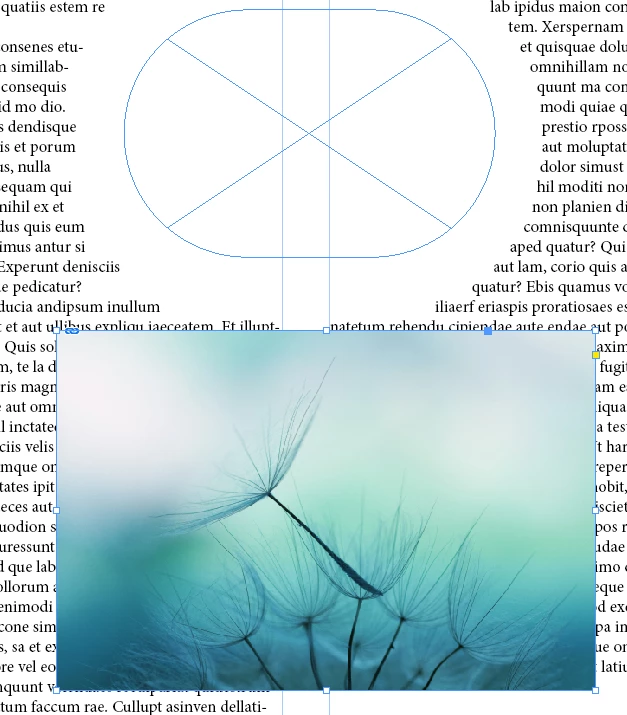
This has bugged me for years. When a graphics frame (i.e. an image) has rounded corners (Corner Options) and text is wrapped around it, the wrap doesn't follow the corners. It works fine for a rectangle shape created in InDesign, but not for an image. This screenshot shows the photo I want to use today and a rectangle I created just to demonstrate:
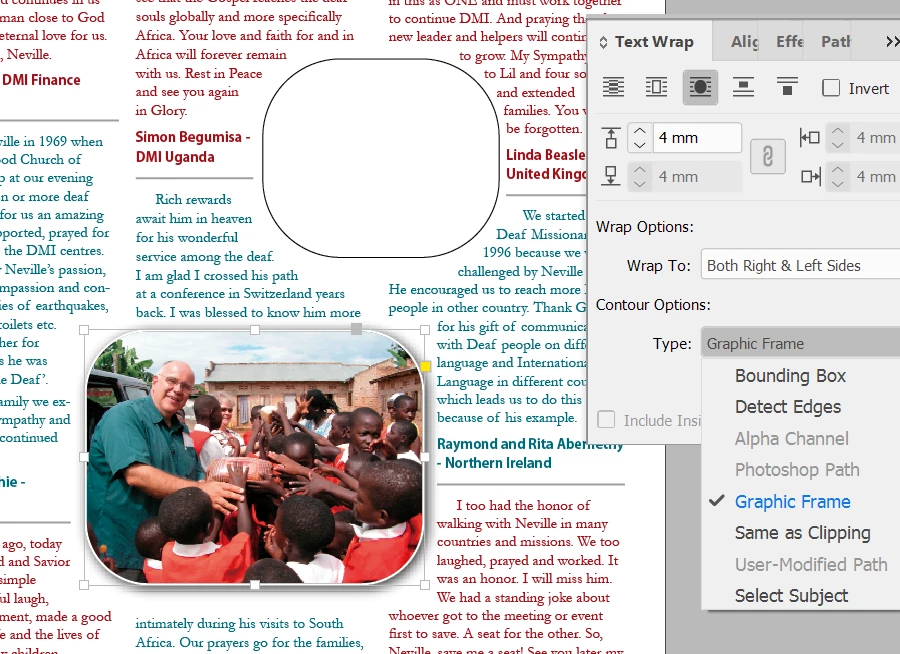
No matter whether I choose Bounding Box, Detect Edges, Graphics Frame, or Same as Clipping, the wrapping is square at the corners. My workaround has always been to make a rounded rectangle with no fill or stroke the same size and shape as the photo and apply the wrap to the rectangle instead of the photo, but that's extra work every time I adjust the photo in any way.
Is there a way to do this without the additional object? Diligent searching off and on over the years has has turned up any chatter about this.
 AdChoices