Shiv Allva
Known Participant
November 17, 2022
Answered

Wrong column balancing (Second column data is more than the first)

  • November 17, 2022
  • 3 replies
  • 713 views

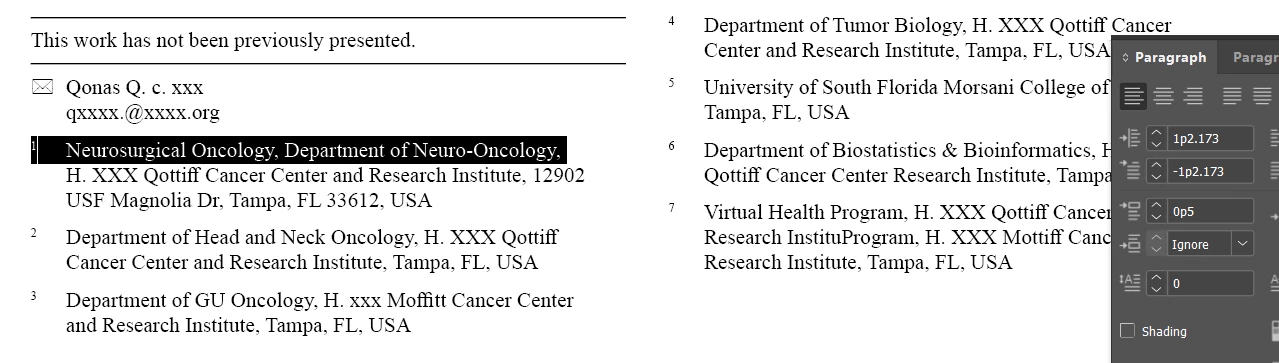
Usually on a “Frame to Content” fit, the first column will have more lines than the second column (check first image)

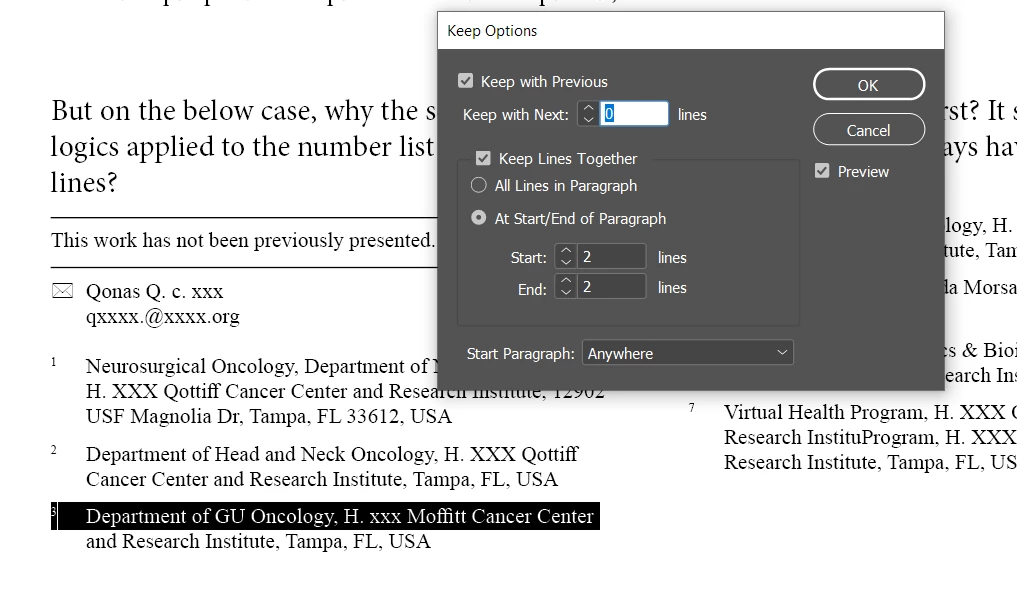
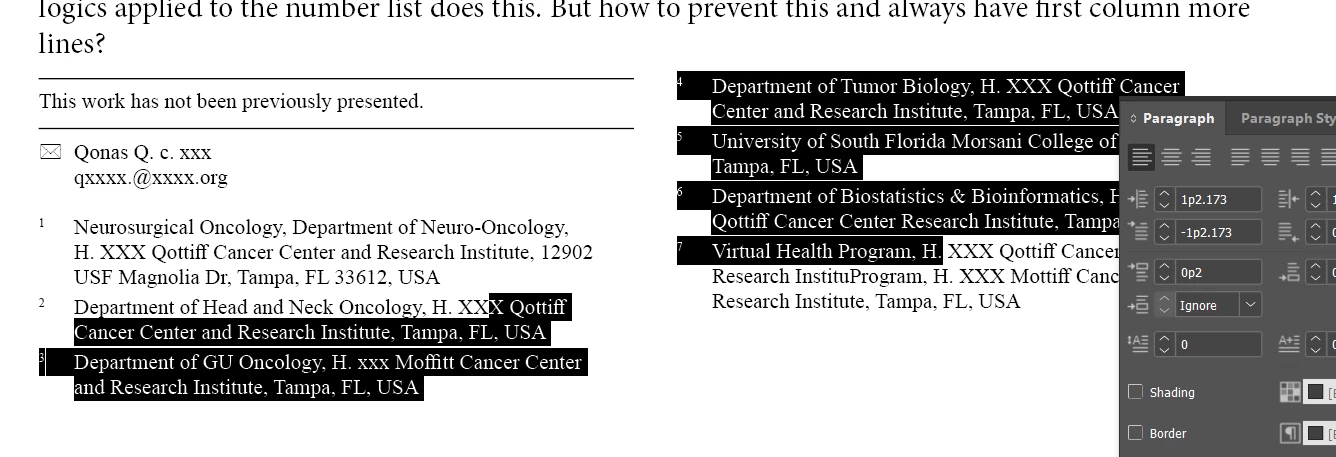
But on the below case (check second image), why the second column is having more lines than first? It seems like the keep logics applied to the number list does this. 
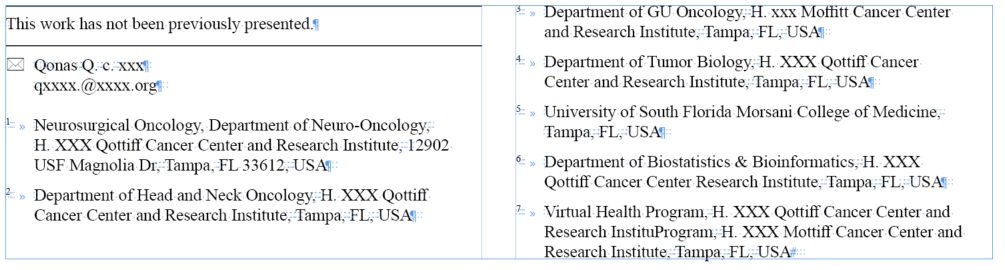
Please let me know how to prevent this and always have first column more lines? Do we really need a scripting support here? Have attached the DEMO indesign file.
This topic has been closed for replies.
Correct answer Eugene Tyson

The reason is that there not enough space for the no.3 bullet to fit in that space.

You have to reduce the paragraph spacing to 0p2 to fit it in


Or reduce space elsewhere


Or increase the size of your text frame and for No. 3 - set it to keep with previous


Then fit frame to content works


3 replies

Eugene TysonCommunity ExpertCorrect answer
Community Expert
November 17, 2022

The reason is that there not enough space for the no.3 bullet to fit in that space.

You have to reduce the paragraph spacing to 0p2 to fit it in


Or reduce space elsewhere


Or increase the size of your text frame and for No. 3 - set it to keep with previous


Then fit frame to content works


Shiv Allva
Known Participant
November 17, 2022

ok, thanks for your valuable info.

I took the last solution what you provided and created a script, works good!

Script logic:
1. If secondcolumn_firstline_baseline goes shorter than firstcolumn_firstline_baseline, then apply keepWithPrev for secondColumn firstPara
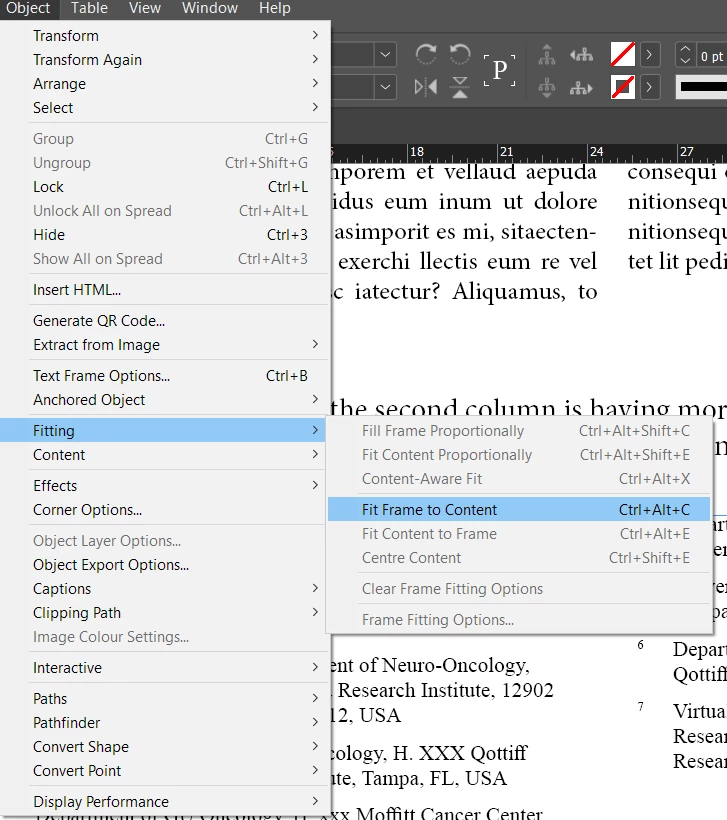
2. And do a fit

-- here is the working JS code ---
function frameBalance(frame){
    if(frame.textColumns[1].lines[0].baseline < frame.textColumns[0].lines[0].baseline){
        frame.textColumns[1].lines[0].paragraphs[0].keepWithPrevious = true;
        frame.fit(FitOptions.frameToContent);
    }
}

Output:


Community Expert
November 17, 2022

Did you intend on the text on the right column not to go to the top of the frame?

Brad @ Roaring Mouse
Community Expert
Community Expert
November 17, 2022

It's because of the Keep options on your paragraph style for the numbered items. It will not break any paragraph into less than two lines. This forces the last item in the first column to the top of the second column.

You could turn it off, but having single lines is bad typography.

"Usually on a “Frame to Content” fit, the first column will have more lines than the second column"

No. It will make the text box the smallest. In this case, that means putting the extra item in the second column.

Willi Adelberger
Community Expert
Community Expert
November 17, 2022

Make the Affilation Author with rule and email span columns.

Maybe, the rule should be part of Article note, not of Affiliation Author.