Answered
X across page
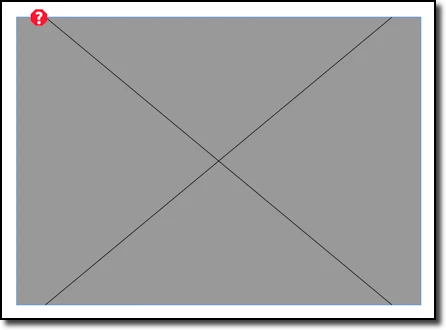
I'm new to inDesign and I'm trying to edit a piece created by someone else. The page has a large black X across it and I can't figure out how to get rid of it. Please help. Any suggestions would be appreciated.
Thanks.

I'm new to inDesign and I'm trying to edit a piece created by someone else. The page has a large black X across it and I can't figure out how to get rid of it. Please help. Any suggestions would be appreciated.
Thanks.
Team effort! It's a missing graphic and the Display Performance is set to Fast Display and you still have to track it down (locked, locked layer, master page.)
But the Fast Display is why the X is black.
~Barb
Already have an account? Login
Enter your E-mail address. We'll send you an e-mail with instructions to reset your password.
 AdChoices