Inspiring
June 7, 2019
Answered

8.1 photos turned dark all of a sudden

  • June 7, 2019
  • 1 reply
  • 1047 views

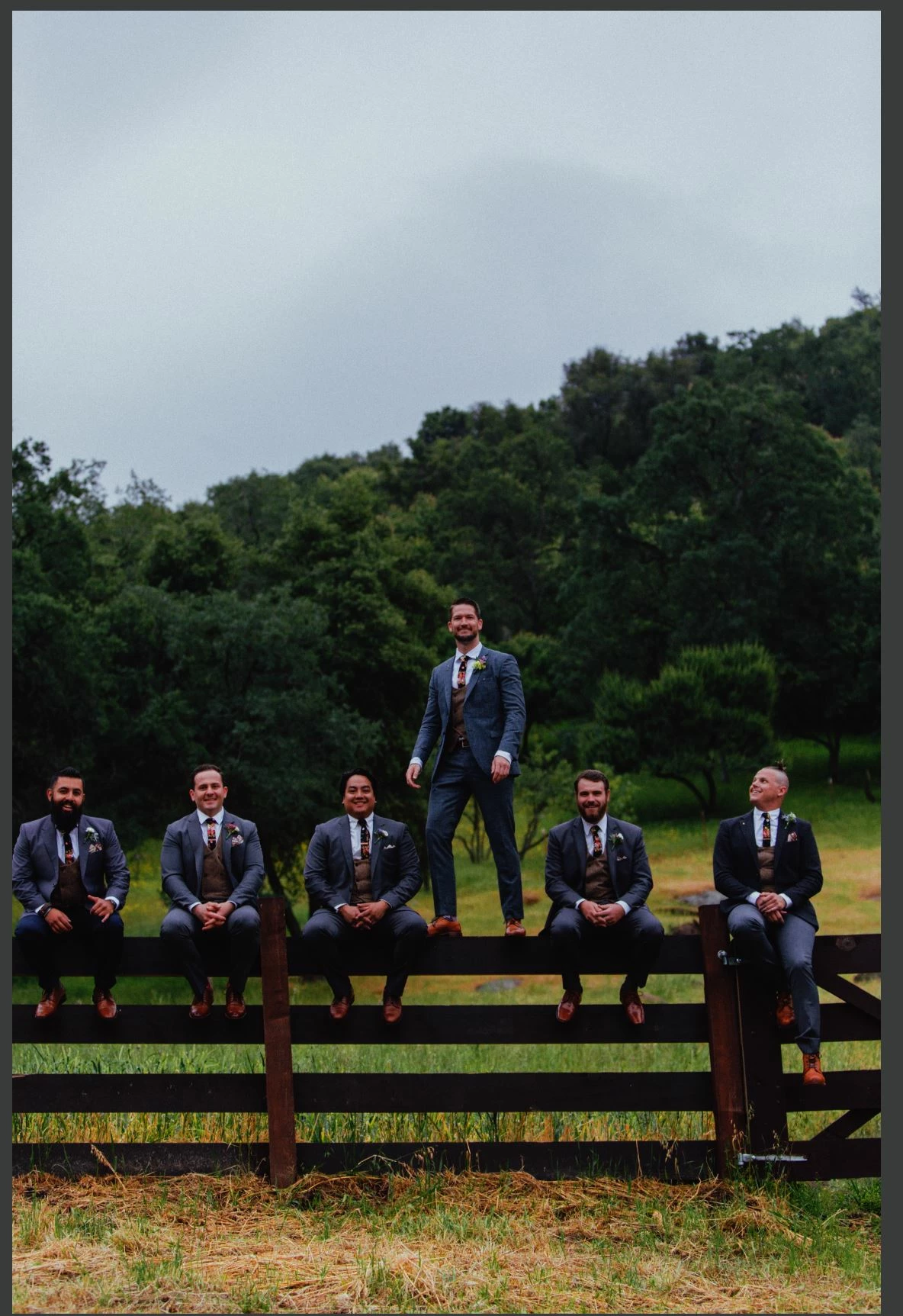
was using Lightroom and all of a sudden when I  got home and connected to the internet, all my photos turned really dark while editing. and when I export they look good. iv tried uninstalling and reinstalling, but I don't know what's going on. Edit: the exported and screenshots all look the same on my monitor.
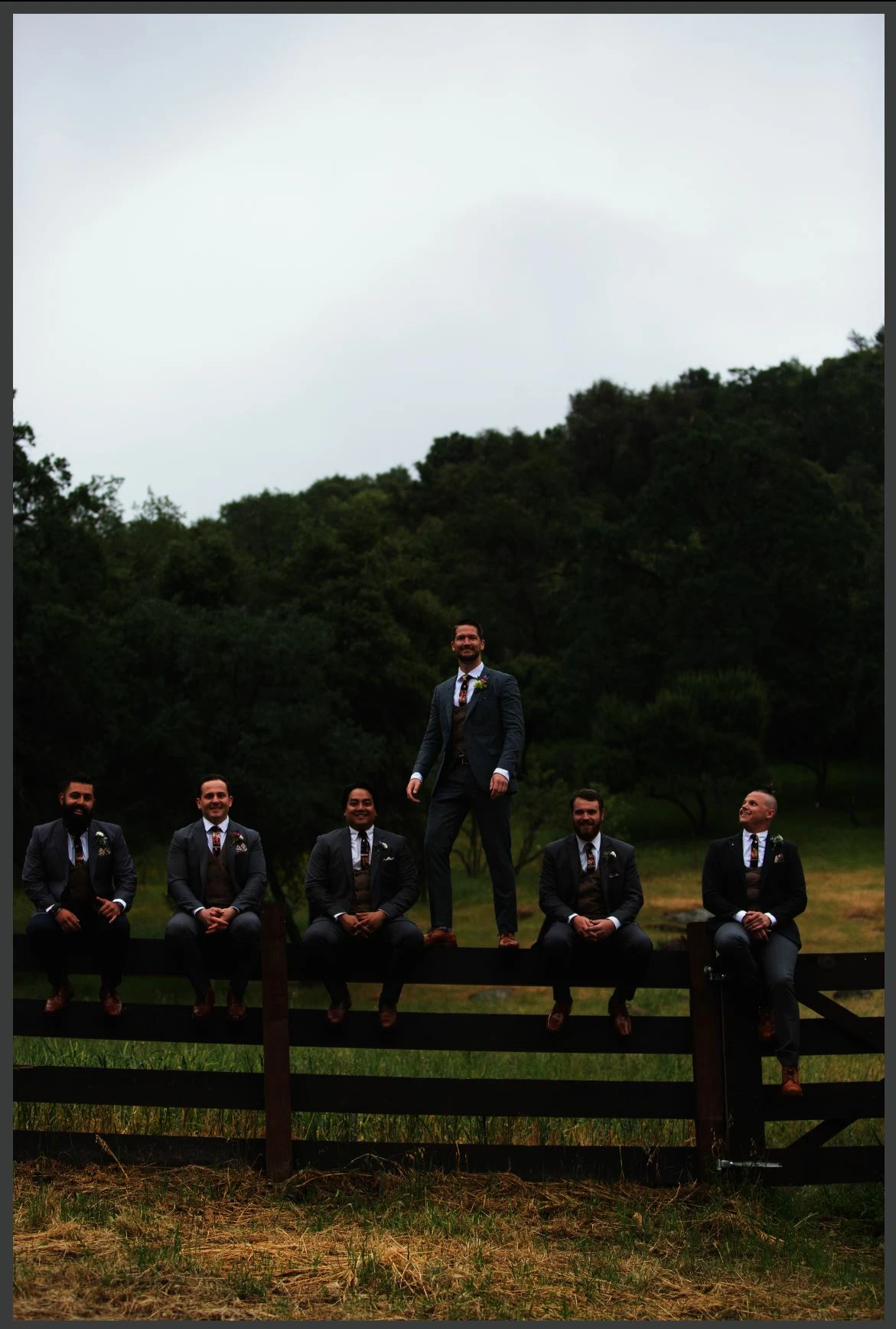
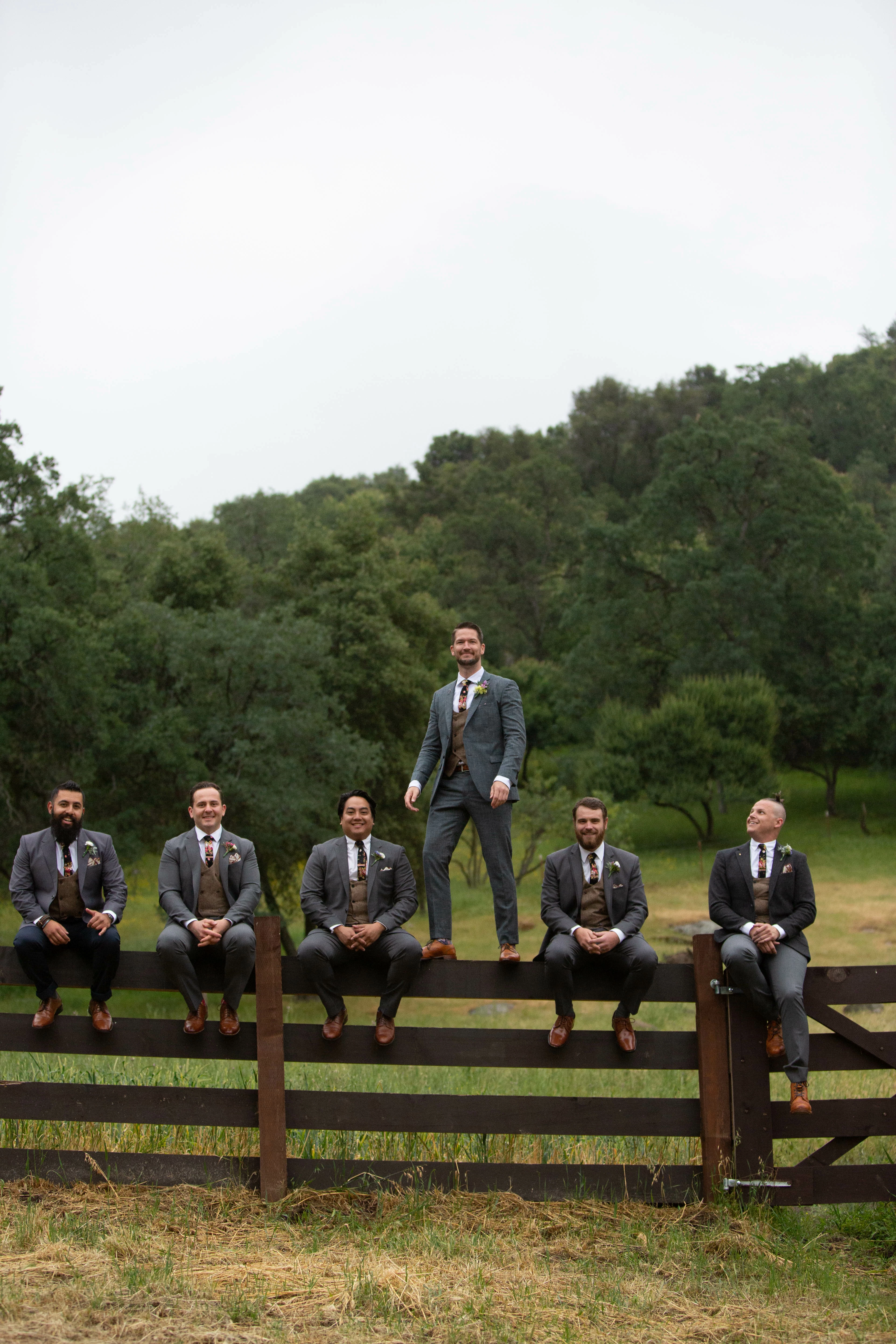
Unedited screenshot vs exported and here are the edited
    This topic has been closed for replies.
    Correct answer sierraa687

    fixed. something added with color profiles. was tired and messed around with that. restarted computer and started messing with app. removed profile and fixed now.

    1 reply

    sierraa687AuthorCorrect answer
    Inspiring
    June 8, 2019

    fixed. something added with color profiles. was tired and messed around with that. restarted computer and started messing with app. removed profile and fixed now.

    2drumstix
    Known Participant
    July 24, 2019

    Was wondering if you could explain your fix in more detail? I started having what looks like the same issue all of the sudden. Thanks.

    Rob_Cullen
    Community Expert
    Community Expert
    July 25, 2019

    I suspect that sierraa687 was referring to MONITOR profiles, as that is a common cause of differences in photo characteristics.

    You can check your Monitor profile- https://www.lightroomqueen.com/how-do-i-change-my-monitor-profile-to-check-whether-its-corrupted/

    If you find that sRGB profile corrects the problem, then you should create a new correct Monitor profile using a Calibration device.

    Regards. My System: Windows-11, Lightroom-Classic 15.3, Photoshop 27.5, ACR 18.3, Lightroom 9.3, Lr-iOS 10.4.0, Bridge 16.0.3 .