Inspiring
July 26, 2024
Answered

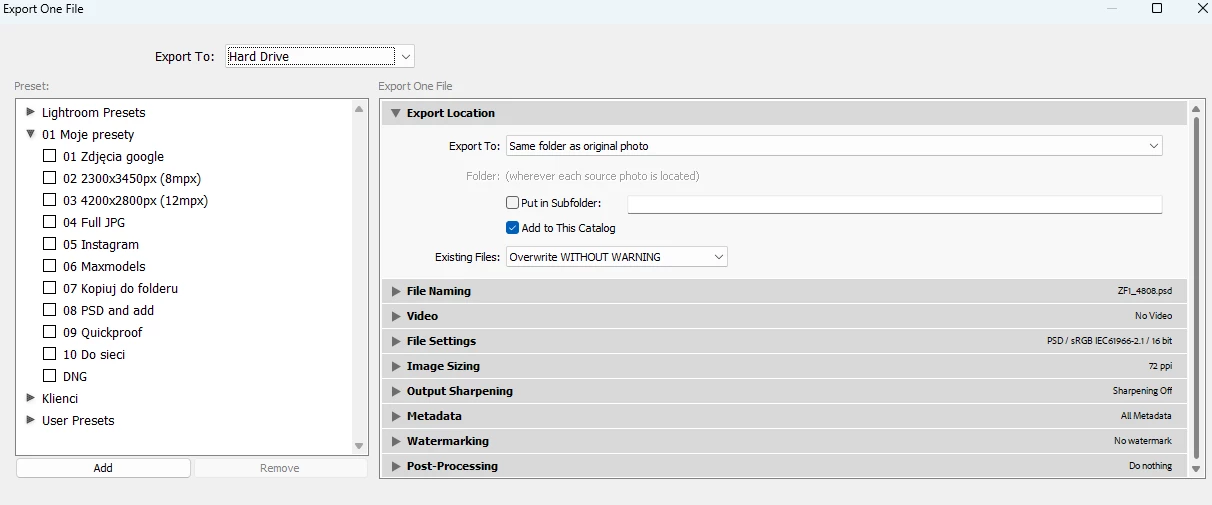
Add to stack option missing in export window

  • July 26, 2024
  • 2 replies
  • 500 views

I cannot choose add to stack in export settings. Yes, I have "the same folder" option selected and "add to this catalog"
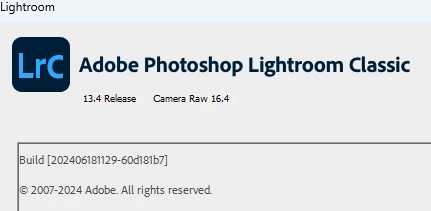
Windows 11
 

This topic has been closed for replies.
Correct answer adama72519706

Ok, seems I found the source of issue. I was exporting from Smart Album, exporting from regular collection or folder allowss this option. Still, when I create a preset that adds to stack and use it from Smart Album, adding to stack will work.

2 replies

johnrellis
Legend
July 27, 2024

[This post contains formatting and embedded images that don't appear in email. View the post in your Web browser.]


Hmm, as you know, normally it looks like this:


First, restart your computer. If the problem persists, try resetting LR's preferences:
https://www.lightroomqueen.com/articles-page/how-do-i-reset-lightrooms-preferences/


LR sometimes soils its preferences file, and resetting it can fix all sorts of wonky behavior. That article explains how to restore the old preferences if resetting doesn't help.


Inspiring
July 27, 2024

The problem persists, weird thing is that I think LRC wasnt updated since it last worked.

GoldingD
Legend
July 26, 2024

Wrong place for that, look in /preferences/external editing/


https://www.lightroomqueen.com/add-external-editor/


Ok, I see I am wrong, I really should answer while at my PC with LrC running, not my iOS device. Bad gray cell matter.
