

Answered
Adding folders to an external hard drive?
I am new to Lightroom. I'm viewing the Julieanne Kost tutorials. In the video on adding folders, it shows clicking the + button next to Folders, and a dialogue box comes up that says "Choose or Create New Folder." However, in my CC version, this dialogue box does not appear. It just asks me to name a folder. Then it puts it into n existing folder by default. It does not allow me to direct where the folder goes. In addition, she says I can put the folder in my external drive (which is attached to my iMac). However, the external drive does not show up on the screen. Of course, I can go to Finder and do this manually. But how do I do it in this version of Lightroom?
Thanks.
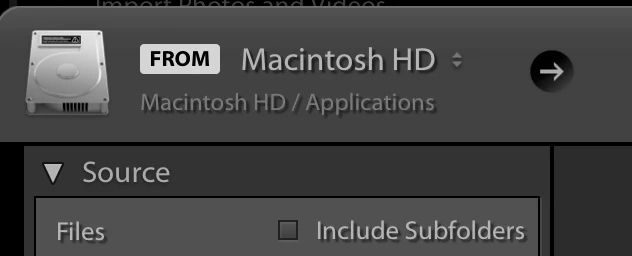 In the Import dialog click the right arrow in the black circle at the top left and chose "Other Source" and use your operating system to find the external.
  AdChoices