
Participant
August 4, 2025
Question

After hitting reset in LrC, the image still looks edited. How can I restore the exact original?

  • August 4, 2025
  • 2 replies
  • 312 views

Hi.


I am using LrC V14.0.1 on a mac, and it seems like I cannot revert an image back to the original. Even after resetting the image, there is still a big difference between the before and after.
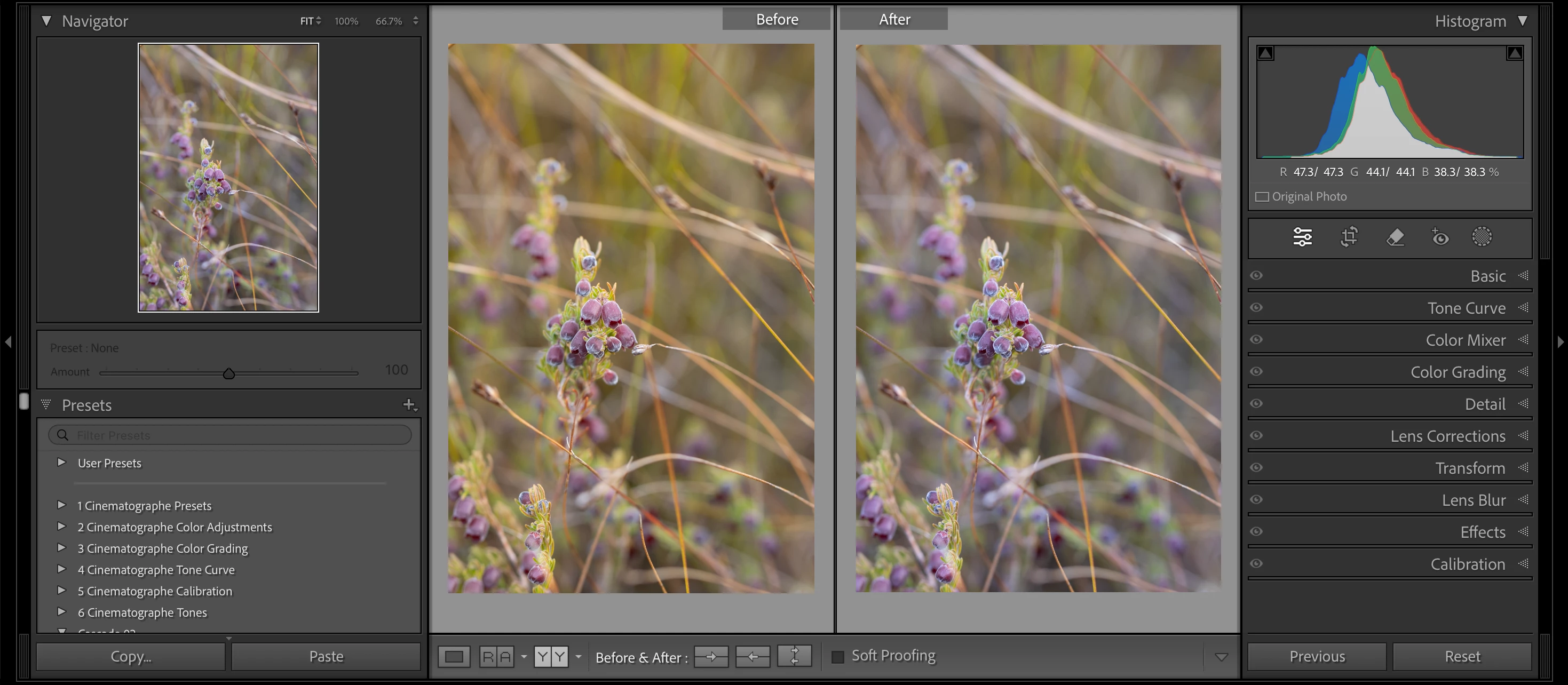


The above screenshot was taken after I reset the image. Is there any way that I can get the original back, because I prefer that edit over the non-edited 'after' image.


Thanks!

2 replies

Legend
August 4, 2025

Do you have any presets that are assigned at import time?

ntmoolmanAuthor
Participant
August 4, 2025

No, all of the "Apply During Import" settings are at "None".

Legend
August 4, 2025

Try looking at the files in Bridge, which doesn't read the Lightroom catalog. You can fully revert to the out-of-camera file by deleting the XMP sidecar (if you use them) which will get rid of any adjustments, then open from Bridge into Adobe Camera RAW.

GoldingD
Legend
August 4, 2025

What does the History Panel show?


ntmoolmanAuthor
Participant
August 4, 2025

It just shows the import, I haven't done a thing.