
Inspiring
October 18, 2022
Question

After updating to LR 12.0, I am unable to import images from my camera.

  • October 18, 2022
  • 6 replies
  • 1069 views

Hi,

My LR was updated to V12.0 and I am no longer to import images from my camera.

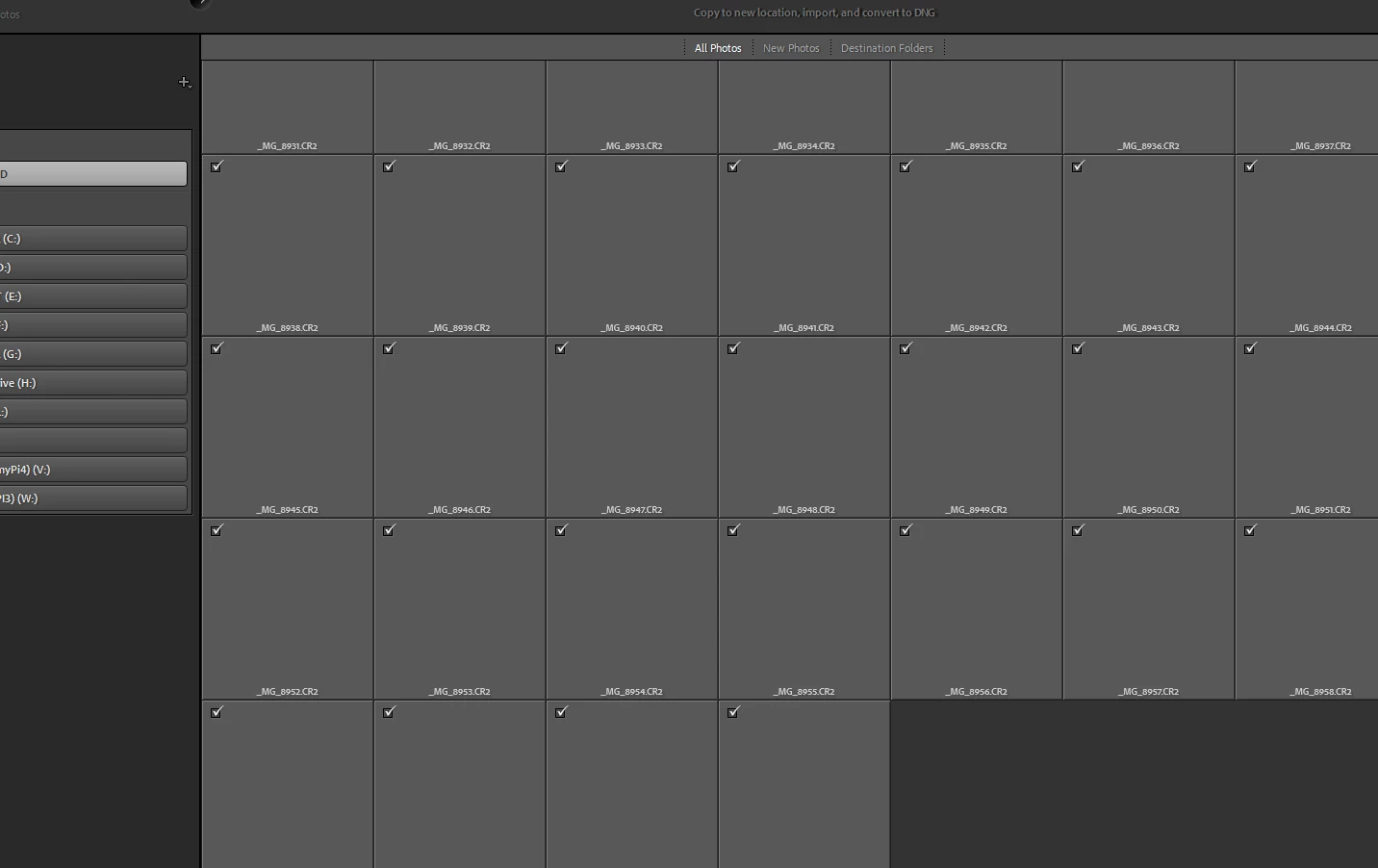
On the Import panel, I see only place holders for the imported images but no preview is visible. 

Pressing the import button does nothing - it simply hangs.

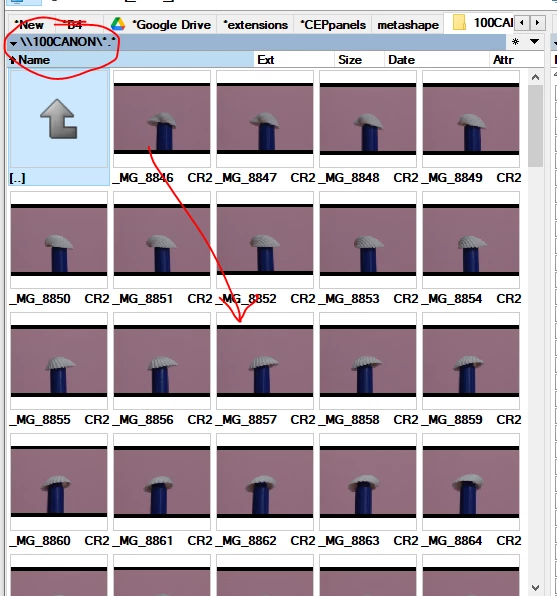
I am sure there are images and I am sure they are redable from teh camera SD card - I tried to copy then manually to my pc and I can see the images and the preview.


This is how the import windows looks:
This is how it looks in a file berowser:
I treid restarting my PC and it did not help.

Running LR classic , latest version on win10.

Any suggestions?


This topic has been closed for replies.

6 replies

KR Seals
Community Expert
Community Expert
October 18, 2022

Once I read your post, I gave importing into LrC V12 on my MBP M1 Max a try. A couple dozen images from my Nikon Z9 imported flawlessly. It doesn't look like a bug that will affect everyone.

Ken Seals - Nikon Z 9, Z 8, 14mm-800mm. Computer Win 11 Pro, I7-14700K, 64GB, RTX3070TI. Travel machine: 2021 MacBook Pro M1 MAX 64GB. All Adobe apps.
Inspiring
October 19, 2022
I'd assume it doesn't affect everyone as Adobe must be running
numerous tests before releasing.
Adobe support representative, who accessed my PC and tried to solve it,
said it is a bug which will be fixed soon.
I hope it will.
GoldingD
Legend
October 18, 2022

And these are brand new photos never ever imported into LrC, correct?

Inspiring
October 18, 2022

Correct.

Already imported photoes, when you try to import them, have a lighter thumbnail if I recall correctly.

As I was told by adobe support who gianed access to my PC, this is a bug in the new version.

Downgrading to an older version solved it.


GoldingD
Legend
October 18, 2022

In that first screensot, can you repost with the missing info on the left shown. Looks like you might have chossen Device as opposed to Files.

Inspiring
October 18, 2022

I am currently using an older version until this matter is resolved.
My impport flow was the same I use all the time. 

Doing the same on an older version (11.5) solved it for now.

Adobe Employee
October 18, 2022

Could you please let us know the camera you use?

Thanks,
Sunil

Inspiring
October 18, 2022
Yes, it's a Canon EOS 70D
F. McLion
Community Expert
Community Expert
October 18, 2022

There is no such thing as Lightroom 2023. Please always use official version numbering available in the application's info/about.

--- Got your issue resolved? Please label the response as 'Correct Answer' to help your fellow community members find a solution to similar problems. ---
Inspiring
October 18, 2022

Modified to LR V12.0

Inspiring
October 18, 2022

I cantacted adobe support which run some tests and at last reinstalled an older version of LR Classic (11.5).

This solved the issue for now. 

Support informed me this is a bug which adobe is working on resolving it.