

Participant
September 2, 2026
Question

AI Denoise on LrC crashes every time

  • September 2, 2026
  • 1 reply
  • 43 views

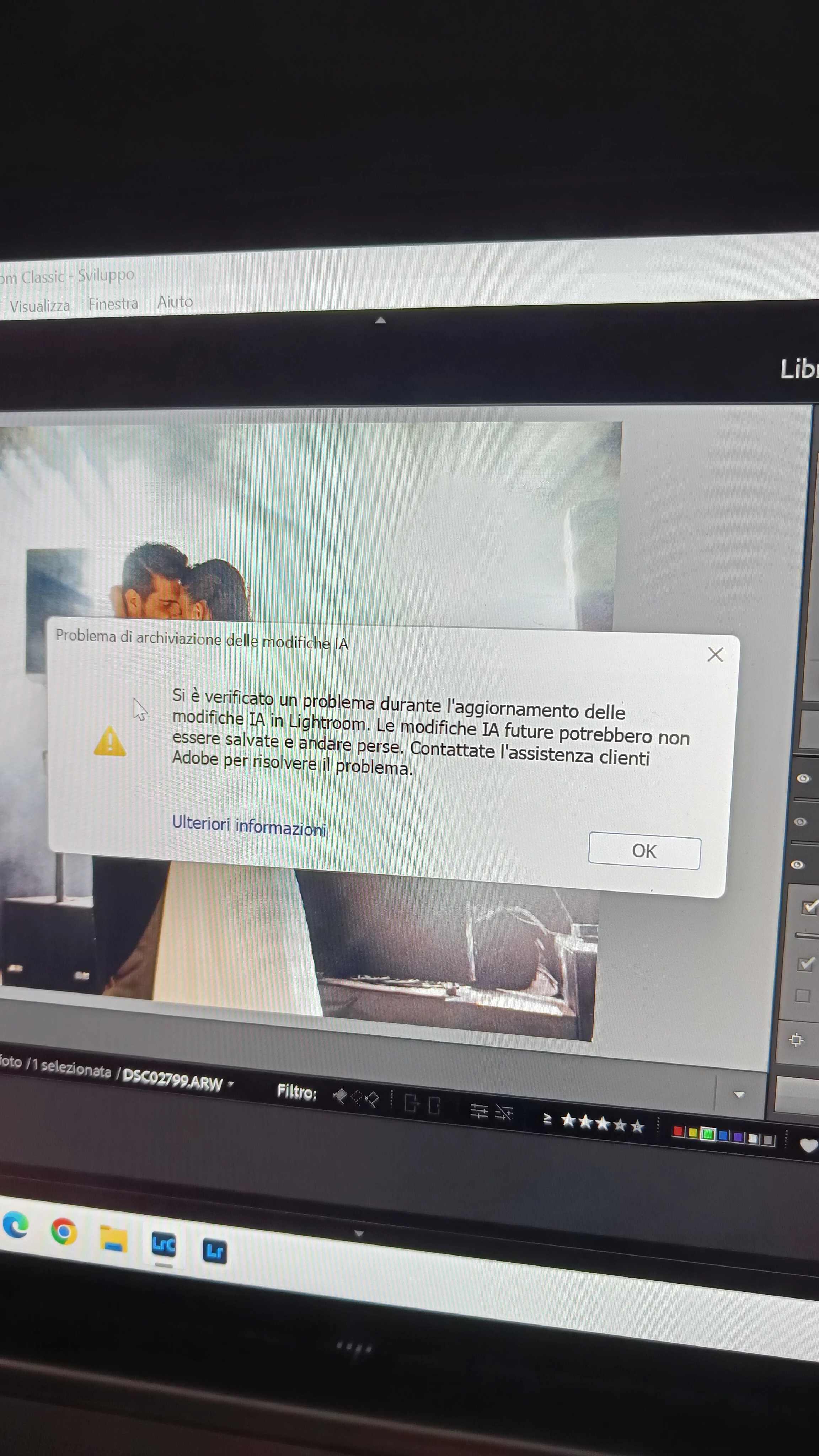
I try to denoise my photos with IA and my catalogue crashes out and doesn't do its job giving me with this message

 

    1 reply

    Anshul_Saini
    Community Manager
    Community Manager
    September 25, 2026

    Hi ​@analytical_Meadow5DEB,

    Thanks for sharing the screenshot. The message you’re seeing is an AI Edits storage error. Lightroom Classic uses a separate .lrcat-data file alongside the catalog to store AI edit information, and this message appears when Lightroom is unable to read, write, or update that storage correctly.

    Please try the following first:

    1. Restart your computer, then open Lightroom Classic again.
    2. Make sure Lightroom Classic is running with an account that has administrator privileges, or right-click on Lightroom.exe and launch it as an administrator.
    3. Check that there isn’t another instance of Lightroom Classic accessing the same catalog.
    4. Make sure the drive containing your catalog has sufficient free disk space.

    Please don’t delete, rename, or modify the .lrcat-data file while troubleshooting this, as it contains the AI edits associated with your catalog.

    There is a troubleshooting HelpX article specifically for this error here:

    https://helpx.adobe.com/lightroom-classic/desktop/technical-support/workflow-issues/catalog-issues/ai-edits-storage-error.html

    If the error still appears after those checks, please go to Help > System Info > Copy and paste the complete System Info into your reply. That will also show us the catalog location, which is important for this particular error.

    Please also let us know whether the error occurs with every photo you try to Denoise or only certain photos.

    Best,
    Anshul Saini