
Participant
February 25, 2025
Question

all thumbnail grey - lightroom Classic

  • February 25, 2025
  • 3 replies
  • 253 views

Help,

I just updated to the latest version of LR and with it the catalogue. 

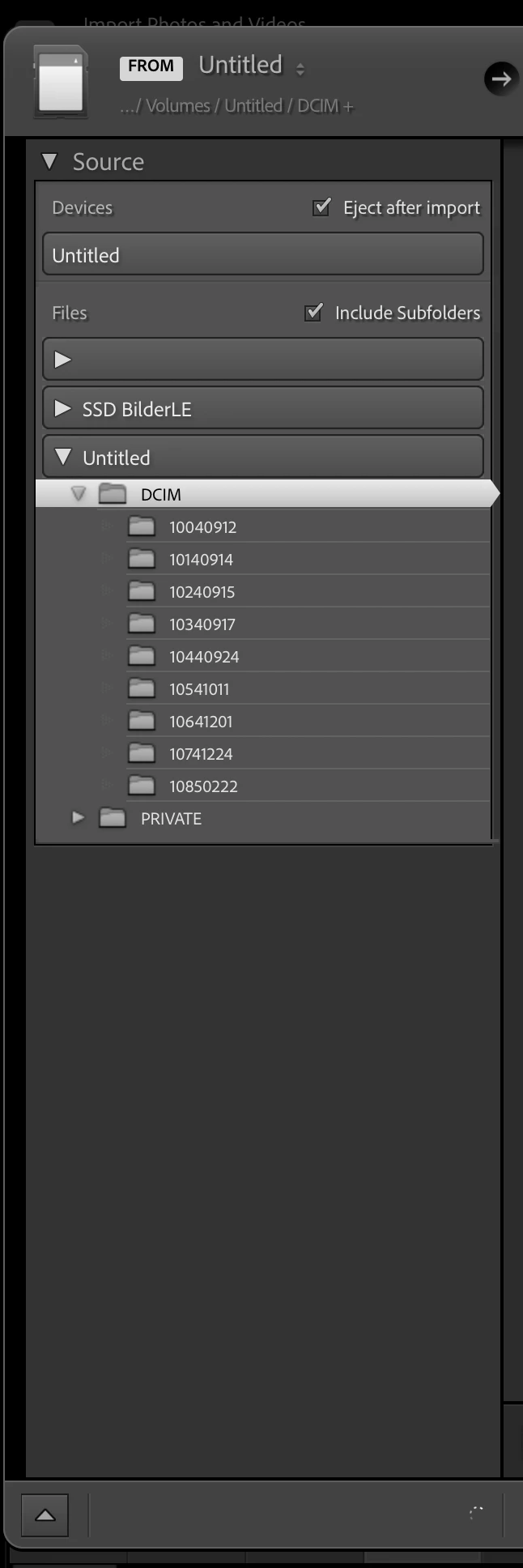
now, all my picture thumbnais show grey and when i am trying to import new picutres in the lower left hand corner shows a turning wheel. the pictures files are still where they are supposed to. 

I am working with macOS.

does anybody has an idea how to fix this???

Thank you!
3 replies

Participant
March 5, 2025

thank you for the reply.

I ended up restoring for a previous backup and this resolved the issue. it seemed that the file must have been corrupted during the upgrade process. now it all works as it should again. 🤩

Per Berntsen
Community Expert
Community Expert
February 25, 2025

I don't think this is caused by a defective monitor profile.

The three little circles on your thumbnails indicate a corrupted preview cache, which contains the Library previews.

With LrC closed, go to the folder that contains the catalog, and delete the file whose name ends with Previews.lrdata

Do not delete anything anything else.

When you launch LrC, it will rebuild the previews as you browse folders in Library.


dj_paige
Legend
February 25, 2025

https://www.lightroomqueen.com/how-do-i-change-my-monitor-profile-to-check-whether-its-corrupted/


With regard to your import problem, please show us a screen capture of the ENTIRE Import dialog box.
