


siedsw56853511
Participant
Apr 30, 2019 6:32 AM UTC
Question

Already imported photos appear as new photos

Already imported photo's appear as new photo's:

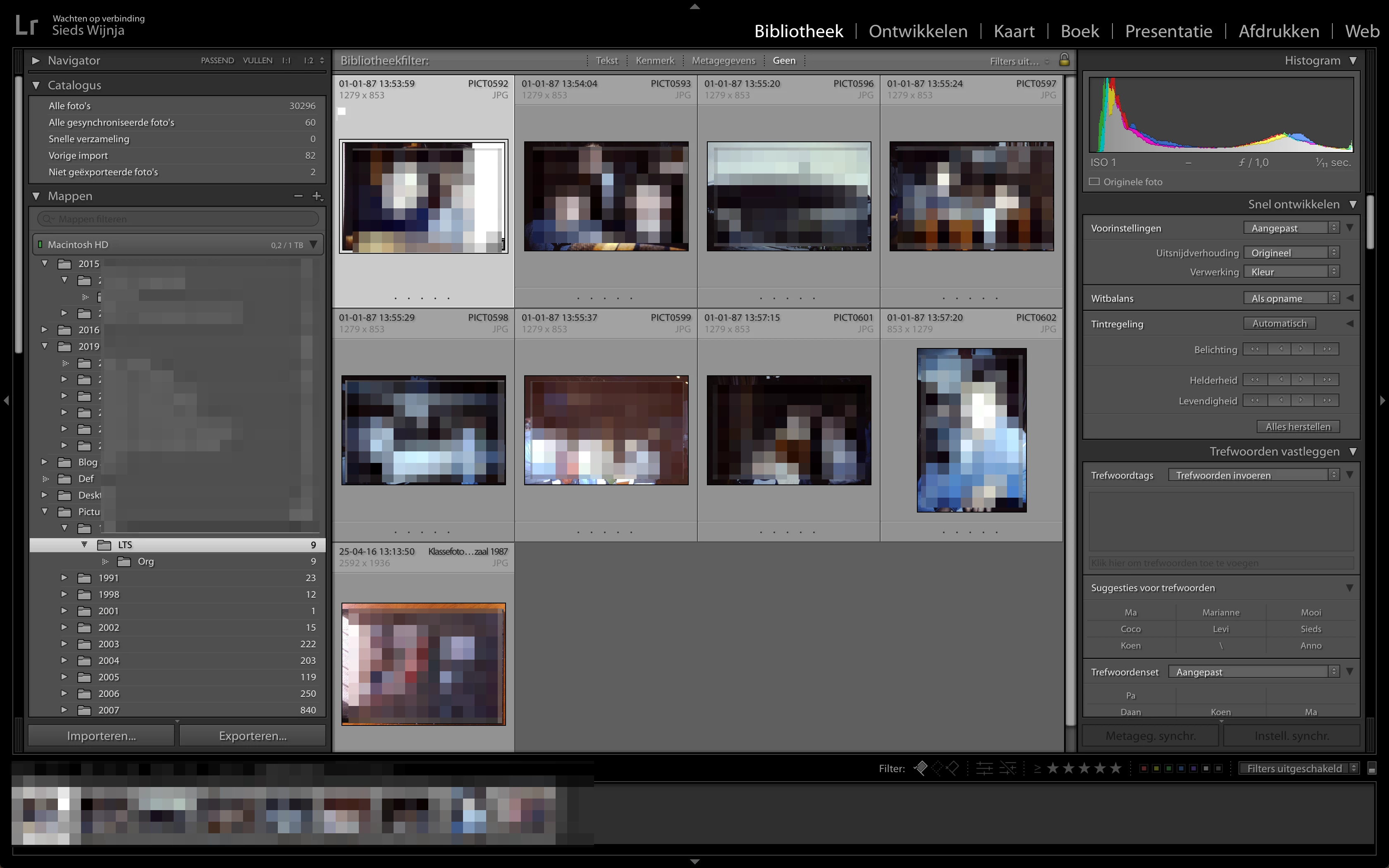
  • I go to a folder (1987 -> LTS in this case) in the navigator.
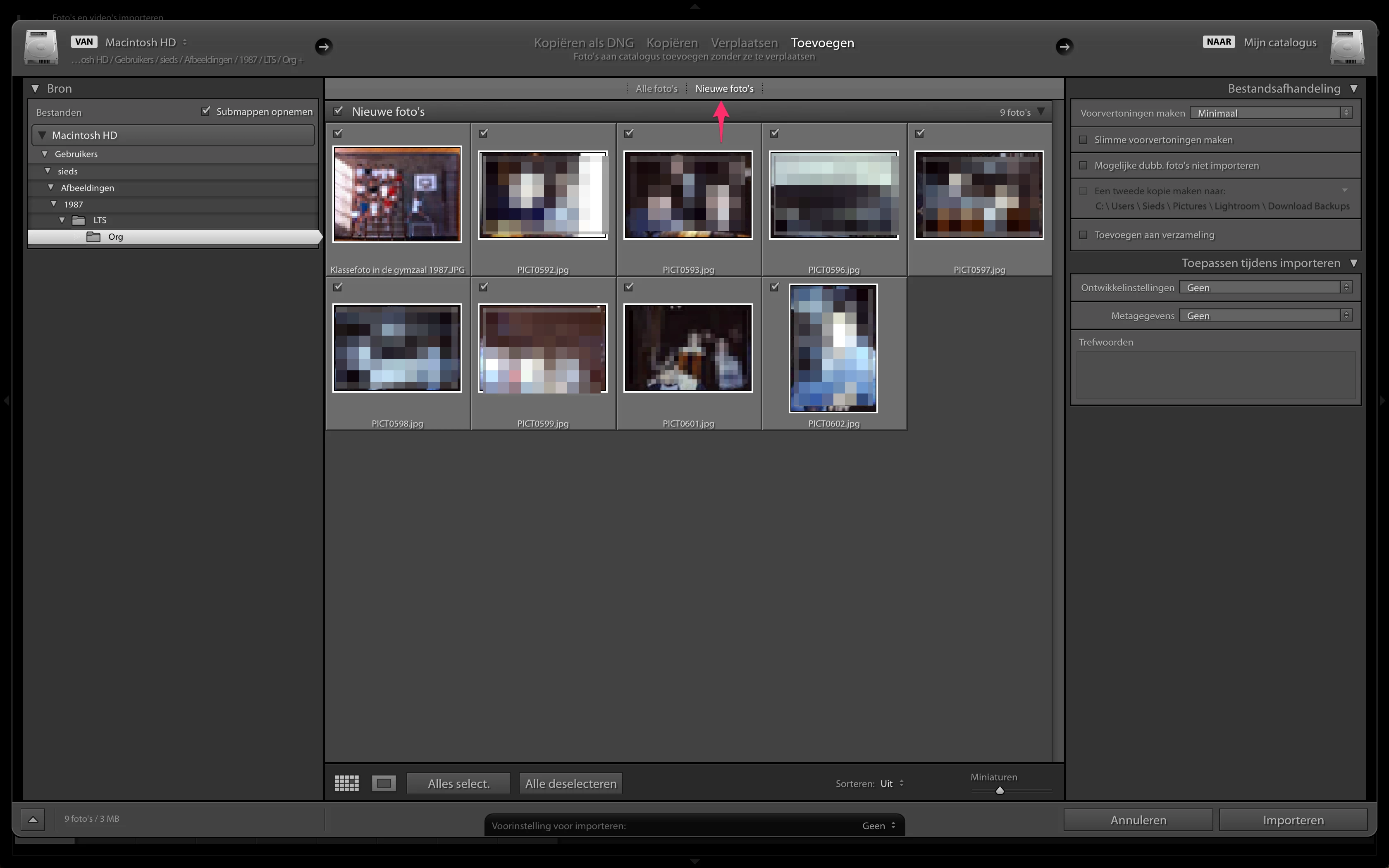
  • I click on ‘import'
  • I navigate to the same folder (again 1987 -> LTS)
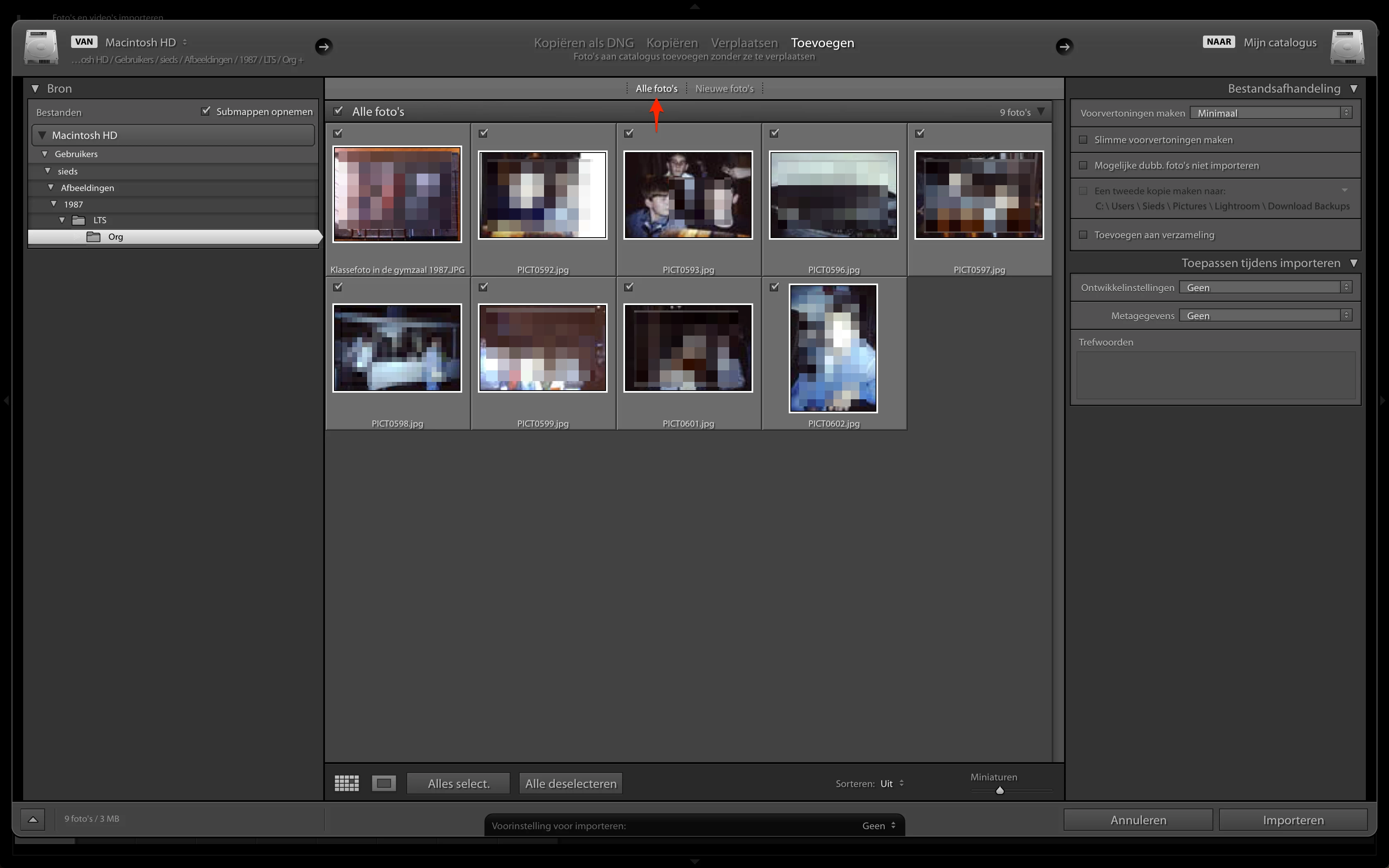
  • I appears then that all of the images that are in that folder are new (when I choose ’new pictures’) while al of the images already are imported before. When I choose ‘All pictures’ Lightroom shows the same pictures as in ’New pictures’. 

Step 1 - these are the already imported photos
Step 2 - what I see when I click import
Step 3 - the same as under 'New Images'
    7 replies

    kuantou
    Known Participant
    Sep 27, 2025 2:13 AM UTC

    I know what you mean, this is very annoying, but happens only sometimes, so it's not repeatable. I think it's just a bug Adobe show work on. 

    Translate
    kuantou
    Known Participant
    Sep 27, 2025 2:25 AM UTC

    Sometimes I think it's just the reading that is slow, extremely slow.

    Translate
    GoldingD
    Legend
    Apr 30, 2019 5:00 PM UTC

    Probably relates to the fact that you are adding the images to the catalog. Add acts a bit different.

    Translate
    siedsw56853511
    Participant
    Apr 30, 2019 6:12 PM UTC

    David,

    Not sure what you mean, I always start the proces with moving the images from a memory card to the harddrvie and fire up LR and then click 'Import'.

    Translate
    Community Expert
    Apr 30, 2019 7:18 AM UTC

    I don't understand the ui language but as far as I see (and understand ) you don't have set the option that pictures that already exists in the catalog don't imported once again.

    Please set the appropriate option "Mogelijke dubb...." and try again.

    Translate
    My System: Intel i7-8700K - 64GB RAM - NVidia Geforce RTX 3060 - Windows 11 Pro 26H2 -- LR-Classic 15 - Photoshop 27 - Nik Collection 9 - PureRAW 6 - Topaz Photo AI
    siedsw56853511
    Participant
    Apr 30, 2019 4:29 PM UTC

    Axel,

    Thanks, that works, but it's not the real solution. 

    If I follow the same procedure for a more recent folder with pictures that are already imported, LR recognizes this and will not show any picture when trying to import the same set. Since I've got other issues with my catalog also, I thinks it's got something to do with a corrupt catalog.

    Regards, Sieds

    Translate
    Community Expert
    May 1, 2019 8:05 AM UTC

    siedsw56853511  schrieb

    If I follow the same procedure for a more recent folder with pictures that are already imported, LR recognizes this and will not show any picture when trying to import the same set. Since I've got other issues with my catalog also, I thinks it's got something to do with a corrupt catalog.

    Are you sure that the appropriate option is deactivated when you do the import?

    Normally when the option isn't set all photos where imported and is the option is marked only the pictures where imported that not in the catalog.

    You can do a test with a new fresh catalog. Create a new catalog, import some pictures and then try to import the same pictures again when the option is checked/unchecked.

    Translate
    My System: Intel i7-8700K - 64GB RAM - NVidia Geforce RTX 3060 - Windows 11 Pro 26H2 -- LR-Classic 15 - Photoshop 27 - Nik Collection 9 - PureRAW 6 - Topaz Photo AI