Inspiring
May 1, 2023
Question

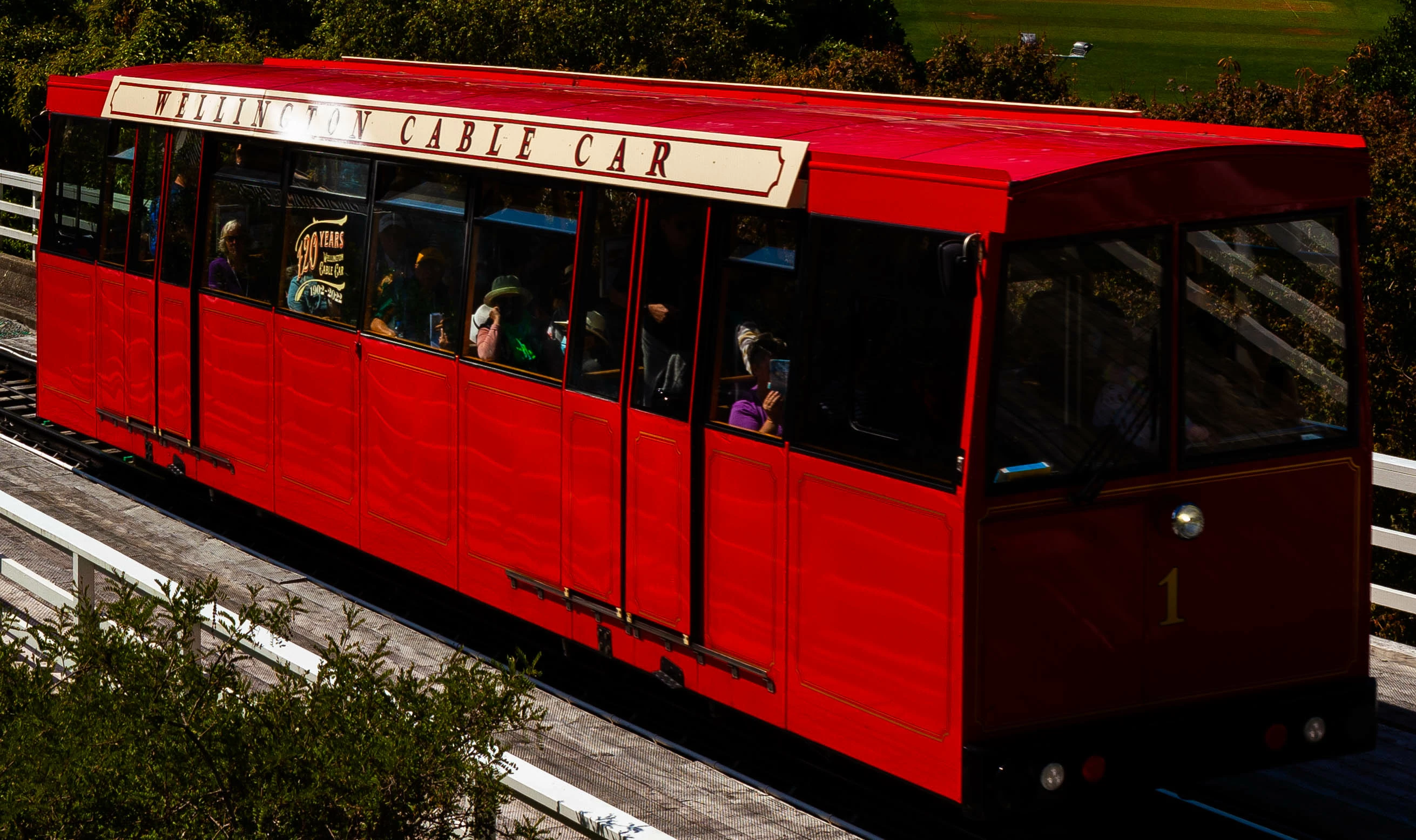
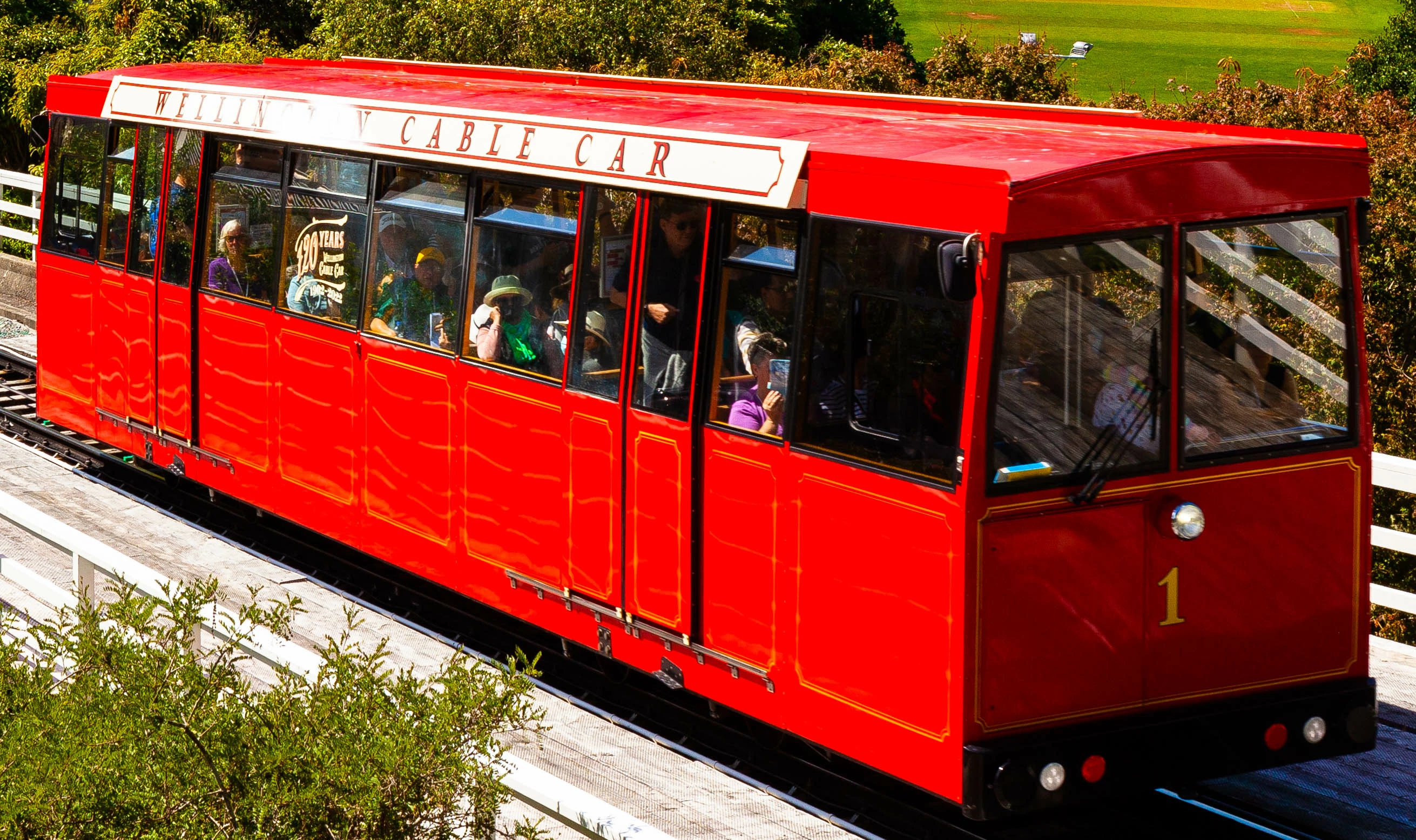
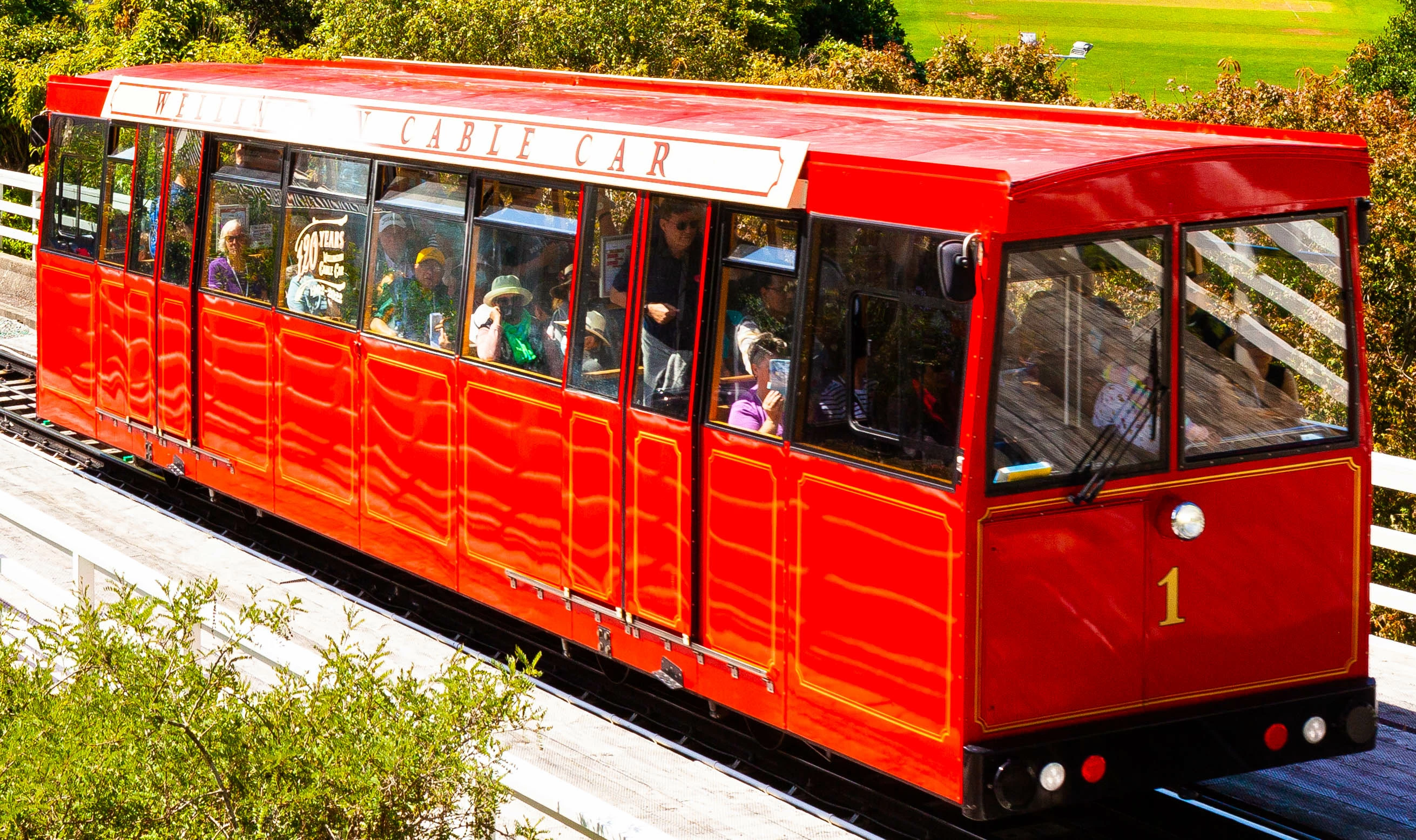
Any way to recover the details in this cable car?

  • May 1, 2023
  • 3 replies
  • 1142 views

Is there any way to bring back the details in the cable car? I have no idea why the lettering is missing in the first place; also the yellow borders on the side didnt come out very well. I have attached underexposed and overexposed versions of the image. thanks


This topic has been closed for replies.

3 replies

TheDigitalDog
Inspiring
May 1, 2023

If you can upload a raw to something like Dropbox, the actual raw data (not anything processed in Adobe Camera Raw/LR) can be seen. But I agree with the others; the likelihood is all the raw color channels are clipped and gone forever. But using something like RawDigger, we can see exactly to what degree which isn't the case in an Adobe raw converter. 

Author “Color Management for Photographers" & "Photoshop CC Color Management/pluralsight"
HmmokthenAuthor
Inspiring
May 2, 2023

Thx for the input

Conrad_C
Community Expert
Community Expert
May 1, 2023

I agree that the problem with the Wellington lettering is that the sun happens to be reflecting intensely over that one spot. If the angle had been slightly different relative to the sun, the hot spot might have been avoided. The fact that the adjacent rails are reflecting in the red side panels shows how strong the sun reflections were.


The reflection glare might also why the yellow details are hard to see, because they are easily visible on the front that isn’t in the sun.


One approach with this set of images would be to recover highlights as much as possible in the darkest version. That would be easier if the original is in raw format and local highlight recovery is done in Adobe Camera Raw. Then, add the lighter exposures as additional layers in the same image. Use masks to combine the best parts of each image. For example, combine the highlight-recovered lettering from the darkest exposure with the yellow stripes from the lightest exposure.

HmmokthenAuthor
Inspiring
May 2, 2023

Thx for the input


F. McLion
Community Expert
Community Expert
May 1, 2023

It's a reflection and locally overexposed. Try to use a mask and locally correct the highlights, if globally Whites and Highlight does not work or has too much influence on other parts of the image.

--- Got your issue resolved? Please label the response as 'Correct Answer' to help your fellow community members find a solution to similar problems. ---
HmmokthenAuthor
Inspiring
May 2, 2023

Cheers