Participant
April 27, 2023
Question

Application des corrections d'objectif intégrées

  • April 27, 2023
  • 1 reply
  • 193 views

Bonjour,

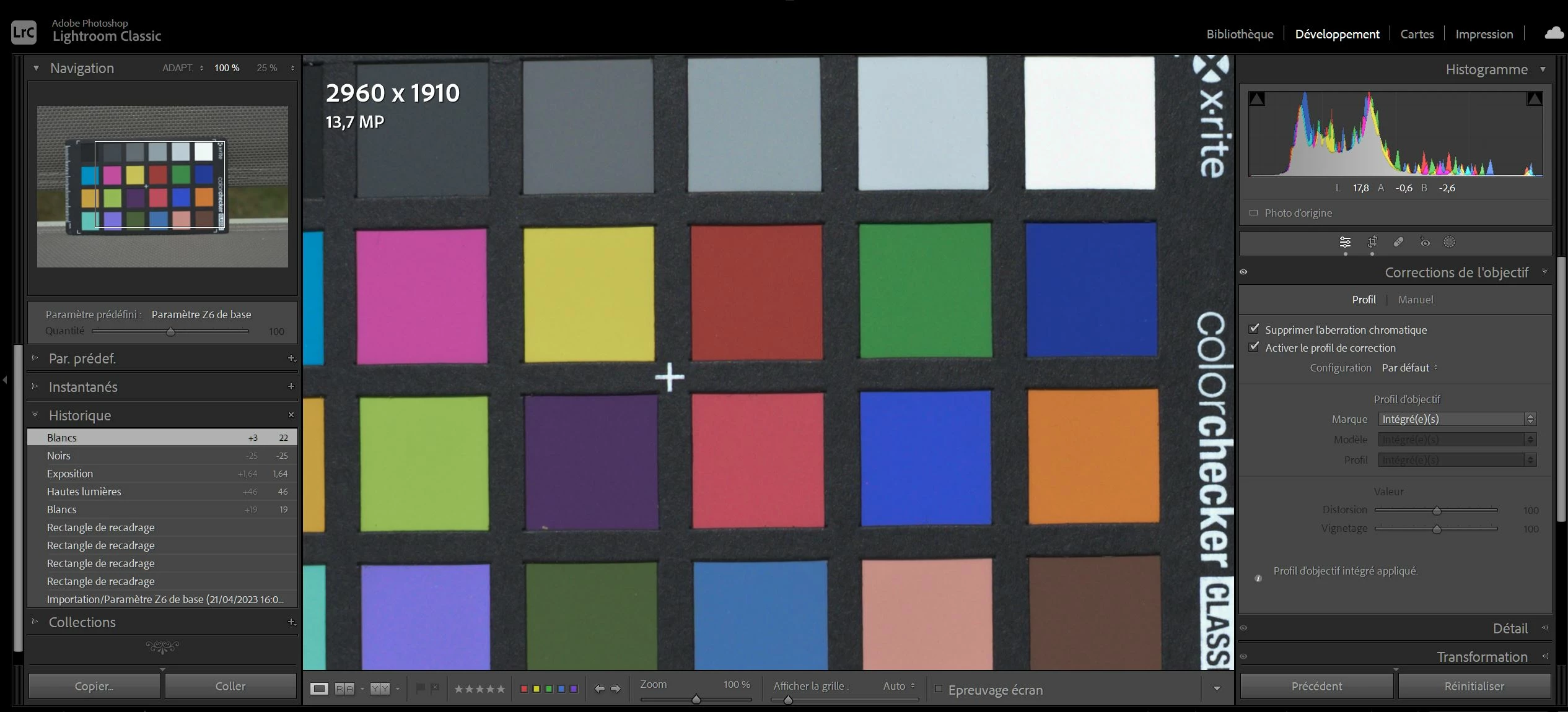
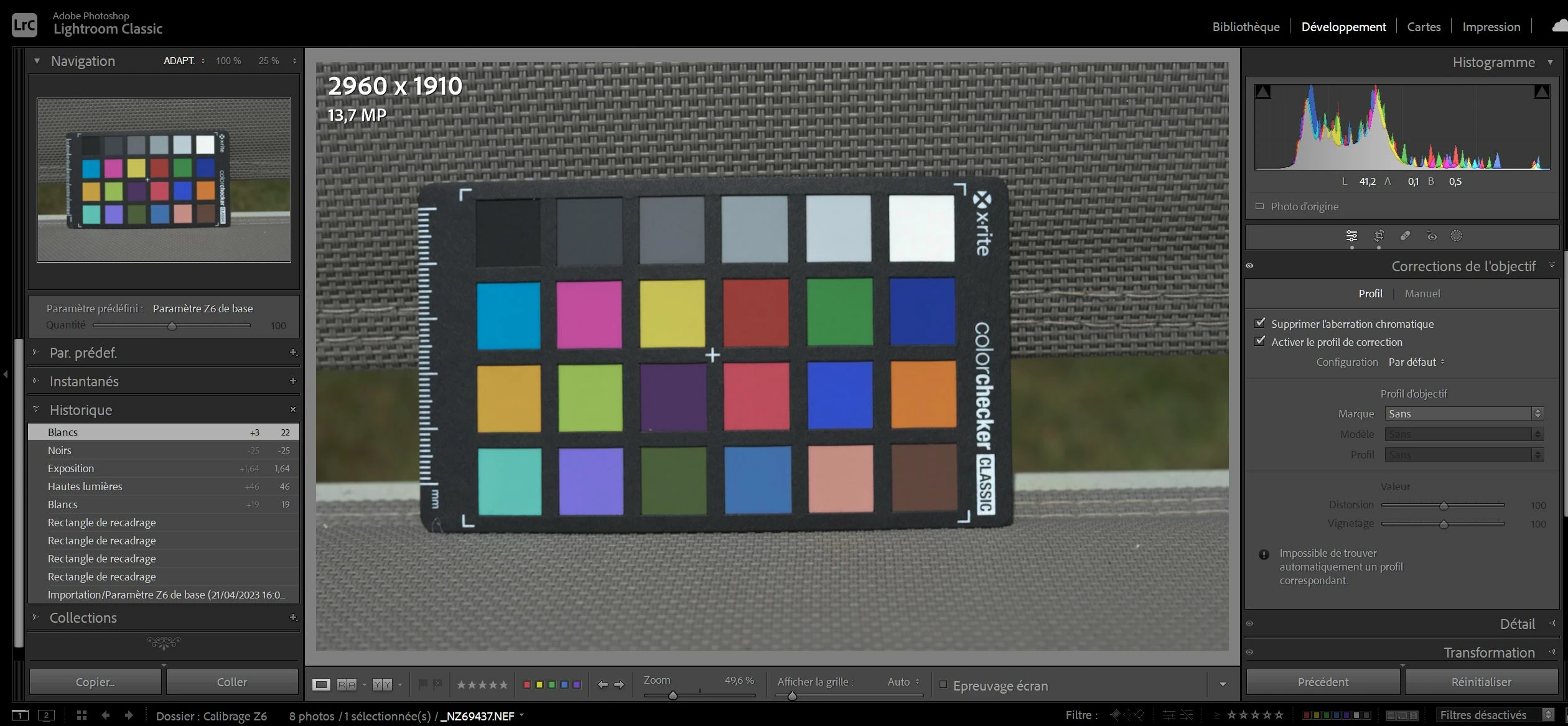
J'ai remarqué que les corrections de l'objectif n'étaient intégrées qu'après avoir mis les photos à 100%.
Matériels utilisés

Nikon Z6 et objectifs Nikon Z

LR classic Version 12.3 installé sur un PC

Windows 10 Version 22H2 pour x64 (KB5025367)

Cordialement

Yann KERLO

This topic has been closed for replies.

1 reply

johnrellis
Genius
April 28, 2023

"I noticed that the lens corrections were only integrated after putting the photos at 100%."


In the first screenshot, the translated message at the bottom of the Lens Corrections panel says, "Impossible to find automatically a matching profile".


In the second screenshot, it says, "Built-in lens profile applied."


I think you've tripped over a longstanding bug in LR with Nikon Z cameras and perhaps other cameras, where LR is properly applying the built-in lens profile but not displaying the correct message in the Lens Correction panel:

https://community.adobe.com/t5/lightroom-classic-discussions/strange-issue-with-nikon-z6-raw-files-and-lens-correction/m-p/10844411

https://community.adobe.com/t5/lightroom-classic-discussions/built-in-lens-profile-disappearing/m-p/10477750 

https://community.adobe.com/t5/lightroom-classic-discussions/nikon-z-lens-series-like-24-70-f4-lr-classic-cc-lens-correction/td-p/10316008 


I examined the two screenshots carefully in Photoshop, and it appears the color checker squares line up perfectly, indicating the lens profile has indeed been already applied in both screenshots.


Some others in those threads reported that resetting preferences fixed the issue:

https://www.lightroomqueen.com/articles-page/how-do-i-reset-lightrooms-preferences/


LR sometimes soils its preferences file, and resetting it can fix all sorts of wonky behavior. That article explains how to restore the old preferences if resetting doesn't help.