Participating Frequently
February 21, 2025
Question

Applying ALL adjustments to a virtual copy giving different result (14.2)

  • February 21, 2025
  • 2 replies
  • 662 views

Not sure if this is a bug so initially looking for some help in case theres is something I'm missing. 


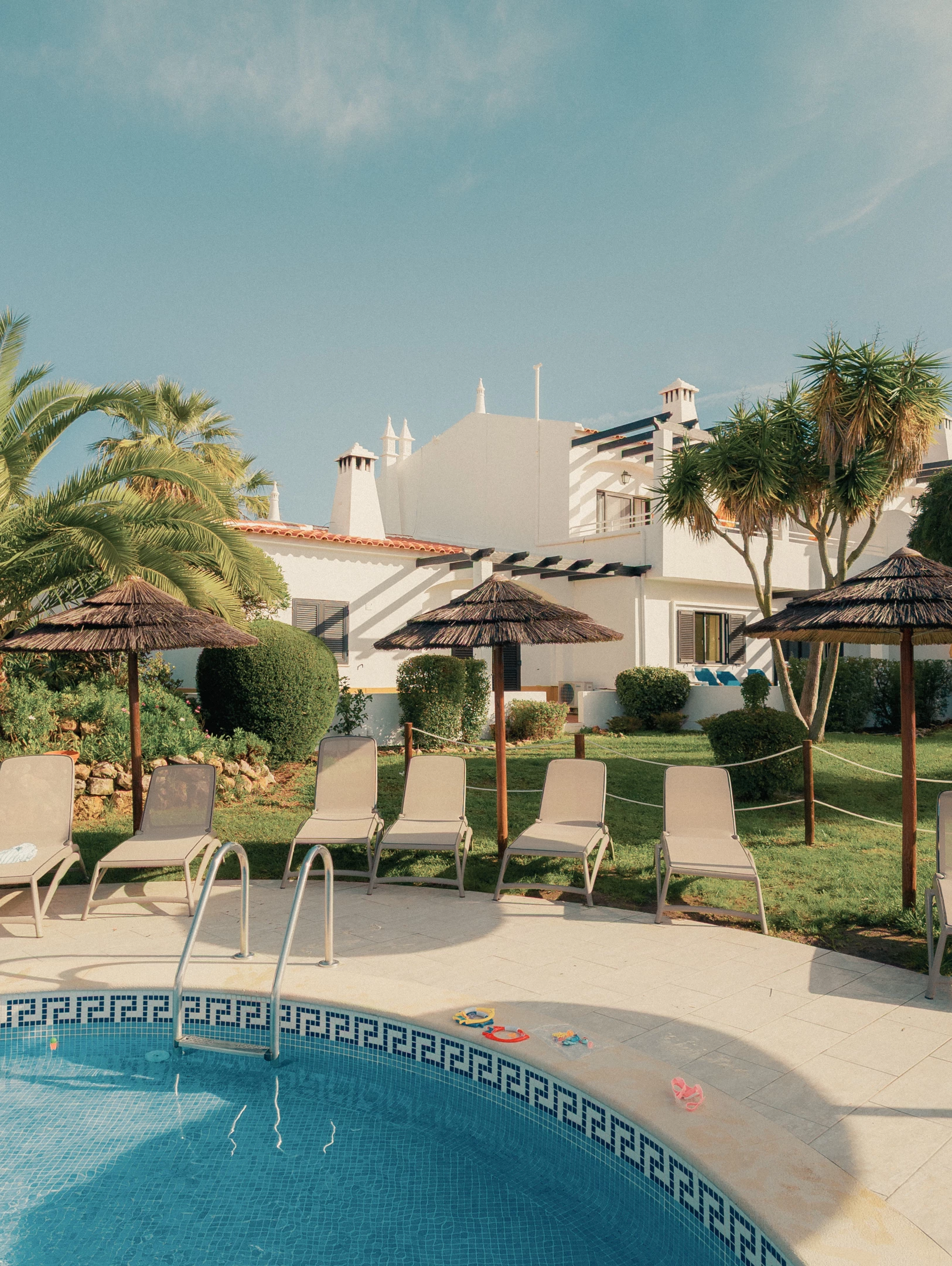
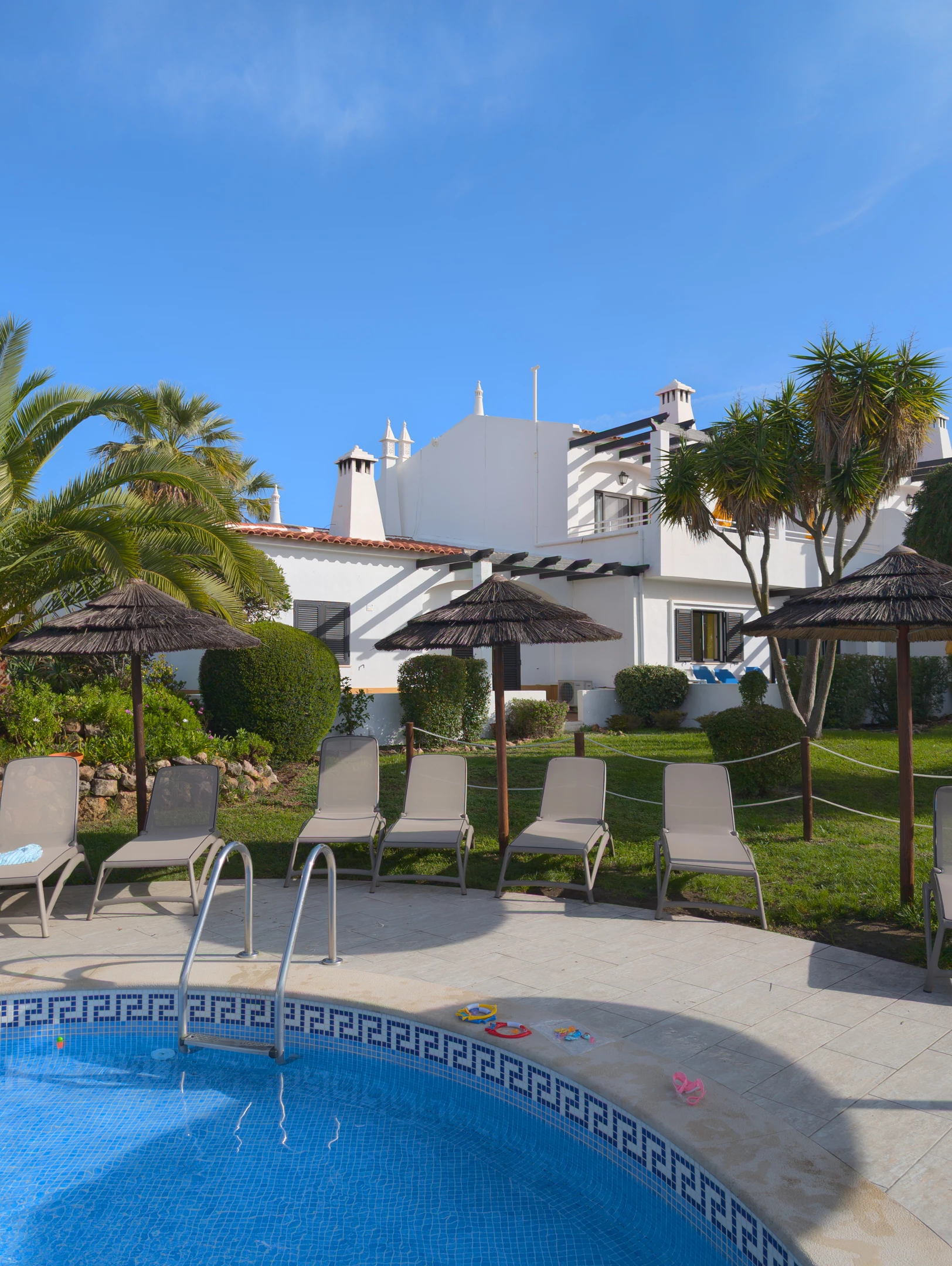
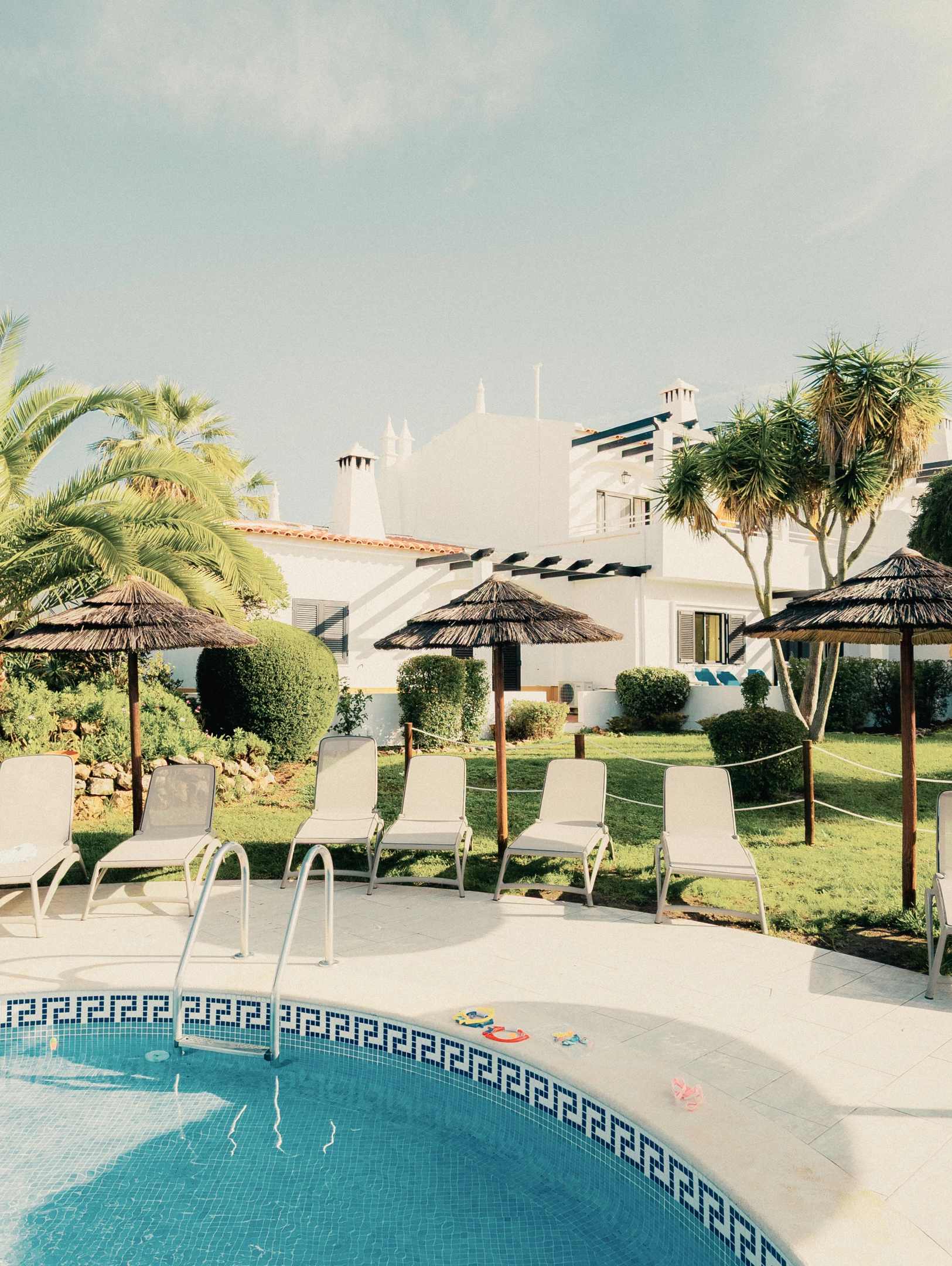
I have photos from last year shot RAW on my phone (Pixel 8 Pro) and I had edited them to my liking - in LrC 14.2 - but now, when copying all adjustments to other images I am noticing a totally different result. I made a virtual copy and  reset it, tried to reapply from the edited version and it's completely different.


I am using a profile (JW Kodachrome PROFILE) set to 42 but I'm not having this issue with other images shot and using profiles.

Now, I've tried manually editing the image to bring it back in line with my edit but I can never seem to get it quite right, close but not right.

Examples:

1st BAD COPY

2nd MY EDIT

3rd ORIGINAL RAW
 

Any help would be appreciated!

GARETH.

2 replies

Community Expert
February 21, 2025

It is certain that the virtual copy concerned, and the master copy concerned, are both referring to the exact same file? If so, it should be possible to exchange which one has master version status, and which one has VC status (set copy as master). This switch over should make no difference whatever.


Besides checking that the usual Basic Panel adjustments and underlying profile are the same, also that local corrections are not in place, it may also be worth checking for the same Process Version; also checking if anything's active in the less commonly used adjustment panels such as Grading and Tone Curve.


Can you explain what you meant by "42", for the profile you are having trouble with?

Participating Frequently
February 21, 2025

Every single adjustment is copied from every panel in the original, with the same process version. 


42 just refers to the percentage the profile is applied.


I'm wondering if it's anything to do with the profile I am using. It's a Jamie Windsor Kodachrome profile that I was using as a base before editing myself. I'm kinda stuck as to the issue. Is it something to do with a change in the way the Google Pixel files are being handled? I have no idea.

Gareth
Community Expert
February 24, 2025

Most advice you will see concerning ensuring camera profile is the same (as well as that all the adjustment sliders etc are the same) presumes that this is a Raw conversion profile specific to the camera involved.


AFAIK it is not a thing to use such a profile - a camera calibration one - at partial percentage.


But another kind of choice would be an "effect" profile which modifies RGB starting data towards a certain different look. That profile may often be LUT based. In such a case a variable strength will be logical, say right down to 0% strength - which would mean superimposing no such RGB modification at all - or conversely increasing that even past 100%.


That does presume a valid RGB input for the modification though. And if your starting point is sensor Raw, not converted RGB then some sort of (default profiled?) Raw conversion must have also happened along the way. And perhaps this aspect is what is varying behind the scenes? (because of... reasons).


If so that must give varying results - even when post-applied modifications are themselves identical.

JohanElzenga
Community Expert
Community Expert
February 21, 2025

Do you see any red dots at the top of the right panel in the Develop module? If so, then some AI setting needs to be updated and that could cause the difference.


-- Johan W. Elzenga
Participating Frequently
February 21, 2025

No, I don't have any AI masking errors. It's driving me crazy!

Gareth
JohanElzenga
Community Expert
Community Expert
February 21, 2025

Well, I can't reproduce it on my Mac. If I create a virtual copy, then that's identical to the version I created it from.


-- Johan W. Elzenga