

Applying in-camera settings to RAWs when exporting as JPG
- June 11, 2024
- 4 replies
- 982 views
Hello, I have a question that is probably fairly common based on some searching around. However, I haven't found a post with a solution that meets exactly what I'm asking for.
What I'm trying to do:
I have a Fujifilm X-T4 and I use a number of in-camera settings to achieve a default look that I may or may not actually use as the final product for my images. For many casual shoots, these in-camera settings are perfectly sufficient for my needs and saves me from editing. For this reason, I shoot RAW+JPG on two separate cards, and use the JPGs a lot of the time, but dig into the RAWs when I need to edit.
The problem is that sometimes I shoot RAW only, or (in this case) I think I was shooting RAW+JPG but apparently I was not, and I don't have the JPGs to work with. The result is that now I have a collection of great looking previews in LrC, but when I go into Develop mode or export the files, they export as completely plain, unedited images. Even if I'm shooting RAW and editing, I'd usually prefer to have my in-camera settings applied as a starting point to edit from.
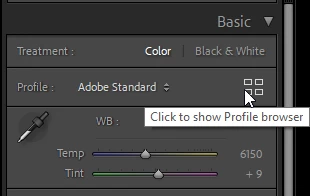
I found this article explaining how to change the presets in LrC to match the camera settings rather than Adobe default. Does anyone know what the extent of this solution is, in terms of what settings it's able to recognize and maintain in LrC? Most other discussions I've found on this topic talk in circles about how Adobe can't perfectly reproduce Fujifilm Film Simulations, which is not the problem here. I'm more focused on the other settings like dynamic range, highlight, shadow, white balance, color chrome, noise reduction, etc.
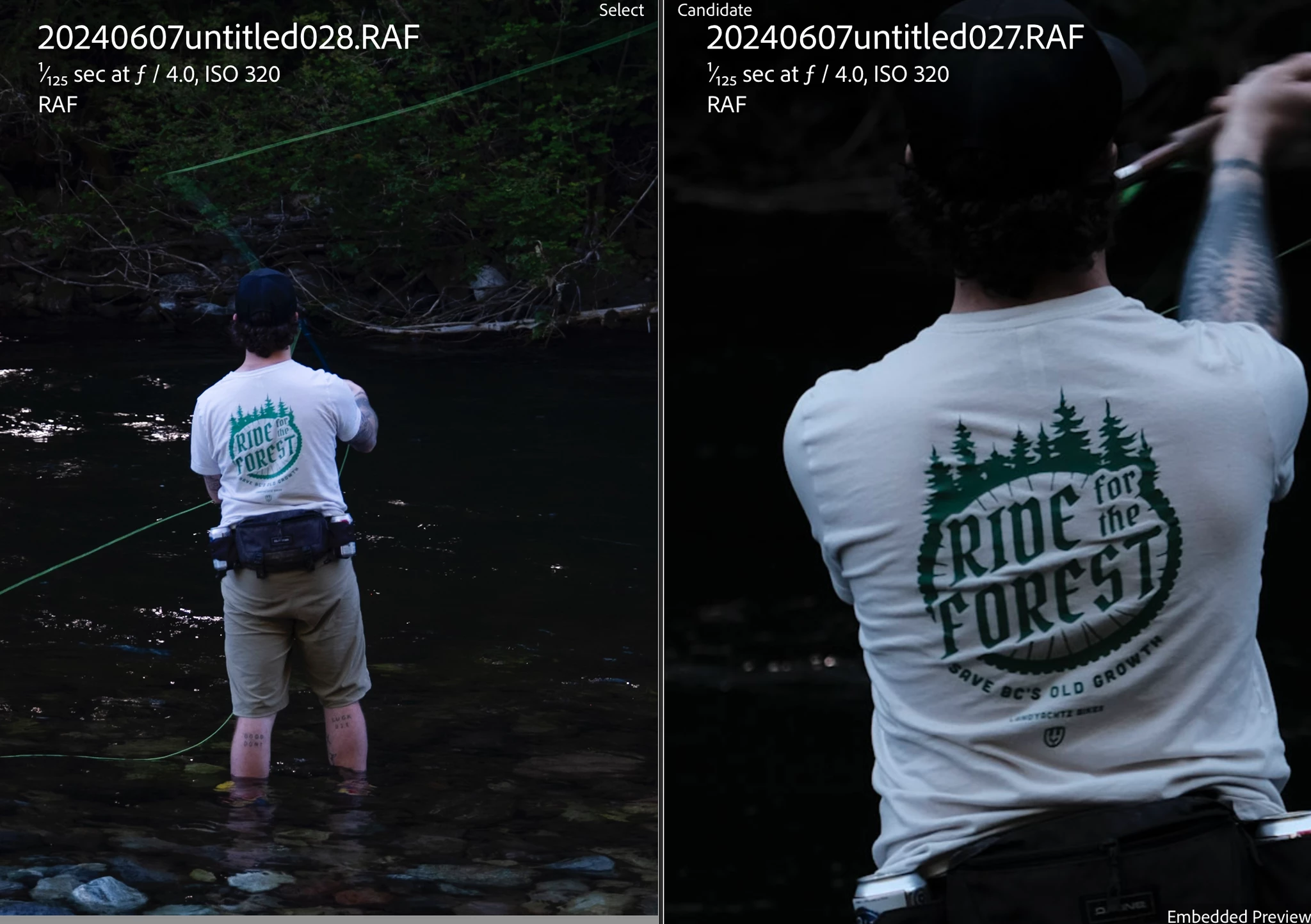
Examples attached - LrC preview with in-camera settings on the left, LrC export on the right. I want the left when I export.
TL;DR - the image that I see when I preview a RAW file in Library is often good enough for me to export due to the applied settings, but when I export it removes the settings. I would like to keep the settings when I export.



 AdChoices