XactoBlade
Participating Frequently
October 12, 2020
Question

Auto Layout Preset not working

  • October 12, 2020
  • 1 reply
  • 214 views

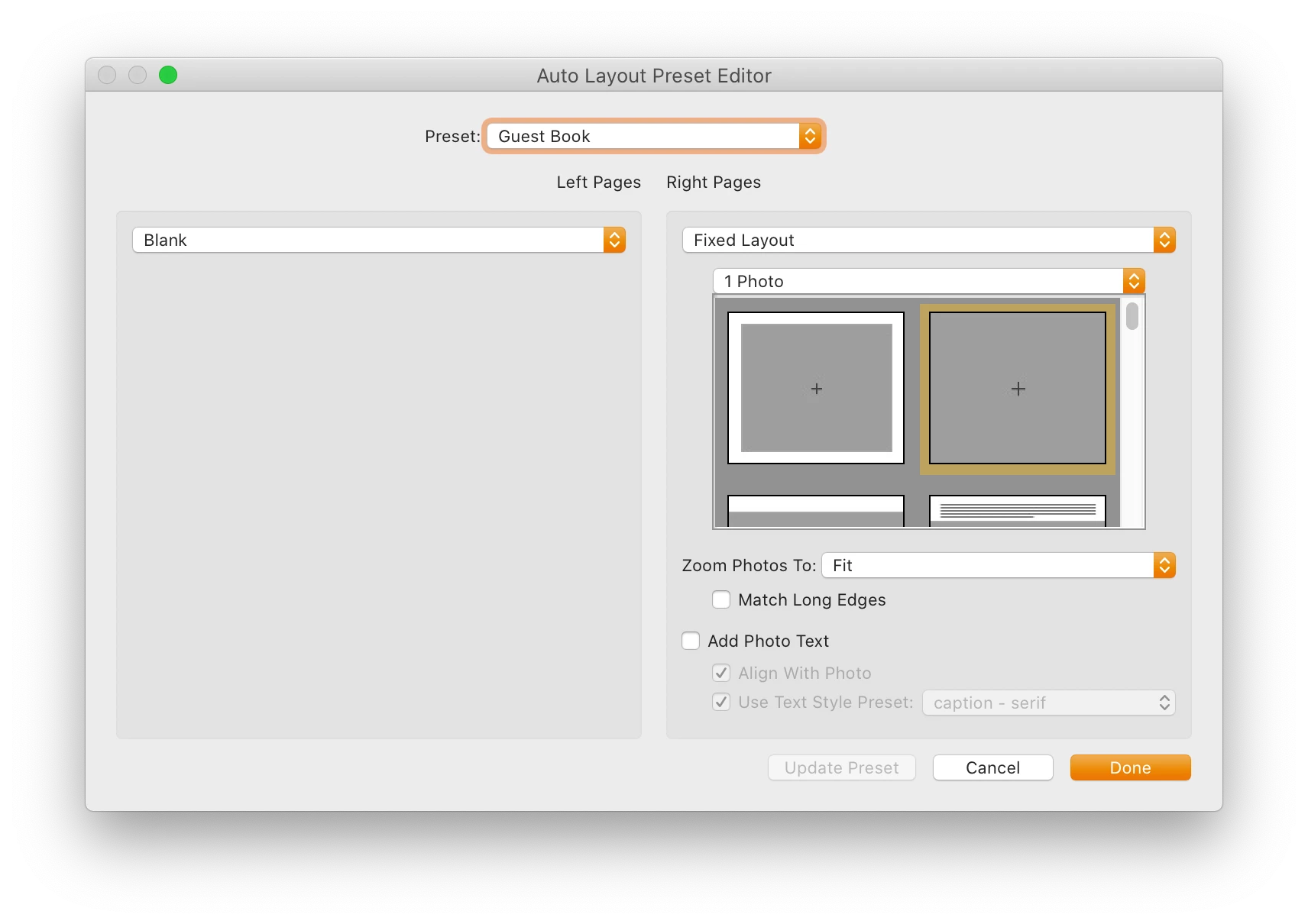
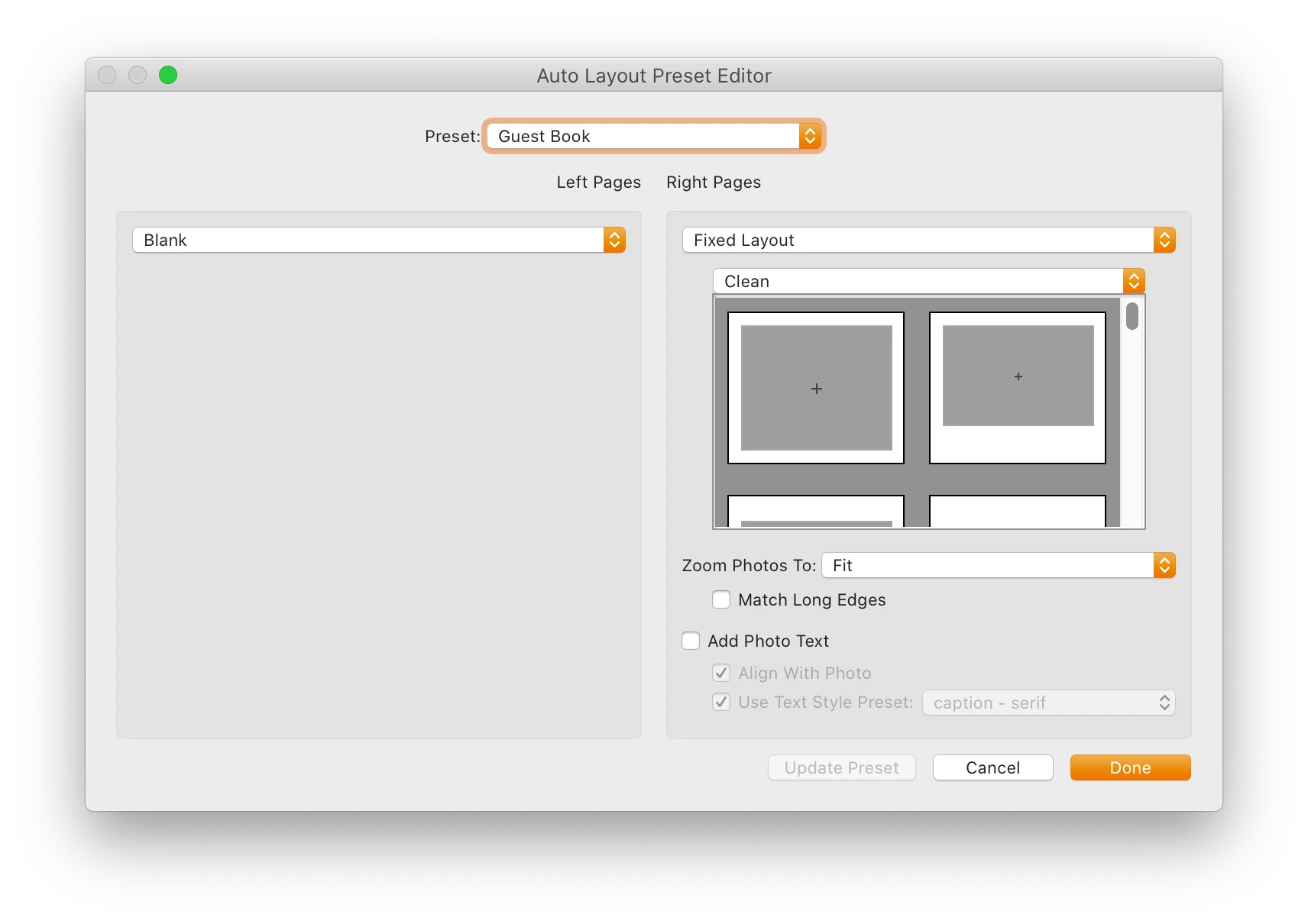
I created a custom Auto Layout Preset that has the left side blank and the right side using the "Clean" theme layout. However, each time I save or select the "Auto Layout" button -  it resets and goes back to "1 photo" theme on the right.


I have tried other themes and updated the saved preset and it always goes back to 1 photo. I also noticed that if I click on the layout graphics underneath the "clean" menu it switches the them again to 1 photo.


Any ideas why this is happening?
 

This topic has been closed for replies.

1 reply

Rob_Cullen
Community Expert
Community Expert
October 12, 2020

"Clean" is not a single Template Page-

'Clean' templates have straight cell edges, whereas 'Creative' templates have textured borders. So by selecting "Clean" you are simply asking LrC to show ALL the pages with 'Clean' cell templates

Then you still need to set the Auto Layout to one of the templates that are presented in the Template chooser panel- and that might be choosing a "1-Photo" or a "2-Photo" clean- template. This will then appear as you show in your second screen-clip.

Do not forget to always [Update] the Preset or choose from the options in the Drop-down menu of the 'Preset' box at the TOP of the Auto-Layout dialog (eg. Save as a new preset).

So 'in the end' you are not really doing anything wrong, just not fully understanding how the dialog works!


Regards. My System: Windows-11, Lightroom-Classic 15.3, Photoshop 27.5, ACR 18.3, Lightroom 9.3, Lr-iOS 10.4.0, Bridge 16.0.3 .