

automatic color changes
- June 30, 2026
- 2 답변들
- 73 조회
Re. lightroom classic. Nothing has been changed by me. Nothing wrong or changed with my computer or my camera. Happened out of the blue. Have been using with no issues for the last few months. Sudden problem/ change happening.
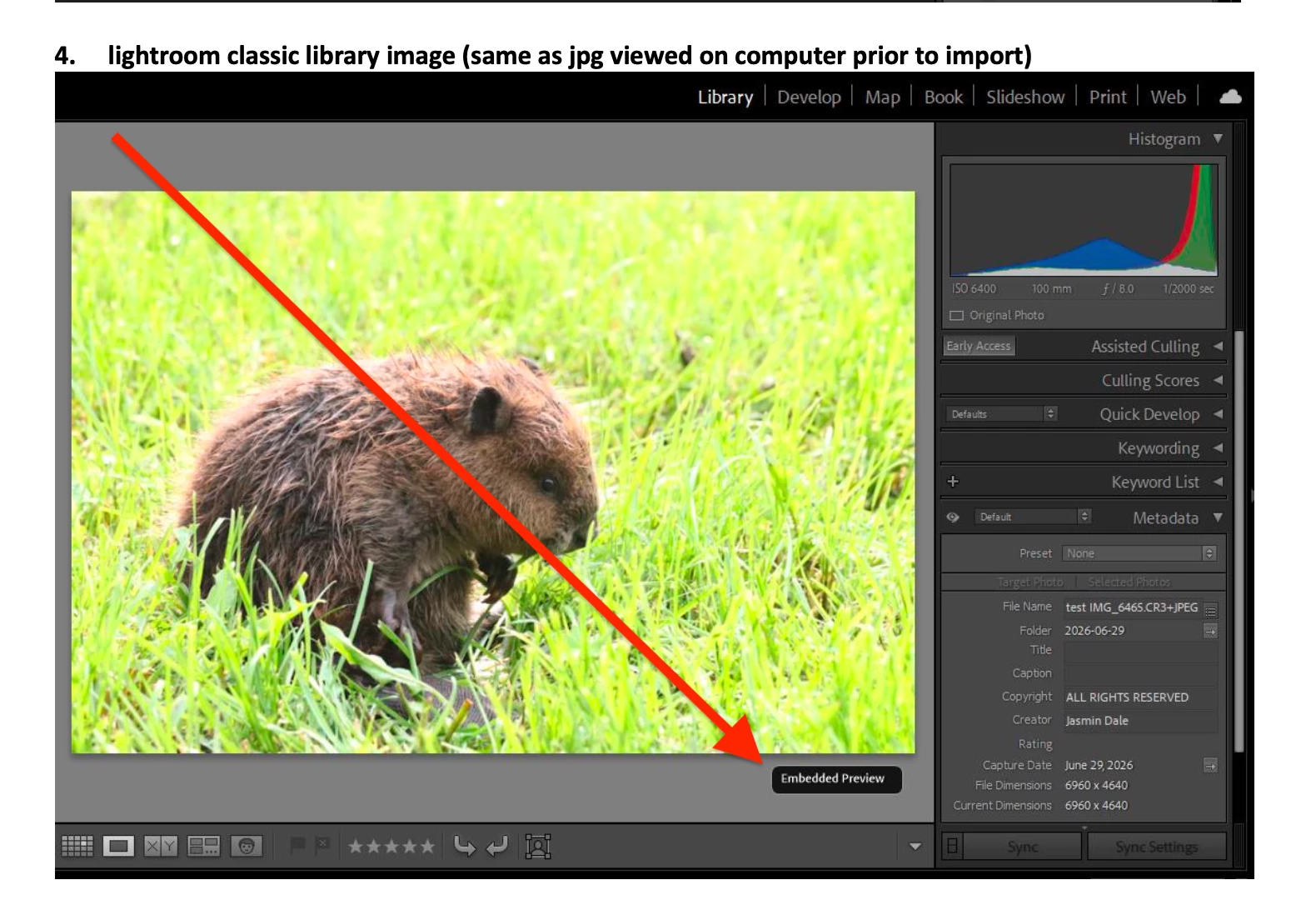
After importing images into lightroom classic, embedded picture preview is fine (same coloring as image viewed on camera and on computer prior to importing into lightroom). After going from library tab to develop tab lightroom is all of a sudden automatically drastically changing image colors/ exposure/ light balance (to be much brighter and yellow). Histogram/ tone changes aren’t illustrated. When going back to library tab, it no longer shows the original embedded preview (that was the same on camera and on computer) but the change that was made automatically by lightroom. Why is this suddenly happening?
(I know there are differences between jpg and raw, as per my attached; the issue is the changes automatically being made once moving to develop tab - vastly different color changes)


 AdChoices