


Answered
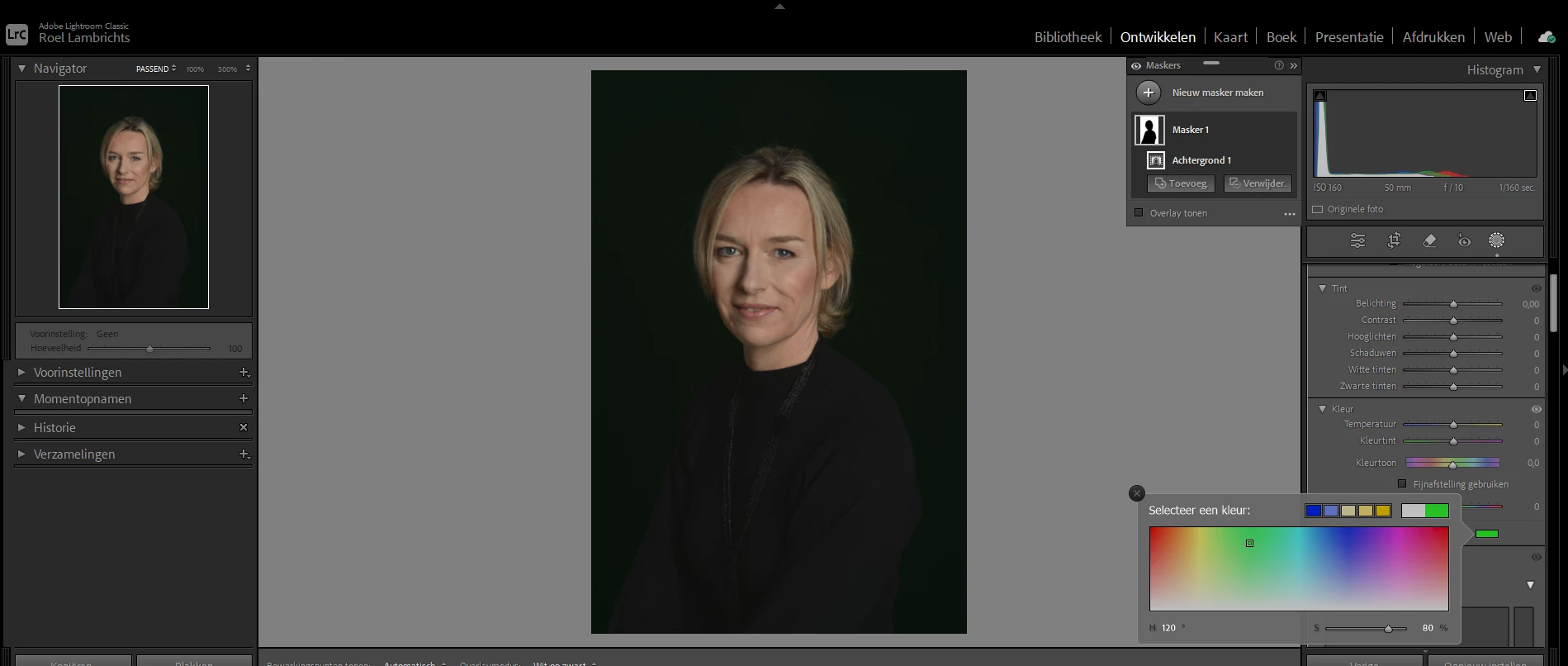
Background mask does not change color
When i select the background via the AI masking tool and then go to the color button to change the color of that background, i do not see anything happen on the background itself. I have no idea what's happening, my system requirements seem ok....
Anybody has a tip for this please?

 AdChoices