


Known Participant
August 10, 2024
Question

Bad performance with sliders after latest update

  • August 10, 2024
  • 13 replies
  • 1220 views

Since latest LrC update I am having bad performance with sliders, mainly whe using masks.


Just to be clear: till before the update I had no issues at all.


My configuration (purchased 16 months ago):

i7 13700 CPU

RAM 32GB DDR5 5200Mhz

M.2 PCIE 3.0 X4 NVME 1.4 SSD (for SW and catalog)

4TB HD 7200rpm for pictures

RTX 3050 VENTUS 2X 8GB OC GPU (not overclocked)

2K MONITOR


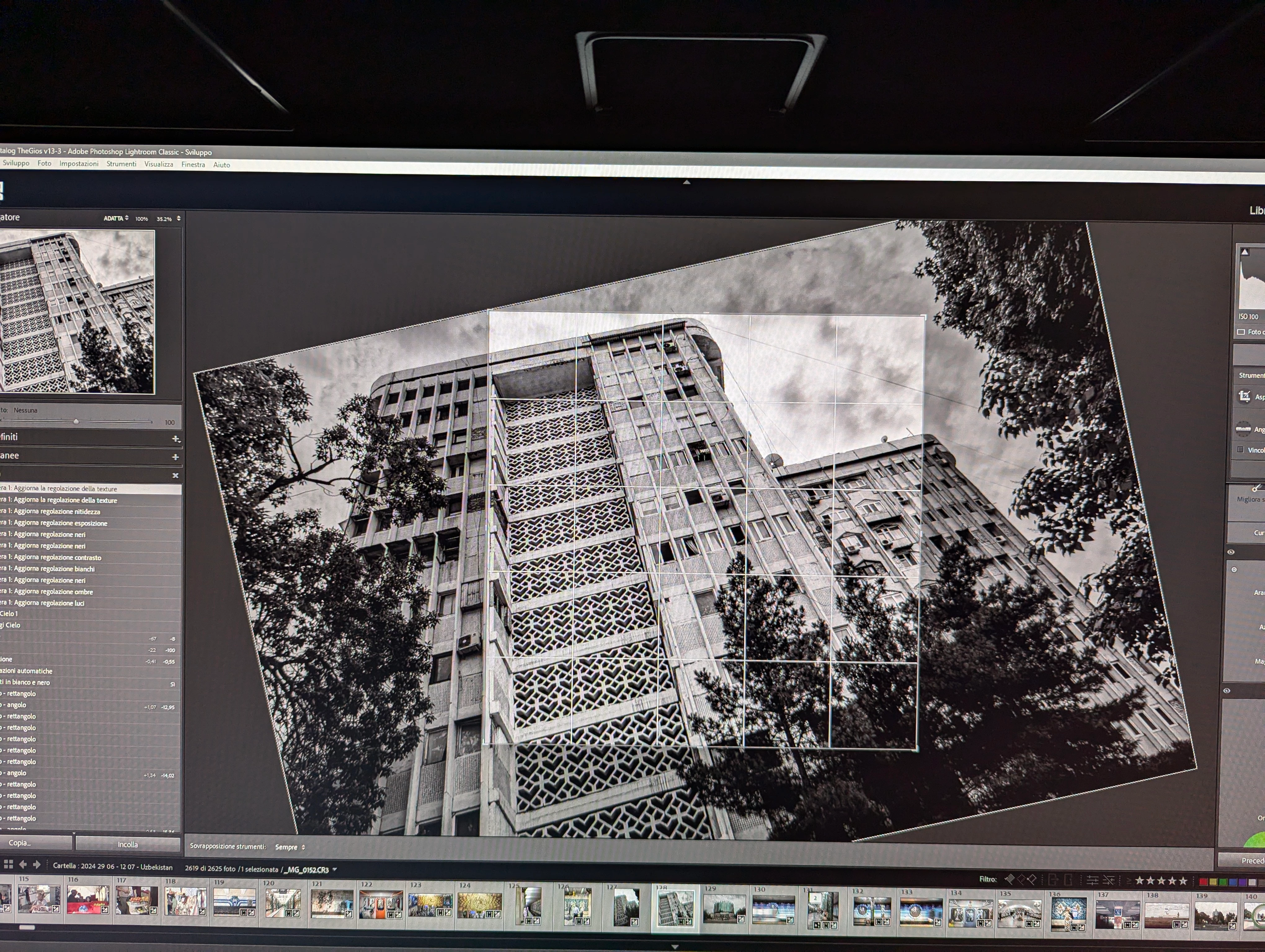
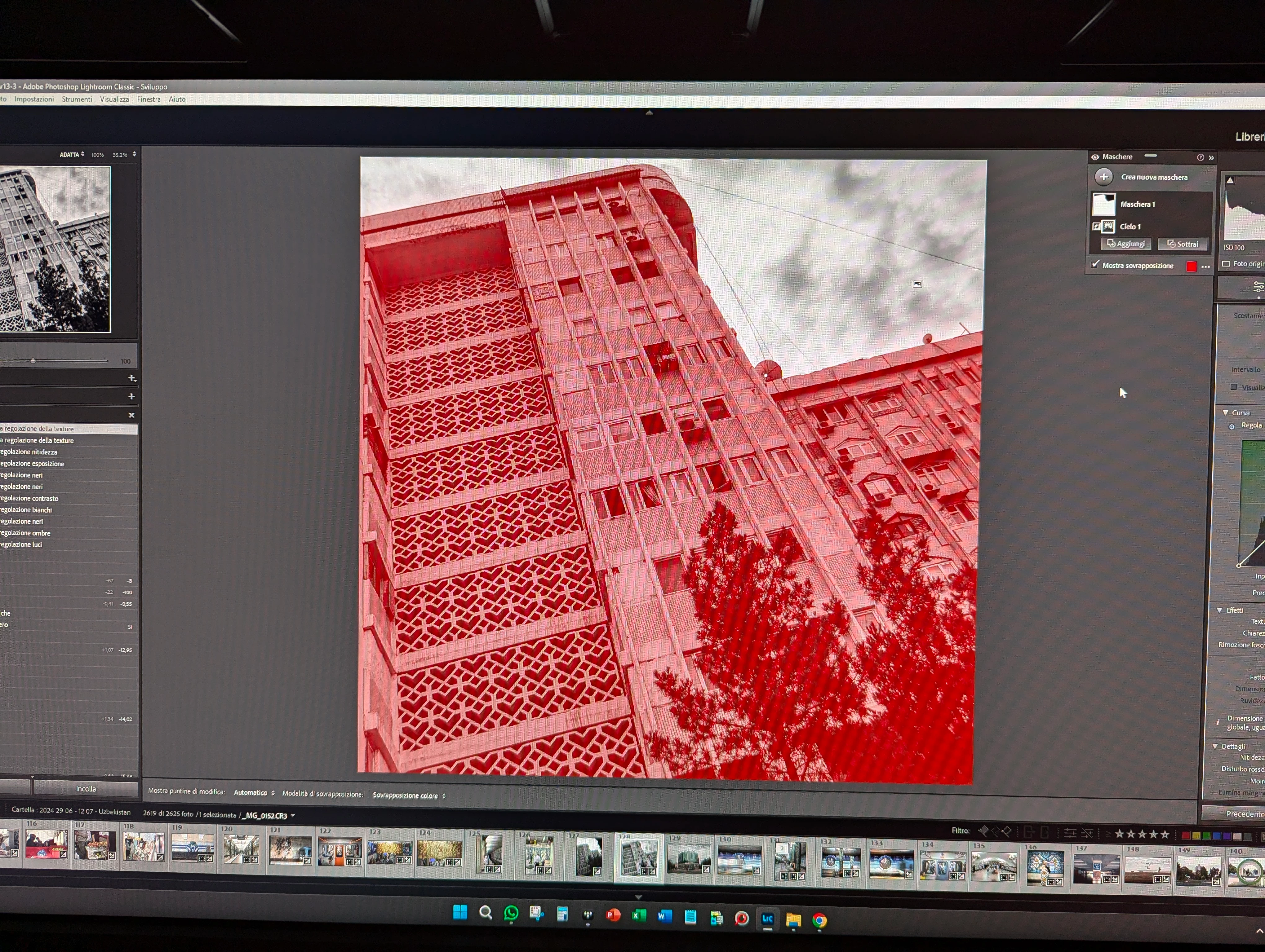
Attached below two screenshots of the photo I am editing (raw file from an EOS R 32mpx): one screenshot shows the entire photo, another the crop with only one mask applied. Nothing much or fancy I would say, yet look at the video here where you can see how the sliders (of the mask) stutter when moving them left/right: https://photos.app.goo.gl/bPBxiYGnXTjUFpgT6


By the way, this is the 3rd photo I edited today, had no problem with first two photos that had even more masks. I strongly believe that last update has introduced really bad code and probably memory leaks leading to performance issues.
 

This topic has been closed for replies.

13 replies

GoldingD
Legend
August 10, 2024

Your video bounces around a bit, hard to see your issue vs the camera movement. Now many members will take videos that way using a smart phone or a camera. That may not be the best way to take and present a video of a problem on a computer. Oh and your screenshots are a bit dodgy as well, also appears to be a photo from a smart phone or camera. (hmm, and in the cae of screenshots, when they are of LrC, would be better to see the entire LrC screen, not cutoff left or right,)


In the case of Windows, perfectly good apps exist to take a video capture, (and screenshots) no camera or phone involved. MS provides one right in Windows. Please try that for your video capture. Link below:


https://www.microsoft.com/en-us/windows/learning-center/how-to-record-screen-windows-11


Better third party apps exist for this as well, such as PicPick


Third party capture apps can have additional capability such as being able to annotate your capture.

Known Participant
August 10, 2024

Really? 😱

GdzieJestStach
Inspiring
August 10, 2024

What you show on the video is a GOOD performance of Lightroom as I know it. I'm happy when it works like that, because usually it's much, much worse.

This is my experience of Lightroom since ever. I literally never seen Lightroom (both CC and Classic, though Classic is much, much worse) working more smooth than this, sliders always freeze for a second or so, and it has been happening on all of my hardware (very powerful PC, even more powerful PC, Macbook).