
Question
Before/after not working in Adobe Lightroom Classic 13.4
Hello,
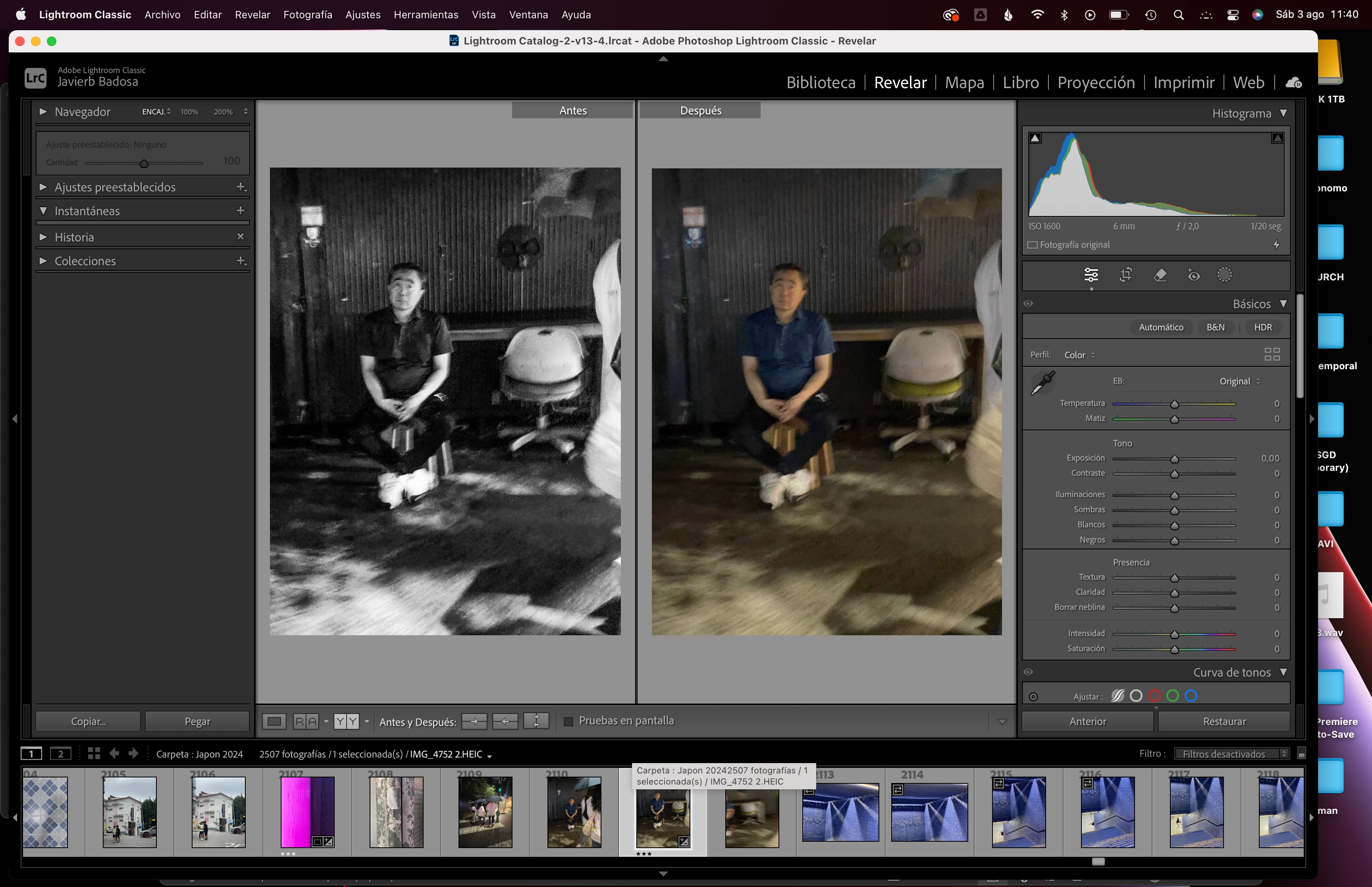
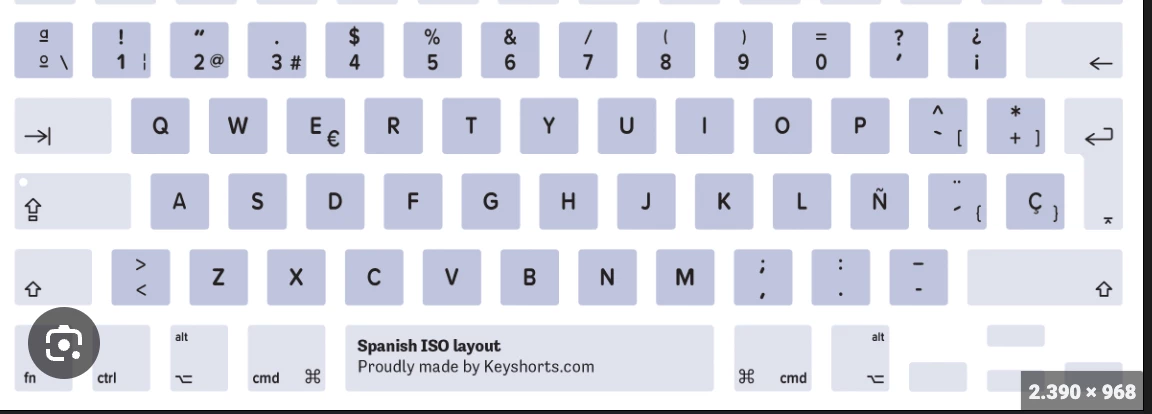
I can't seem to make work the before/after tool with the shortcut (\). The "Y" shortcut works, the side by side before and after, but when I try to do the whole picture by itself, it doesn't work. When I press (\), it just makes that sound as if nothing can be selected.
I have an european qwerty keyboard, spanish layout, working on a Mac, and it was only after updating to the latest lightroom classic that this didn't work.
Any help is welcomed, thanks


 AdChoices