

Alexandre Brandt
Inspiring
March 11, 2018
Answered

Before and after view

  • March 11, 2018
  • 3 replies
  • 1954 views

Hello,

I'm having some issue using the before/after view.

Indeed, this is what I see at the bottom of my picture window.

I click the YX button, it shows me different images, and doe not compare the image I'm currently working on.

The button used to be YY and there used to be a drop-down menu to select the view type, but it changed and I don't know how to change it back.
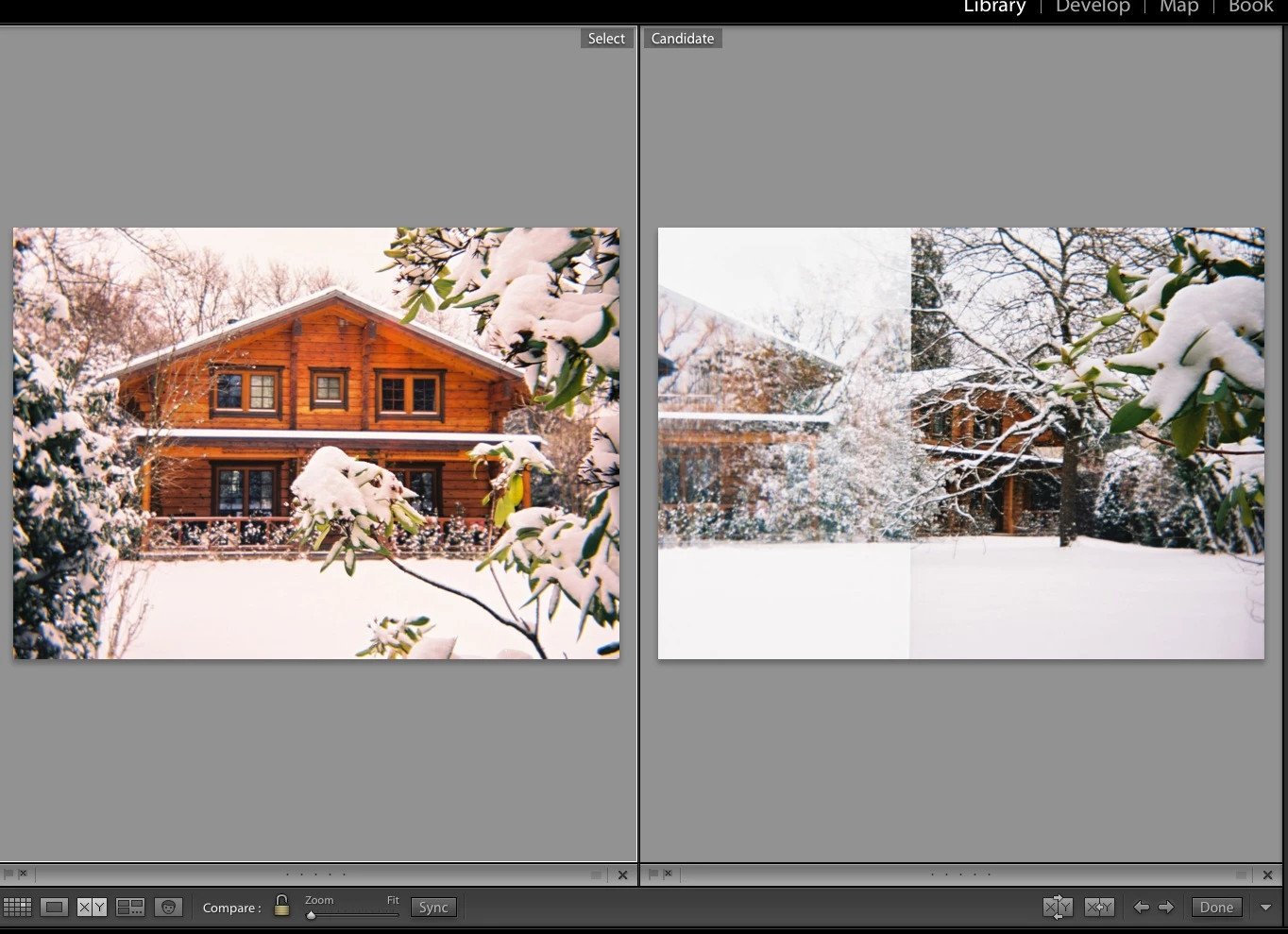
Any help would be highly appreciated

    This topic has been closed for replies.
    Correct answer JohanElzenga

    What you are looking at here is Compare view, not Before/After view. Compare is for comparing different photos. Like others have already said, before/after is only available in the Develop module, not in the Library module.

    3 replies

    JohanElzenga
    Community Expert
    JohanElzengaCommunity ExpertCorrect answer
    Community Expert
    March 11, 2018

    What you are looking at here is Compare view, not Before/After view. Compare is for comparing different photos. Like others have already said, before/after is only available in the Develop module, not in the Library module.

    -- Johan W. Elzenga
    Alexandre Brandt
    Inspiring
    March 12, 2018

    Ahhh ! Thank you ! I see now

    When I'm in the Develop module in the Before/After view, my mouse is the magnify tool.

    How can I change that, so it becomes the hand tool to allow me to easily drag the image or the line ?

    cmgap
    Community Expert
    Community Expert
    March 12, 2018

    Click in the center of the image and your magnifier becomes the hand.

    cmgap
    Community Expert
    Community Expert
    March 11, 2018

    To see the Before/After view select the image, Tap the D key to go into the Develop module and select the YY at the bottom

    The XY in your screenshot is Compare - very useful when culling and sorting images... to check focus for example.

    Legend
    March 11, 2018

    The YY splits appear when you use before/after modes in Develop module.

    -BH