
Participant
June 6, 2018
Answered

Black&White: still colors in the histogram

  • June 6, 2018
  • 1 reply
  • 824 views

Hello,

I've created a virtual copy of a color shot and applied a Fujifilm ACROS preset, which is black&white. As you can see from the image,
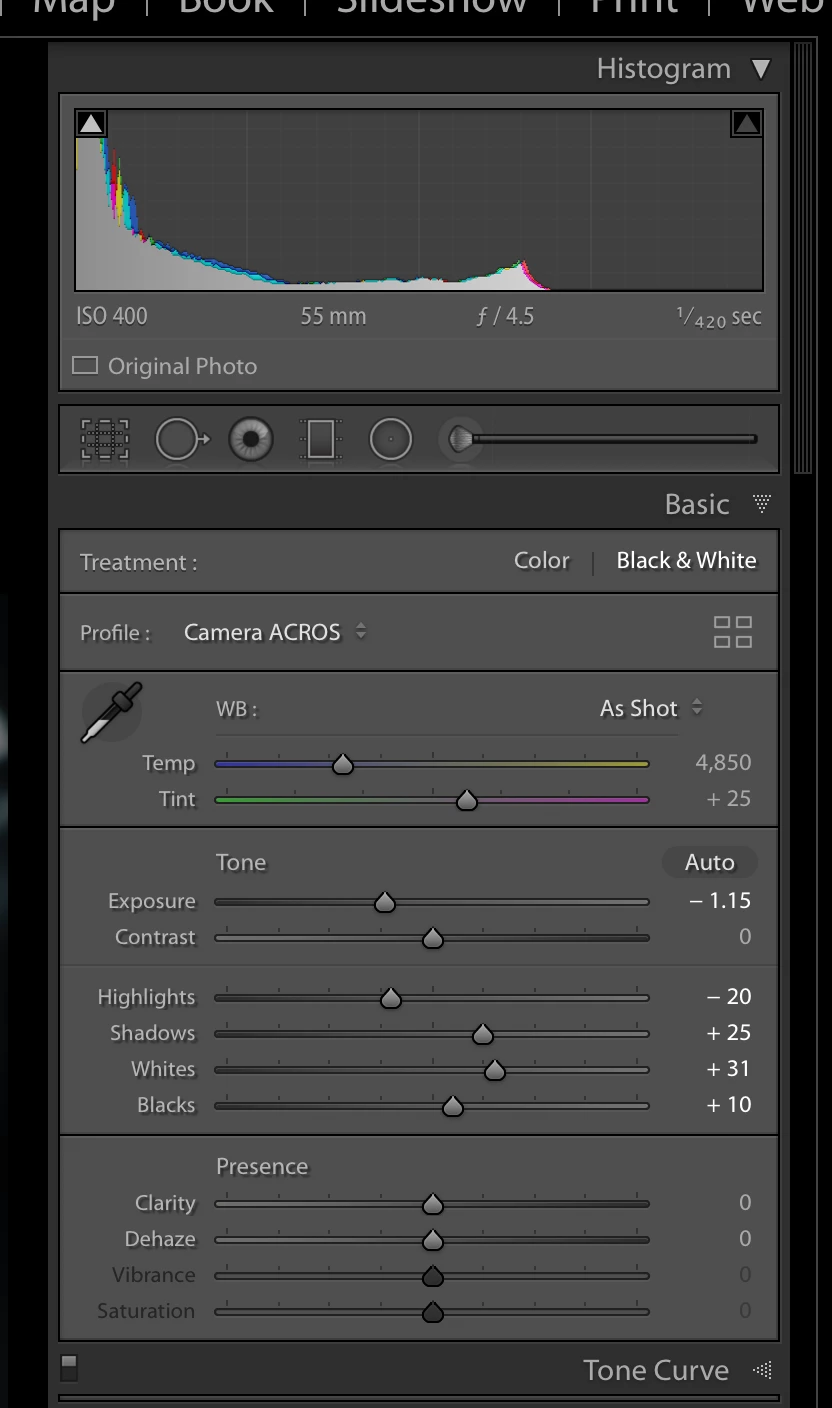
even though it's recognized as a Black&White photograph (with the HSL menu disappearing), I can still see some colors in the shot and ... in the histogram. What am I doing wrong?

Thanks,

michele.

This topic has been closed for replies.
Correct answer john beardsworth

Ok. So how can I make an image true B&W in Lightroom?


OK, I am going to backtrack - the histogram should show no colours when you apply Acros or an Adobe B&W profile.

After using one of the B&W profiles, the only way I could introduce any colour were:

- dragging one or more RGB curves

- split toning

- the color patch in local adjustment tools

1 reply

JP Hess
Inspiring
June 6, 2018

I don't believe you're doing anything wrong. I just think that is how Lightroom handles the ACROS treatment, and I don't believe there is any way you can change it.

Participant
June 7, 2018

The result doesn't change if I pick any of the default Adobe Black&White presets: I still have some colors in the shot and in the histogram. This is really odd...

I've tested it with several shots (same camera, same file format, same lens). In some cases, colors remain, in other few cases the resulting picture is a true black and white.

What's going on?!?

john beardsworth
Community Expert
Community Expert
June 7, 2018

Again, that is normal and expected, reflecting how each of the RGB values is rendered into greyscale by choosing a Fuji or an Adobe B&W profile. The underlying colour data remains and allows you to go to the B&W panel and fine tune the conversion by dragging colour sliders or using the targeted adjustment tool.