Participant
May 8, 2020
Question

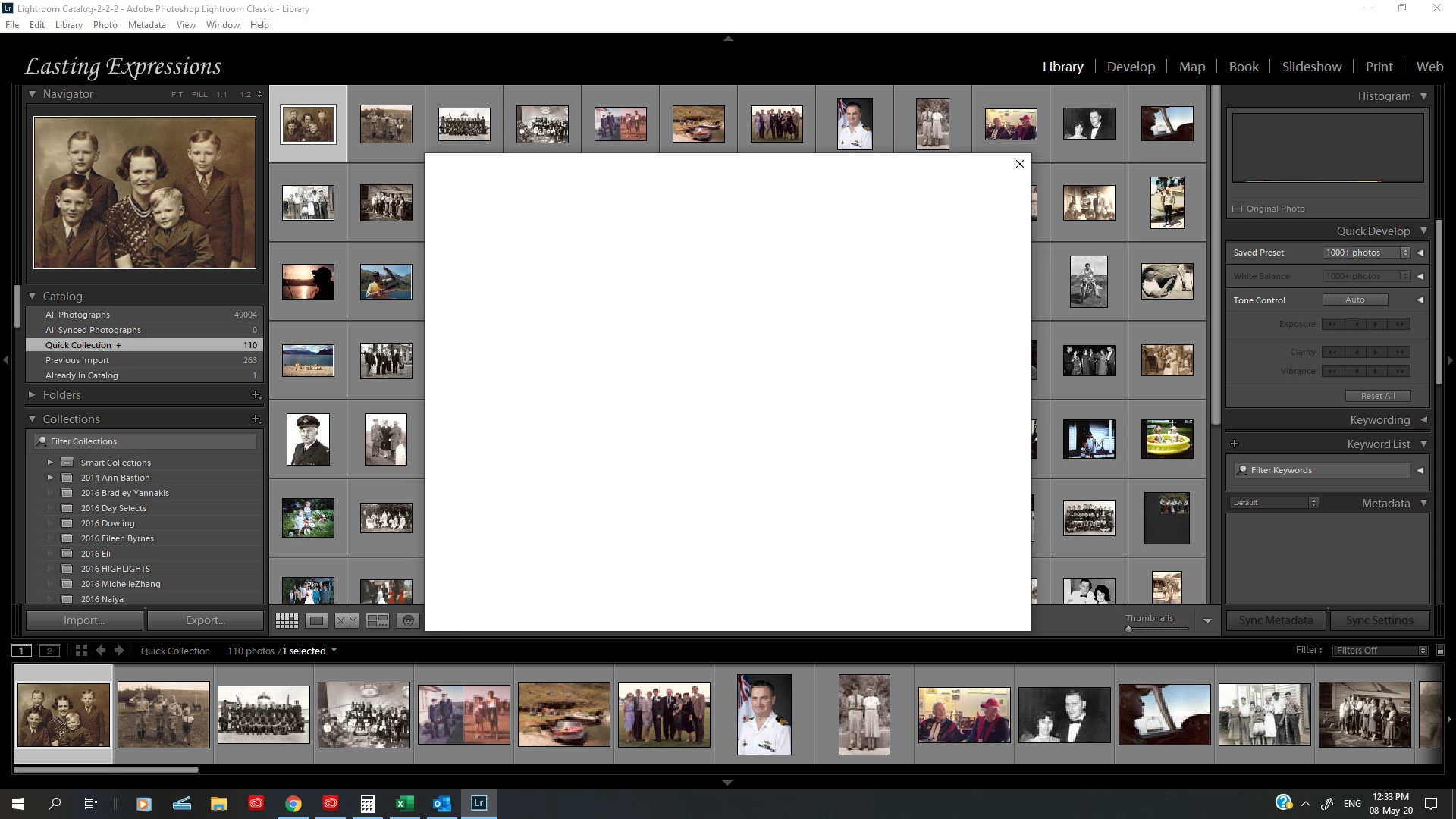
Blank White box opens on opening and blocks usual operation of LR

  • May 8, 2020
  • 4 replies
  • 1539 views

Anyone know whats up with this. I did plug in an old external hard drive and wonder if something got corrupted but am completely unsure.  Any suggestions are welcomed. 
 

This topic has been closed for replies.

4 replies

GoldingD
Legend
May 8, 2020

Also, as a diagnostic, when opeing Lightroom, hold down on the ALT when clicking the icon, as to present an inquiry dialog (think I have the correct keystroke) and start a new catalog, or perhaps a different catalog (also possable via double clicking on an existing catalog in file manager)


Participant
May 8, 2020

Holding down the ALT key while opening did the trick.  How weird!  It seems to be fixed now.  I don't seem to need to start a new catelogue but it might be a good idea since it is rather large/


(And yes the problem was with and without the plugged in hard drive).


Thank you everyone, expecially david!

GoldingD
Legend
May 8, 2020

So, some sort of dialog box, not completly rendering, might be from Lightroom, might be from Windows. More likely from Lightroom.


If you do not plug in yhat mentioned hard drive, does it behave better?


Can you expand the Folders Panel, anything odd showing there?


GoldingD
Legend
May 8, 2020

Down in your task bar area, right side a ? symbol begging you to notice it. What is that telling you?


Tony_See
Inspiring
May 8, 2020

That's pretty frustrating for you.

It will enlighten this forum if you could post your OS and LR version information, as well as further detail about your issue if you can.

eg:

Does LR lockup once this window is up?

Is this now repeatable every time you load the software?

Have you considered a reinstall?

Participant
May 8, 2020

Hi there,


Thanks for your interest in my issue.

OS Windows 10

LR I have uninstalled the latest version of LR and installed the previous version and the same problem occurred.  I then reinstalled the latest update and the problem is still there. And yes it is repeatable everytime I have loaded the software.


Yes it locks up once this window opens up.


I am wondering  about confusion about file names when I plugged in the old hard drive becasue I had a copy of the files on another external hard drive which had some of the files on it???  Unsure??
