Philouchato
Participating Frequently
February 10, 2026
Question

Bonjour, Sur Lightroom classic je ne réussis pas à importer des photos prisent avant "environ" mi-2022 avec un iPhone.

  • February 10, 2026
  • 7 replies
  • 88 views

Bonjour

Comme décris dans le titre, je ne réussis pas à importer certaine photos qui ont été prisent avec un IPhone. Ce sont bien des jpeg. Et après 2022 je peux toutes les ouvrir. Je parle que des photos issus d’Iphone. Toute les autres photo prisent avec un reflex s’importent facilement. 

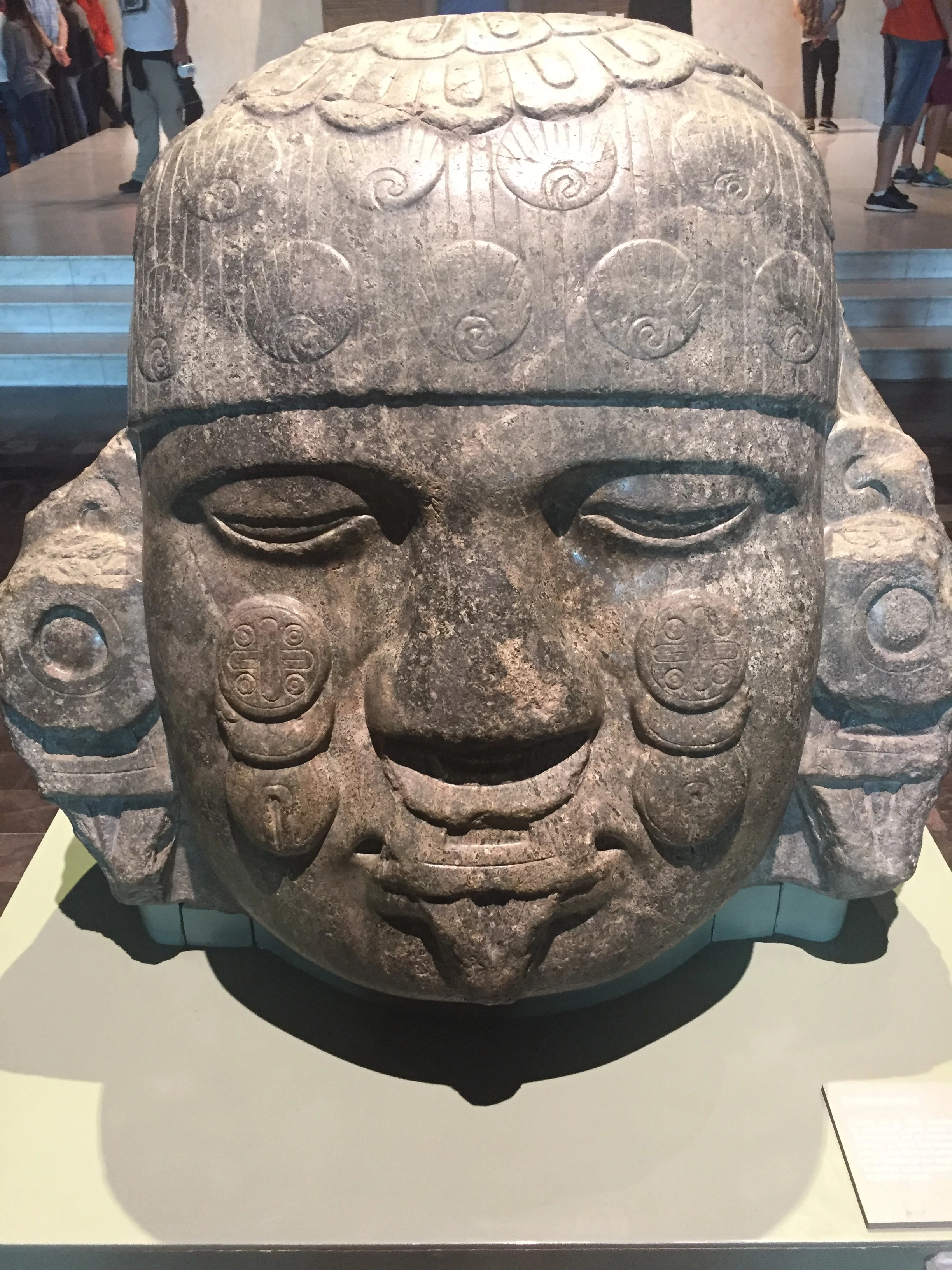
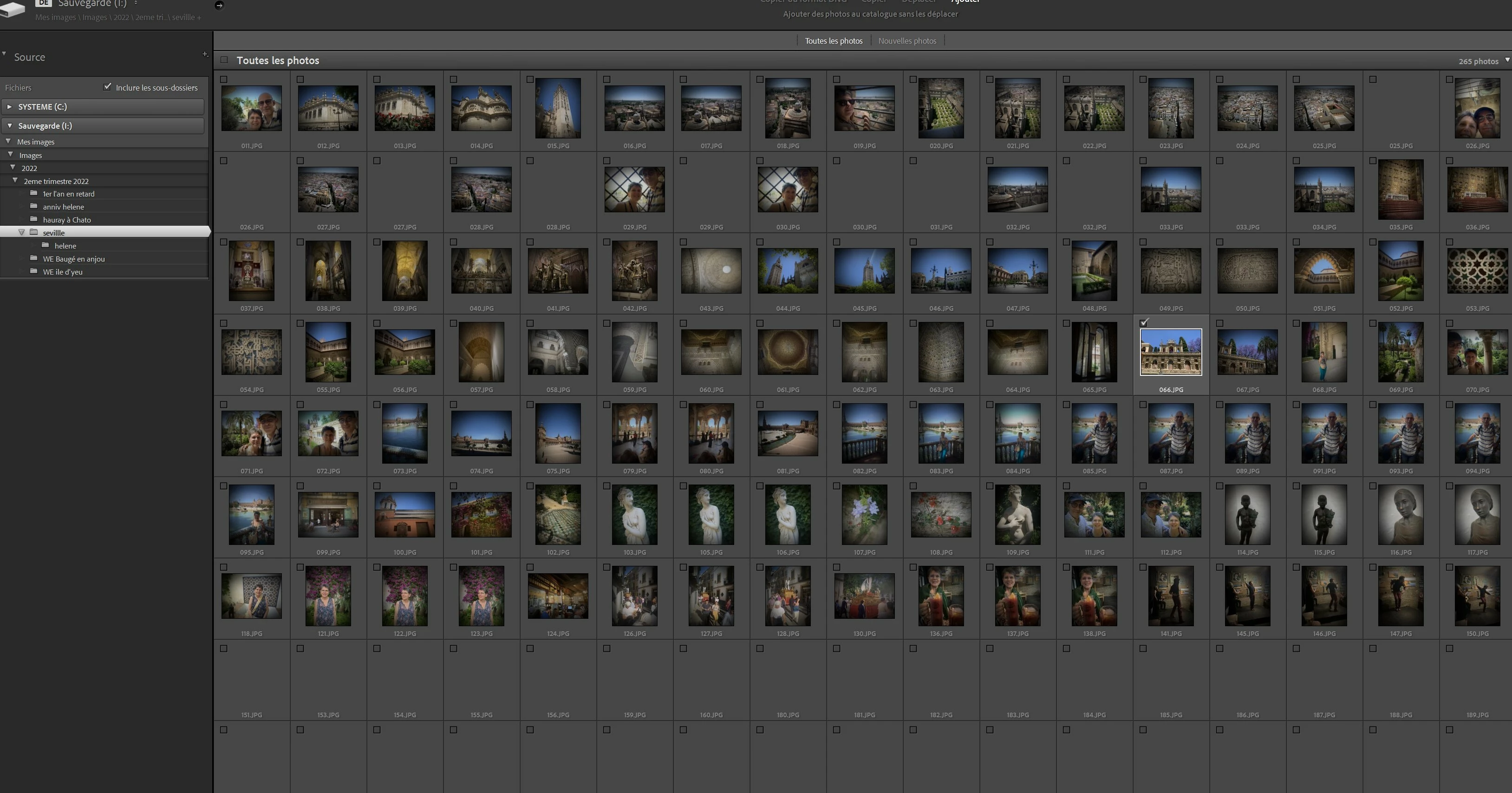
Quand j’essaie de les importer, je sélectionne le dossier, je vois bien les vignettes de mes photos, mais quand je clique sur importer, il ne se passe rien , je suis obliger de cliquer sur la croix pour arrêter le processus. Je joint 2 copies d’écran , la sélection et comment est l’écran bloqué. Et une photo jpeg que je ne réussis pas à ouvrir pour exemple.

Version 14.0.1 la version 15 n’est pas compatible.

Merci d’avance pour votre aide

Philippe Hauray
 

    7 replies

    johnrellis
    Legend
    February 12, 2026

    DirectX: NVIDIA GeForce GT 730 (30.0.14.7514)

    That GPU is 12 years old, and Nvidia is no longer providing full support for its graphics drivers. (You have the latest driver installed, which is 18 months old.)  It’s likely that you’ll run into more issues using LR with it, especially if you try to use the AI commands (AI masking, Denoise, AI culling, etc.).

    johnrellis
    Legend
    February 12, 2026

    @Philouchato, I posted a reply but the new forum hasn’t published it yet, thinking it needs to be reviewed by the moderators. The post will probably appear within a few hours.


    The very short answer: You probably have videos in the folders from which you’re trying to import, causing LR to hang. Move the videos out of the folders and try the import again.

    johnrellis
    Legend
    February 12, 2026

    [View this post in your web browser. It contains formatting and images that don't appear in email.]


    @Rikk Flohr_Photography, ​@Sameer K, I just posted a short, innocuous reply in this thread, and I got another “Your post has been submitted. It will be published after a review by our moderators.”:


    johnrellis
    Legend
    February 12, 2026

    [View this post in your web browser. It contains formatting and images that don't appear in email.]


    Version Lightroom Classic: 14.0.1 [ 202410161356-30922cfc ]

    Optimisation SIMD de Camera Raw : SSE2

    You have an older CPU that doesn’t support the AVX2 instructions, which LR 14.1 and later require:

    https://helpx.adobe.com/lightroom-classic/system-requirements.html


    Thus, you can’t update to newer versions of LR.


    This issue also causes LR 14.0.1 to hang when you try to import photos from a folder that also contains videos.  The workaround is to move the videos out of that folder or folders and then try the import.


    Philouchato
    Participating Frequently
    February 12, 2026

    Bonjour

    Merci beaucoup pour votre aide, le problème venait bien de là.

    J’ai enlevé les vidéos de mon dossier et les fichiers s’importent très facilement.

    Vous pouvez fermer la discussion, c’est résolu.

    Philippe

    johnrellis
    Legend
    February 11, 2026

    The sample photos import into my LR 15.1.1 / Mac OS without problem, and Exiftool doesn’t call out any problems with them. So that points to a problem with your configuration.


    As a next step, please do the LR menu command Help > System Info and copy/paste the entire contents here so we can see exactly which versions of hardware and software LR thinks you're running and important LR options that are set.

    Philouchato
    Participating Frequently
    February 12, 2026

    Version Lightroom Classic: 14.0.1 [ 202410161356-30922cfc ]
    Licence: Creative Cloud
    Paramètre de langue: fr
    Système d'exploitation : Windows 10 - Home Premium Edition
    Version : 10.0.19045
    Architecture de l'application : x64
    Architecture du système : x64
    Nombre de processeurs logiques: 8
    Vitesse du processeur : 2,7Ghz
    Version SQLite: 3.36.0
    Utilisation du CPU: 1,0%
    Source d’alimentation: Branché
    Mémoire intégrée : 16343,0 Mo
    Mémoire GPU dédiée utilisée par Lightroom: 30,2Mo / 2007,1Mo (1%)
    Mémoire réelle disponible pour Lightroom : 16343,0 Mo
    Mémoire réelle utilisée par Lightroom : 1089,8 Mo (6,6%)
    Mémoire virtuelle utilisée par Lightroom : 1280,2 Mo
    Nombre d'objets GDI : 681
    Nombre d'objets utilisateur : 2135
    Nombre de processus gérés : 1607
    Taille de la mémoire cache : 365,2Mo
    Version interne de Camera Raw: 17.0 [ 2043 ]
    Nombre maximal de liens utilisé par Camera Raw  : 5
    Optimisation SIMD de Camera Raw : SSE2
    Mémoire virtuelle de Camera Raw: 90Mo / 8171Mo (1%)
    Mémoire réelle de Camera Raw: 93Mo / 16343Mo (0%)

    Cache1: 
    NT- RAM:0,0MB, VRAM:0,0MB, Combined:0,0MB

    Cache2: 
    m:365,2Mo, n:0,0Mo

    U-main: 101,0Mo

    Paramètre PPP du système : 144 PPP (mode haute résolution)
    Composition sur le Bureau activée: Oui
    Taille d’aperçu standard: 3840 pixels
    Affichages : 1) 3840x2160
    Types d'entrée: Tactile multipoint : Non, Tactile intégré : Non, Plume intégrée : Non, Tactile externe : Non, Plume externe : Non, Clavier : Non

    Informations relatives au processeur graphique : 
    DirectX: NVIDIA GeForce GT 730 (30.0.14.7514)
    État initial: GPU pour l'affichage pris en charge par défaut
    Préférence utilisateur: Auto
    Activer la HDR dans Bibliothèque: Désactiver

    Dossier de l'application : C:\Program Files\Adobe\Adobe Lightroom Classic
    Chemin d'accès à la bibliothèque : C:\Users\Famille\Pictures\Lightroom\Lightroom Catalog.lrcat
    Dossier des paramètres : C:\Users\Famille\AppData\Roaming\Adobe\Lightroom

    Modules installés : 
    1) Adobe Stock
    2) Calibrite Camera Calibration
    3) Flickr

    Marqueurs Config.lua: 

    Infos sur les fichiers audio et vidéo: Chargement en cours

    johnrellis
    Legend
    February 10, 2026

    [View this post in your web browser. It contains formatting and images that don't appear in email.]


    Attach a couple of the original, unedited photos here using the paper-clip (“Upload files”) button rather than the “Insert image” button:

    When you use “Insert image”, the forum converts the photo to .webp format.

    Philouchato
    Participating Frequently
    February 10, 2026

    Ok, je met la photo en pièce jointe

    johnrellis
    Legend
    February 10, 2026

    <deleted>

    johnrellis
    Legend
    February 10, 2026

    <deleted>

    johnrellis
    Legend
    February 10, 2026

    <deleted>