

Answered
Book module: adjusting text layout for multiple pages at once
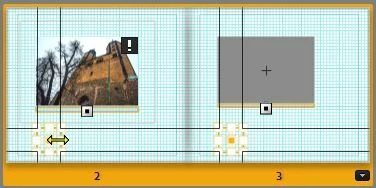
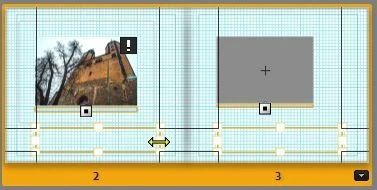
Would it be possible to adjust the text layout for multiple pages at once? If you don't use the standard layout you have to adjust it page by page and frame by frame...

Would it be possible to adjust the text layout for multiple pages at once? If you don't use the standard layout you have to adjust it page by page and frame by frame...
Already have an account? Login
Enter your E-mail address. We'll send you an e-mail with instructions to reset your password.

 AdChoices