Participant
March 31, 2019
Question

Book Module Exporting to JPEG not working

  • March 31, 2019
  • 1 reply
  • 327 views

I'm trying to export a 12x12 book from Lightroom (it's updated to the most recent version of LR - on a Windows 10 - also updated). 

I've shut down, reinstalled LR and am still having issues. 

I've done this same task on multiple occasions so it's not an unfamiliar activity.   

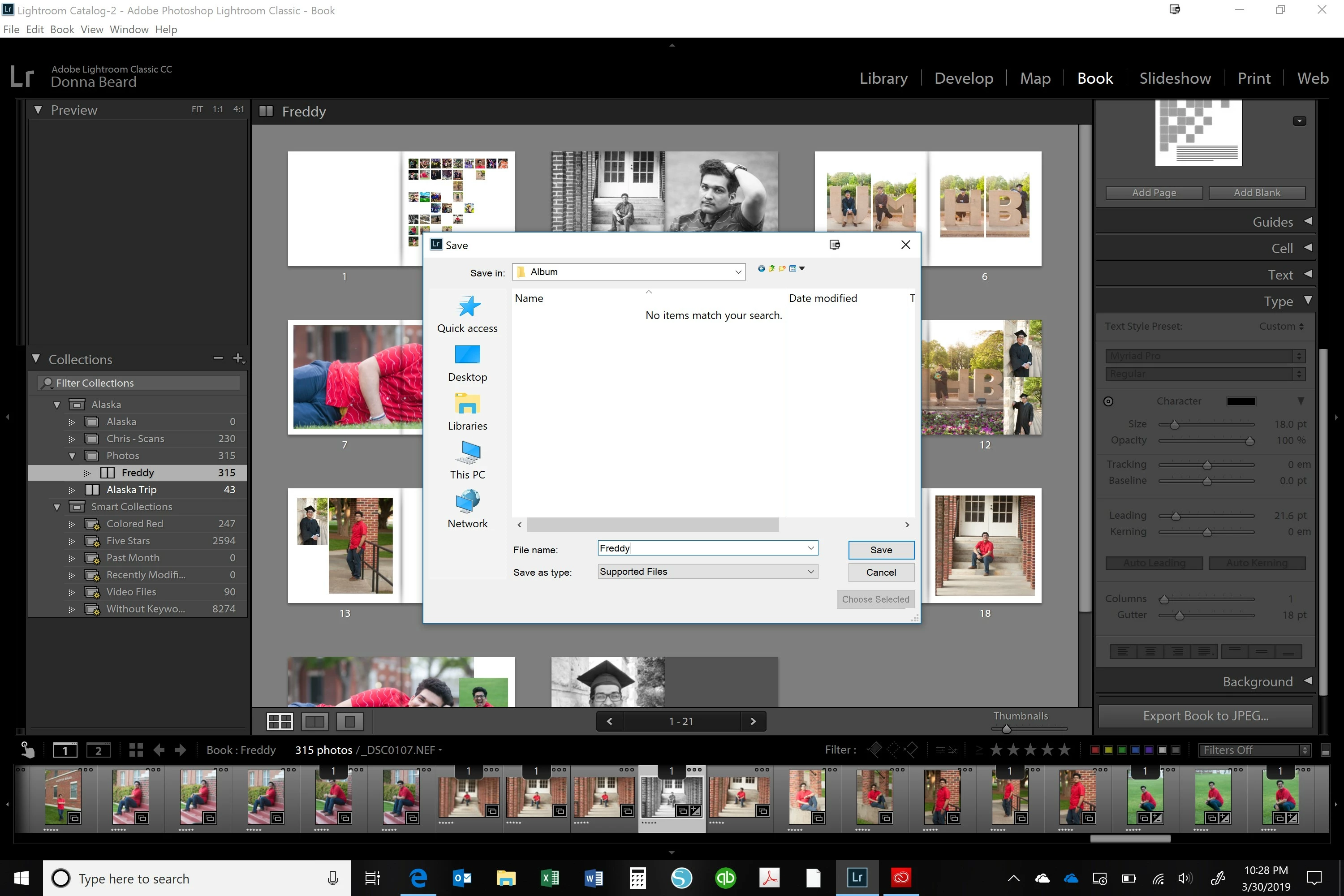
First photo - it asks for the save location.
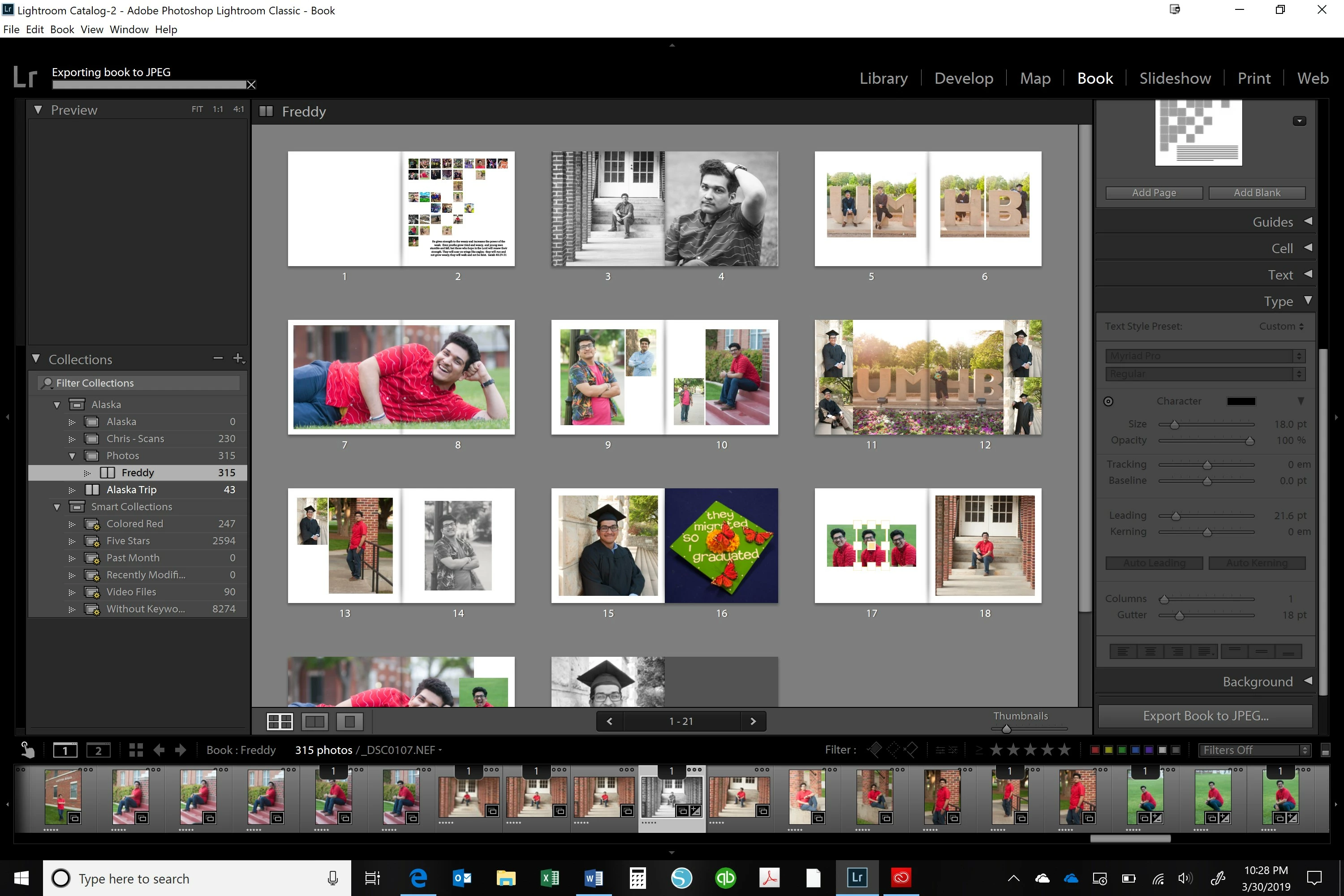
Second photo - it takes about 30 seconds to save it.
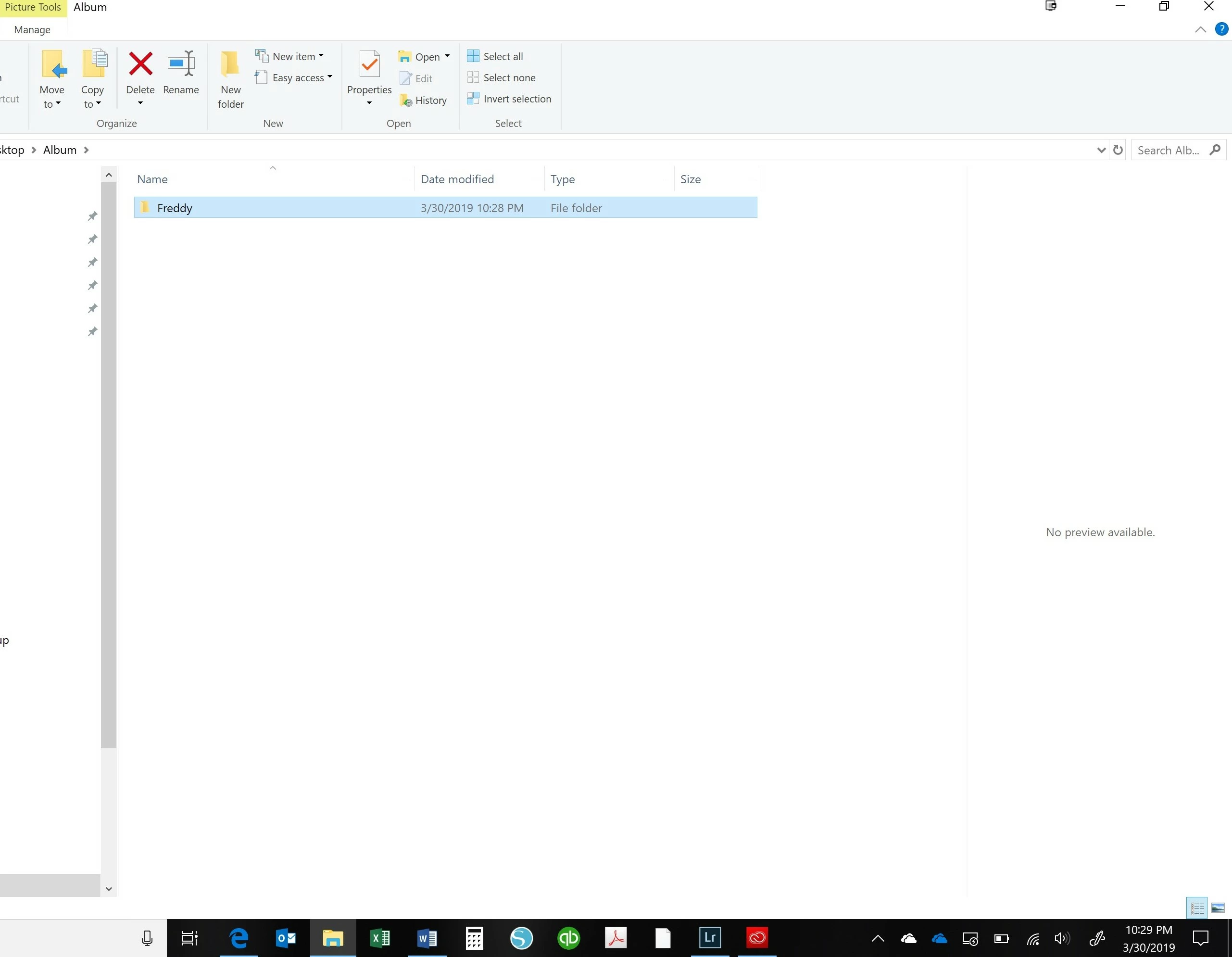
Third is what it looks like saved
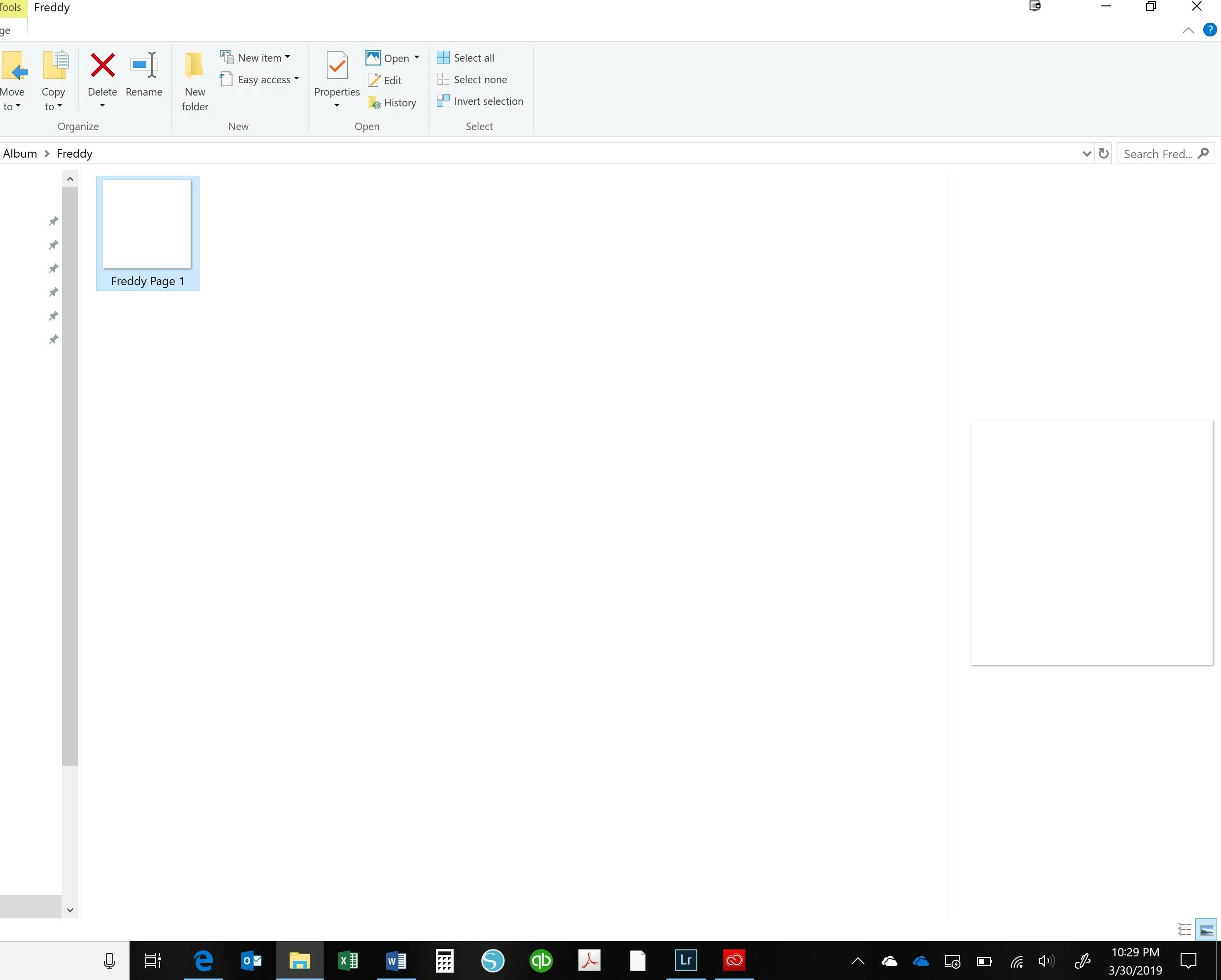
and then the blank file that is saved. 
I've tried selecting all the pages and saving - same issue. 

Any suggestions?  I'm about ready to toss my computer... 😉

This topic has been closed for replies.

1 reply

Rob_Cullen
Community Expert
Community Expert
March 31, 2019

I have tried many attempts to achieve your result of one blank file without success. I always have all page jpgs.

I do notice that although you have a folder name in the [Save in:] box (not sure how you achieved this!), you do not have a folder selected in the 'Name' window below this box-  "No items match your search".

I always seem to need a folder visible and selected in the large folder panel. I can even click the 'New Folder' icon and create a new folder, but I always see folders in the large window.

So not sure if your problem is related to this. Have  you tried clicking the 'Desktop' icon on the left of the panel and selecting the 'Album' from the Explorer dialog?

Regards. My System: Windows-11, Lightroom-Classic 15.3, Photoshop 27.5, ACR 18.3, Lightroom 9.3, Lr-iOS 10.4.0, Bridge 16.0.3 .
Participant
April 1, 2019

I have all the folders to the left like normal - they just had identifying characteristics for my regular job so I cropped them out.

When I select a folder - it makes me create a NEW folder (or from the first image - I can 'Use Selected' folder) and it asks me if I want to overwrite. 

I ended up uploading the book to Blurb to get the task accomplished last night - but still can't save to JPEG. 

I'll do a complete reinstall of LR and see if that fixes the issue.