
Question
Bug LIGHTROOM CLASSIC
I’ve been using Lightroom classic for a year without a problem.
But since More than a week impossible to import new images from my hard drive or flash memory card or usb.
The import displays a black screen and if I ask «Display in the exlorer» I can see in windows that the new photos are present.
All other functions of «Lightroom classic» work normally, only «Import» does not work. I found no valid solution in the Adobe support.
I have logged out and reconnected from my Adobe account many times. I have uninstalled and reinstalled Lightroom 3 times without any results.
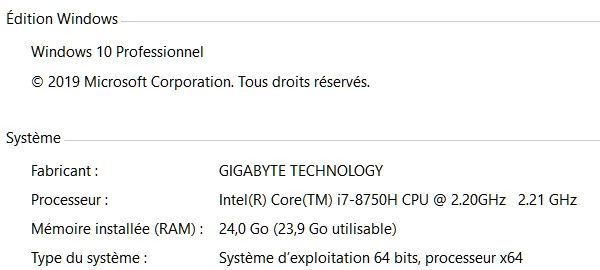
Windows 10 PRO version 1909
Lightroom Classic ver 8.3
No error message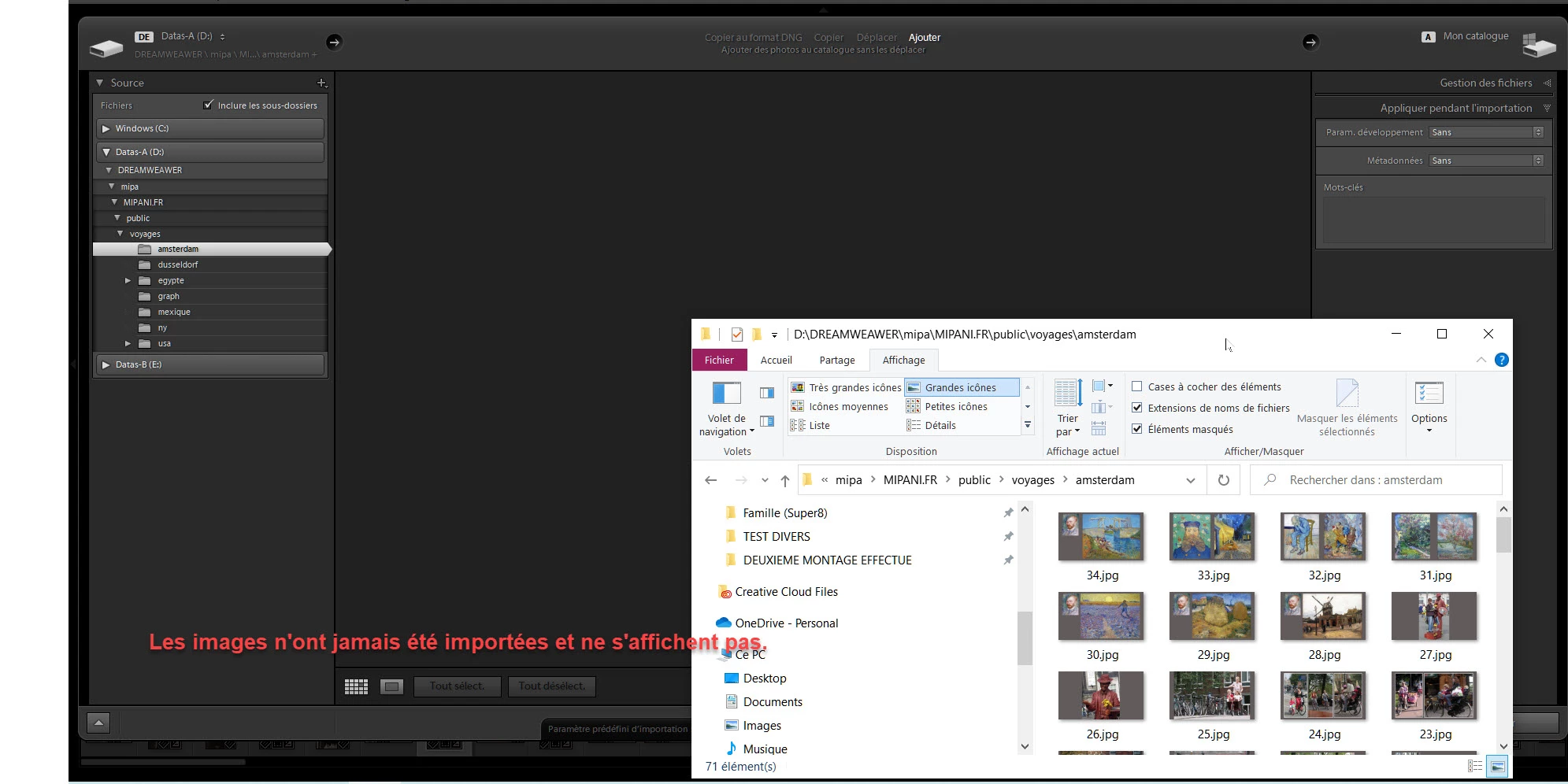
 AdChoices