Participant
May 20, 2025
Question

C M Y Lines across PSD Files imported on LR Classic

  • May 20, 2025
  • 3 replies
  • 334 views

Hi!

Im using LR Classic 14.3.1


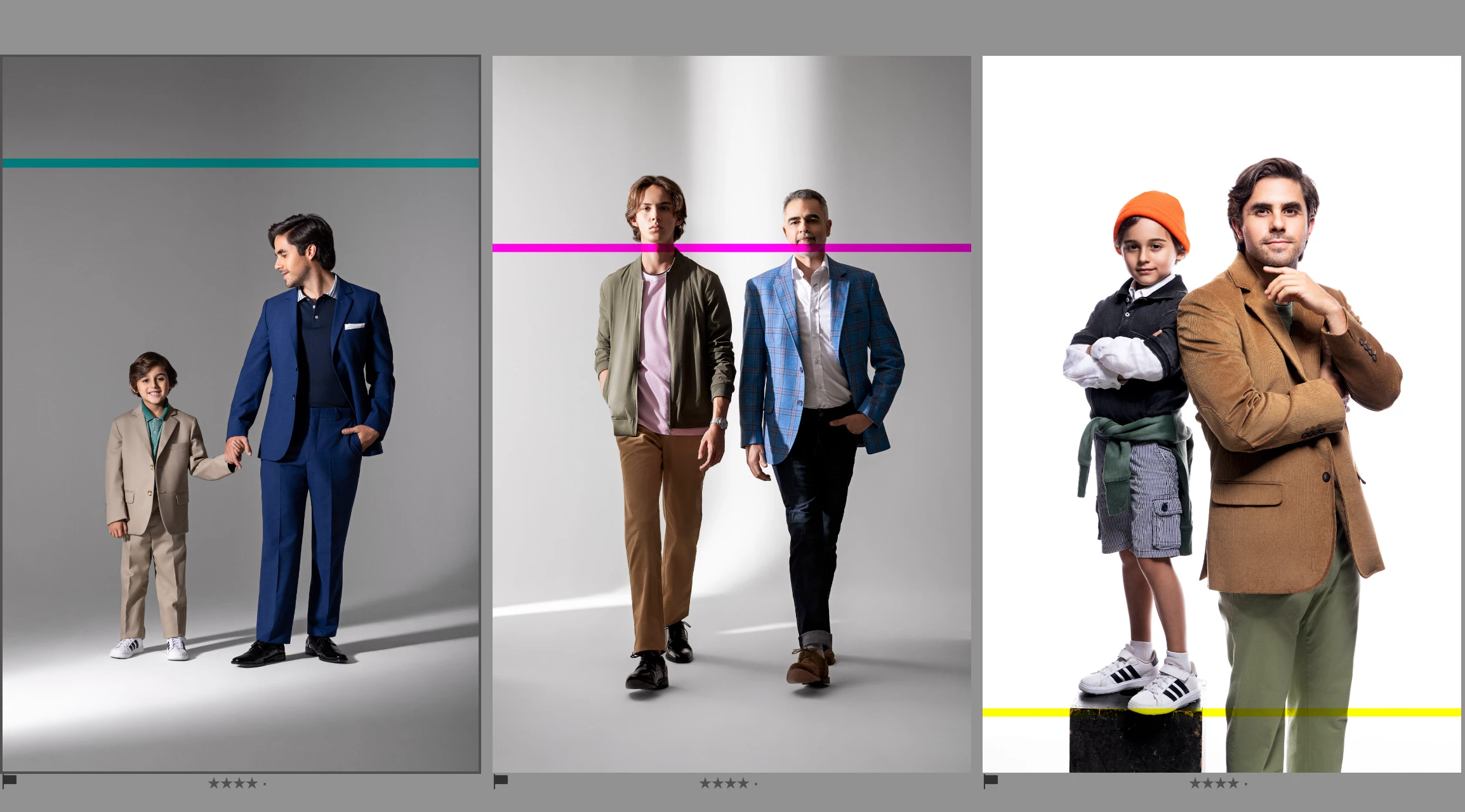
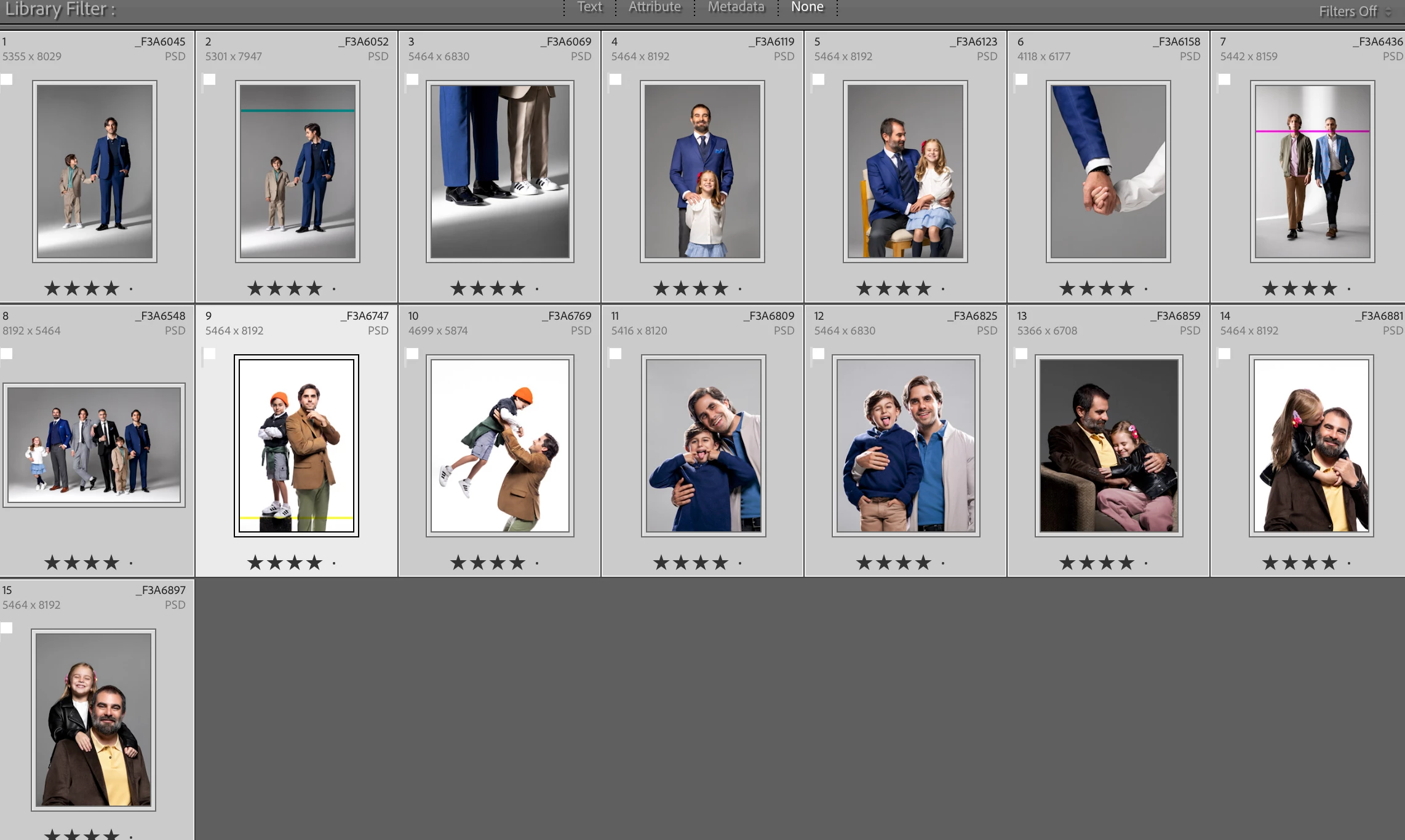
Sometimes when importing .PSD files to LR, i get this C M Y lines across some images, and i cant figure out why, any  help appreciated.
3 replies

Rikk Flohr_Photography
Community Manager
May 20, 2025

One possible answer is that: 


In order to import a PSD into Lightroom Classic, it must be saved in Max Compatibility mode - meaning it has a flattened layer baked into the top of the file to composite the various layers into an image Lightroom Classic can understand. PS ignores this composited layer and renders based upon the individual layers rather than the top version that Lightroom can read. 

To test if this is the issue, close Lightroom. Open the Image in PS. Save As and give it a new file name. Import this new file into Lightroom and see if the CYM Stripes persist in the newly created version and that they are in the same spots. If they do, the problem is elsewhere; if they do not, then the Max Compatibility portion of your PSD was corrupt. 


Rikk Flohr: Adobe Photography Org
johnrellis
Legend
May 21, 2025

@Rikk Flohr: Photography: "If they do, the problem is elsewhere;"


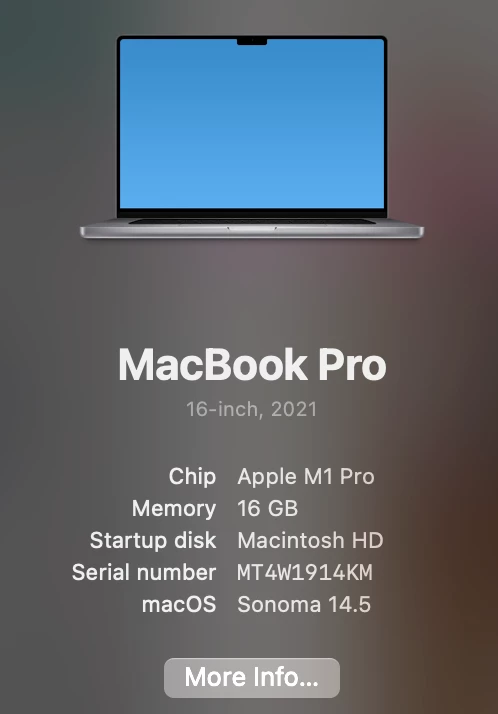
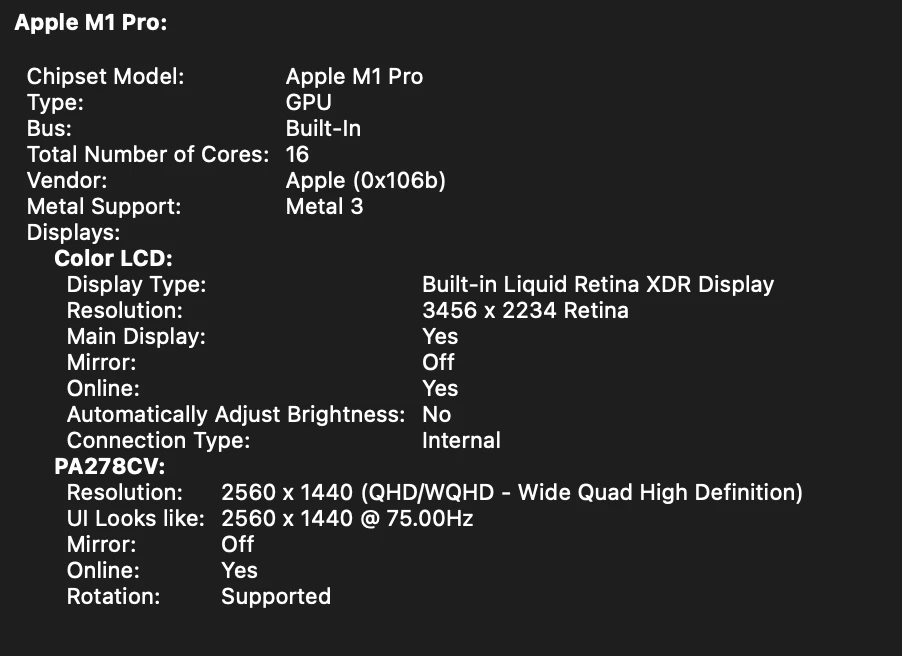
If the problem is elsewhere, then one possibility is that you're on a year-old graphics driver bundled in Mac OS 14.5. LR is very sensitive to driver bugs, and the only way to get the latest driver on Mac is to update Mac OS.


You can (mostly) test this by temporarily setting Preferences > Performance > Use Graphics Processor to Off and importing a fresh PSD.

Community Manager
May 20, 2025

Hi @JOSE PABLO3014471655v9! Welcome to the community, and thanks a lot for sharing those screenshots—it really helps.

Quick question: are those three photos the only ones showing this issue, or have you noticed the same thing happening with others too? If you remove them from the catalog and try re-importing them, do the visual artifacts still appear? Are the lines still there even after exporting?

Appreciate your help as we look into this!
Alek

*(If you mention me with an @, like @Aleke, I’ll get a notification and can respond faster.)*
dj_paige
Legend
May 20, 2025

This is either a bad GPU driver or a corrupted file.


Corrupted files are caused by hardware malfunctions somewhere in the chain of usage of the file: camera card, USB port, hard disk, memory and probably a few other things. Try importing using different hardware, try a different camera card, etc.

Participant
May 20, 2025

 I would think so as well, but when i go back and open the PSD on PS, everything's fine. So it can't be that because the file is normal. The problem is when i import those PSD's in LR Classic. Those lines don't show up in PS

I'm attaching an image of the "corrupted" PSD when i open it again in PS:


dj_paige
Legend
May 20, 2025

LrC is showing previews in the Library module, these can be corrupted. If you open one of these photos in the Develop Module, is the unusual line still there?