Answered
Calibration process options missing
The various process options that were available in the Develop/Calibration tab are now gone with the new update. What's the deal?

The various process options that were available in the Develop/Calibration tab are now gone with the new update. What's the deal?
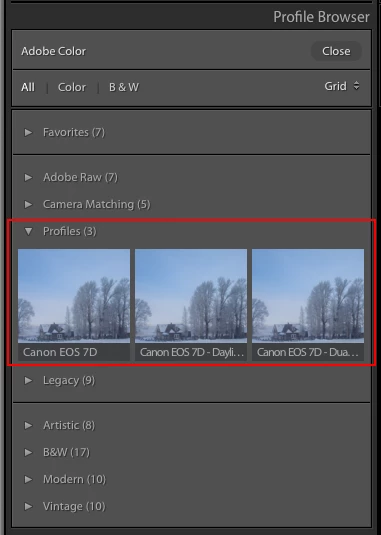
The 'Process Versions' should still be there. However, the Profile drop-down has been moved to the Basic panel and upgraded to include a new browser and a much wider selection of profiles. Hit the Browse button to open
Already have an account? Login
Enter your E-mail address. We'll send you an e-mail with instructions to reset your password.
 AdChoices