


Known Participant
December 7, 2024
Answered

"Camera Settings" for RAW development?

  • December 7, 2024
  • 1 reply
  • 663 views

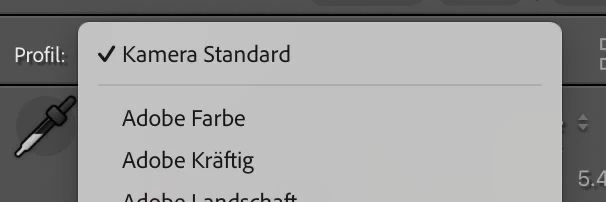
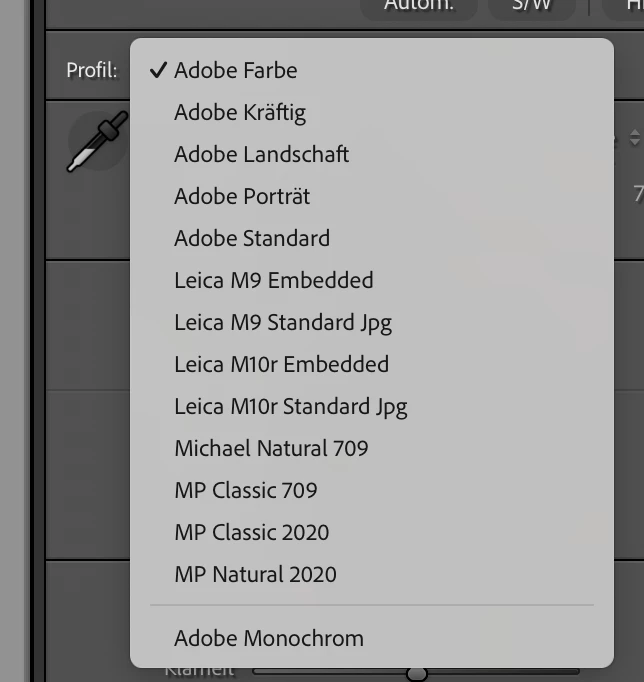
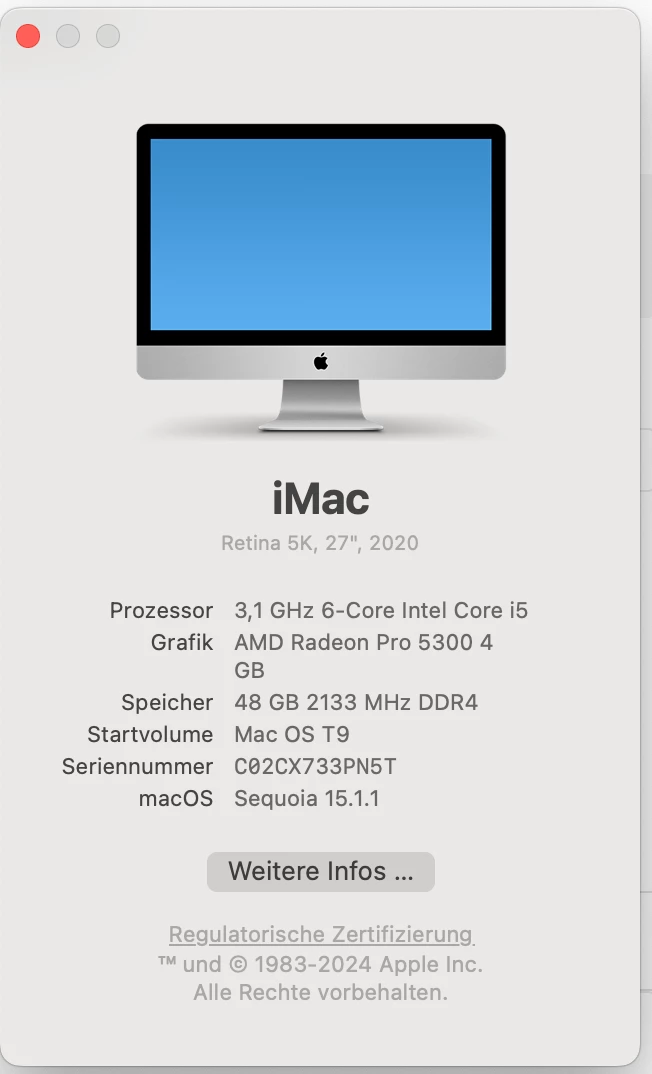
On Intel iMac 27 2020 5k Retina running Mac (Mac OS 15.1.1) and LRc (14.0.1 and Camera RAW 17.0) I am not sure if LRc really applies "Camera Settings" for Raw processing  of DNG RAWs if picked, e.g. from Leica SL3. Reason at ARW I see on the right side for profile "Camera Standard" (Screenshot 1) at Leica SL3 DNGs I cannot see "Camera Standard". So, I am asking please (Screenshot 2).


ARW:
 

DNG from Leica SL3 (no Kamera Standard here)
 

Mac:


This topic has been closed for replies.
Correct answer Ian Lyons

Actually those a the profiles from Cobalt for emulating several Leica M cams on Leica SL3. Those are not provided by Leica or Adobe. It is installed Third Party profiles only. Anyway, thank you for picking up!


As indicated on Adobe's Camera Raw support page (link below), there are no Camera Matching profiles (e.g. Camera Standard) for the Leica SL3.


https://helpx.adobe.com/camera-raw/kb/camera-raw-plug-supported-cameras.html

1 reply

mpauliksAuthor
Known Participant
December 9, 2024

It this a bug? Mods please pick up as noone is answering on this.


DdeGannes
Community Expert
Community Expert
December 9, 2024

Your second screen shot shows several Leica profiles available for selection. Those are the Camera profiles available for your Camera.

Regards, Denis: iMac 27” mid-2015, macOS 11.7.10 Big Sur; 2TB SSD, 24 GB Ram, GPU 2 GB; LrC 12.5,; Lr 6.5, PS 24.7,; ACR 15.5,; (also Laptop Win 11, ver 24H2, LrC 15.3; PS 27.0; ) Camera Oly OM-D E-M1.
mpauliksAuthor
Known Participant
December 9, 2024

Actually those a the profiles from Cobalt for emulating several Leica M cams on Leica SL3. Those are not provided by Leica or Adobe. It is installed Third Party profiles only. Anyway, thank you for picking up!