
Answered
can I stop LR creating a sub folder on import?
Mac computer
Nikon D610 connected with USB cable
LR 6
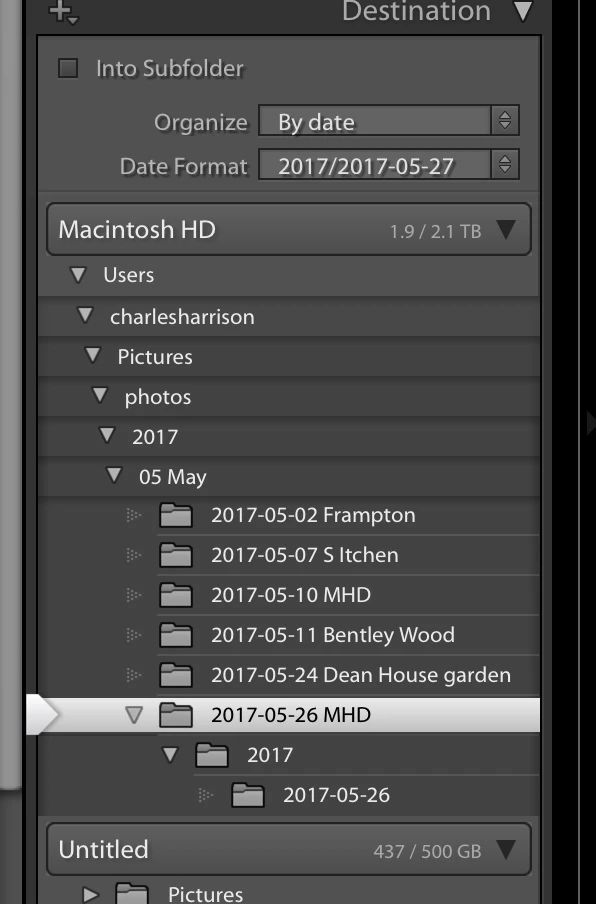
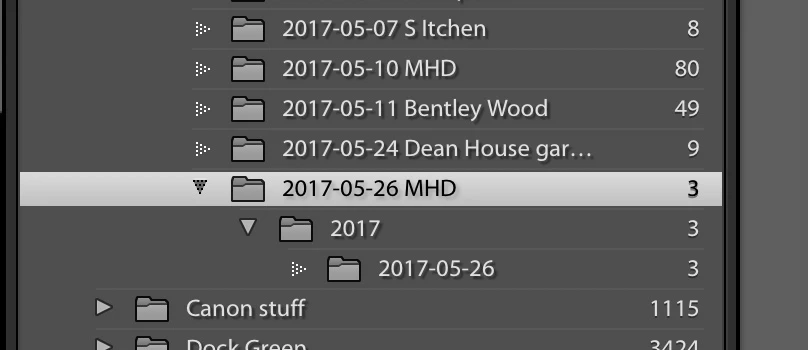
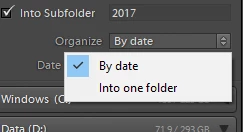
When I am importing photos from the camera and I choose a destination folder for the import it automatically sets up sub folders within the destination folder. If I switch off these it won't let me import - the photos in the preview being greyed.
I want to import directly into a folder I have set as destination - how do I do this?
Chaz


 AdChoices