


Participant
October 3, 2023
Answered

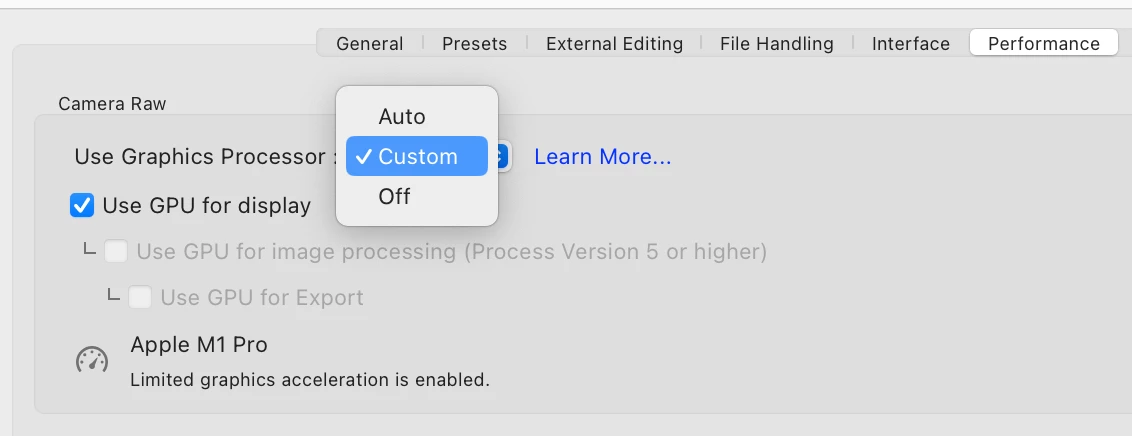
Can not open the LRC full GPU acceleration in M1Pro
  • October 3, 2023
  • 2 replies
  • 1030 views

Today i checked the LrC preference setting,the GPU full acceleration can not open even i selected Custom;

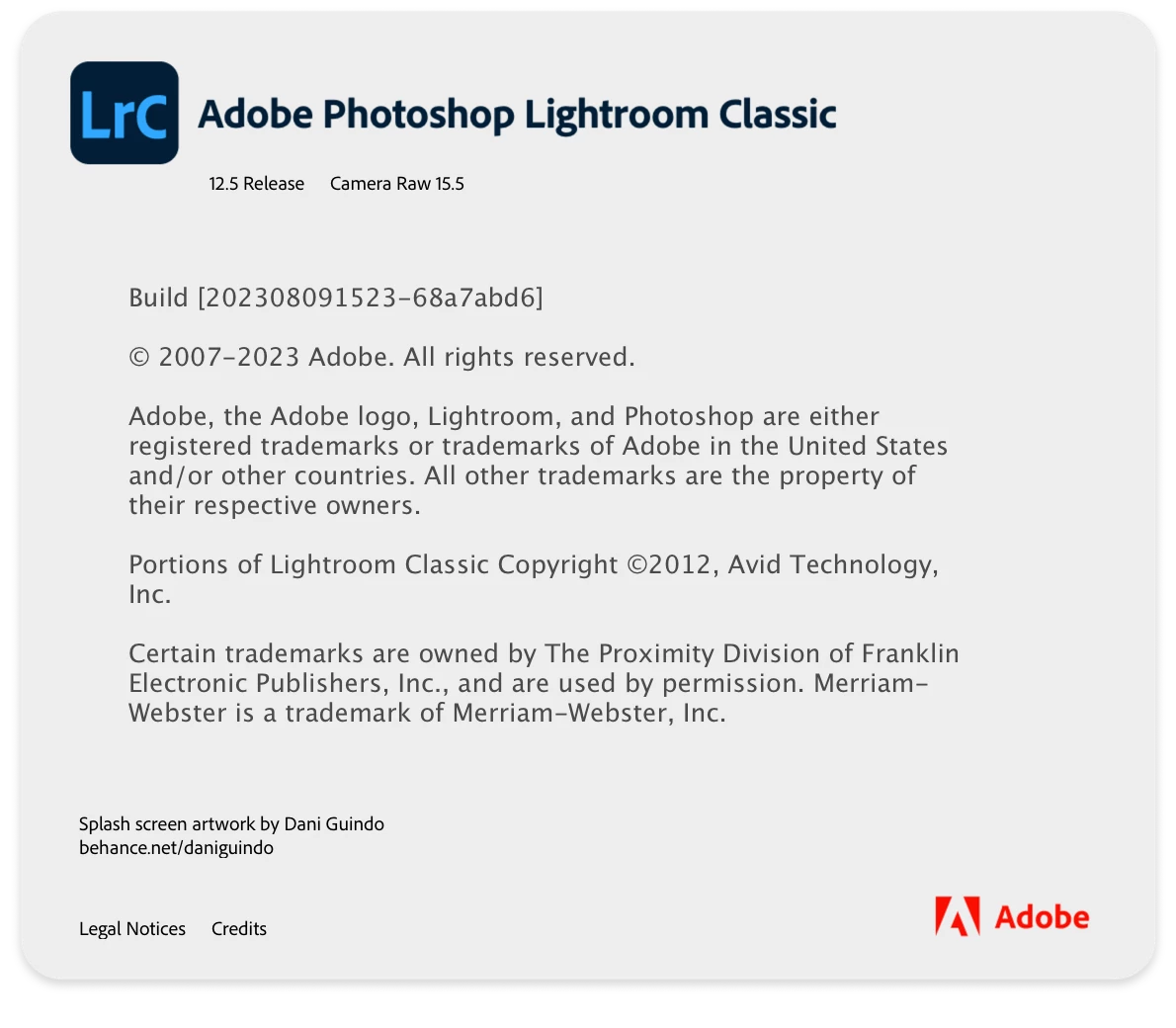
My Mac have M1 Pro processor, 32GB RAM and installed macOS 14.0+ LrC 12.5+ CameraRAW 15.5, all the software is the lasted version. Could anyone tell me how to open the full GPU acceleration? Thank you.

 

This topic has been closed for replies.
Correct answer johnrellis

@Marcell33421584to9n, if you don't have a Mac M1 Pro, then please do the LR menu command Help > System Info and copy/paste the entire contents here so we can see exactly which versions of hardware and software LR thinks you're running and important LR options that are set.


If you do have an M1 Pro, then follow the precise steps in Solution 3 starting at step 3:

https://helpx.adobe.com/lightroom-classic/kb/troubleshoot-gpu.html#solution-3


If you get stuck or can't find the file "Camera Raw GPU Config.txt", post a full-resolution screenshot (not a phone pic) of your entire window at the point where you get stuck.

2 replies

Participant
November 6, 2023

Hello

Could you fix the problem? 
I have the very same problem, but I did not get answer from  @JohanElzenga link.

Any advice?

Thanks a lot!

johnrellis
johnrellisCorrect answer
Legend
November 6, 2023

@Marcell33421584to9n, if you don't have a Mac M1 Pro, then please do the LR menu command Help > System Info and copy/paste the entire contents here so we can see exactly which versions of hardware and software LR thinks you're running and important LR options that are set.


If you do have an M1 Pro, then follow the precise steps in Solution 3 starting at step 3:

https://helpx.adobe.com/lightroom-classic/kb/troubleshoot-gpu.html#solution-3


If you get stuck or can't find the file "Camera Raw GPU Config.txt", post a full-resolution screenshot (not a phone pic) of your entire window at the point where you get stuck.

Participant
November 6, 2023

I am unfortunatelly still stuck to find GPU folder in the mentioned Solution 3 folder chain.

I attached 3  screen shot what I see.

I reinstall the LRC completely but still not help.

Thansk a lot!


JohanElzenga
Community Expert
Community Expert
October 3, 2023

Try deleting the 'Camera Raw Config.txt' file: https://helpx.adobe.com/lightroom-classic/kb/troubleshoot-gpu.html


-- Johan W. Elzenga