
Participant
July 16, 2025
Question

Can't import photos directly from my iPhone to Lightroom Classic Mac - process extraordinarily slow

  • July 16, 2025
  • 1 reply
  • 229 views

I have tried to import new photos into Lightroom Classic Mac from my iPhone, but the import is very, very, very slow. So slow that I use a work-around. 

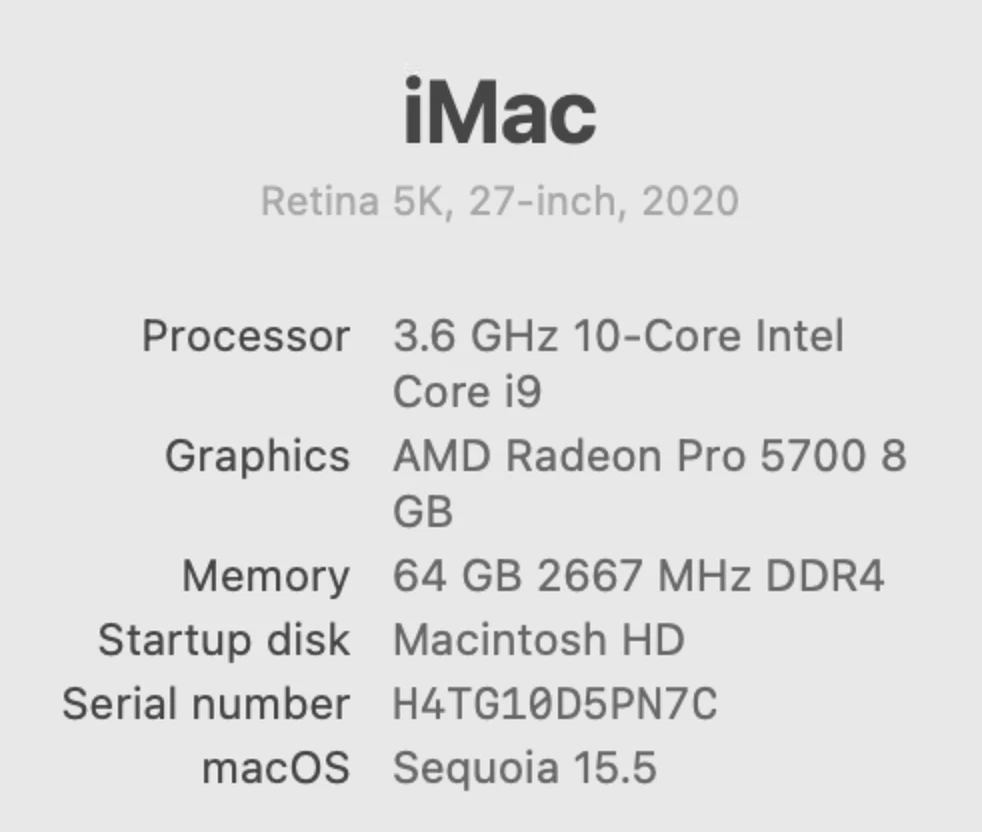
I have 59,000 photos on my iPhone Pro Max 15, which has ample free storage, and connects to my iMac Pro using a cable.  My Lightroom is up to date.


My solution was to export the new photos from the Photos app on the iMac into a folder on my computer, then import to Lightroom from this folder.


Is there a better method?

Are 59,000 photos on the iPhone causing this speed problem?


Thanks


1 reply

Sameer K
Community Manager
Community Manager
July 18, 2025

Hey, @kwcalm. Welcome to the Lightroom Community. I'll help you figure this out. 


What version of Lightroom are you working on? What troubleshooting steps have you tried already?

Are the images locally available on the iPhone? 


Make sure Lightroom has the required permissions on the macOS: https://adobe.ly/4nWLTL3;


You could also import your full-size RAW images in Lightroom mobile & it'll sync over to Lightroom desktop.


Let me know how it goes. 

Thanks!

Sameer K

(Type '@' and type my name to mention me when you reply)

kwcalmAuthor
Participant
July 18, 2025

@Sameer K 


Thanks for your response.

I can see the photos on the iPhone

Llightroom Classic has full disk acess


>>You could also import your full-size RAW images in Lightroom mobile & it'll sync over to Lightroom desktop

I import several hundred photos at a time.  

If I tried to use Lightroom mobile, where in Lightroom would these photos go to?

I look at the last import in Lightroom Classic, and add key words there. I like the last import feature.


Sameer K
Community Manager
Community Manager
July 21, 2025

Thanks for sharing the info. When you connect the iPhone to the Mac and Lightroom Classic, does the import window show all the iPhone images? If yes, you can import normally. 


If you choose to use Lightroom mobile, your original full-size images are uploaded to the Lightroom cloud  (https://adobe.ly/45lfJ3B) as backup and downloaded to Lightroom Classic in full size. 

Here is a workflow starter for Lightroom Classic & Lightroom mobile: https://adobe.ly/4kUsw2D


Sync Lightroom Classic with Lightroom ecosystem: https://adobe.ly/4ogOUGr


Please head here to learn more about importing images in Lightroom mobile on iOS: https://adobe.ly/4kNPVCM;


I hope this helps. 
Thanks!

Sameer K